More from MSP Reboot: depl0y · st0r
Current version: loading… · release notes →

Every screen, explained.

A complete walkthrough of ClientSt0r — from the global dashboard to the PSA dispatch board.

Your entire MSP at a glance.

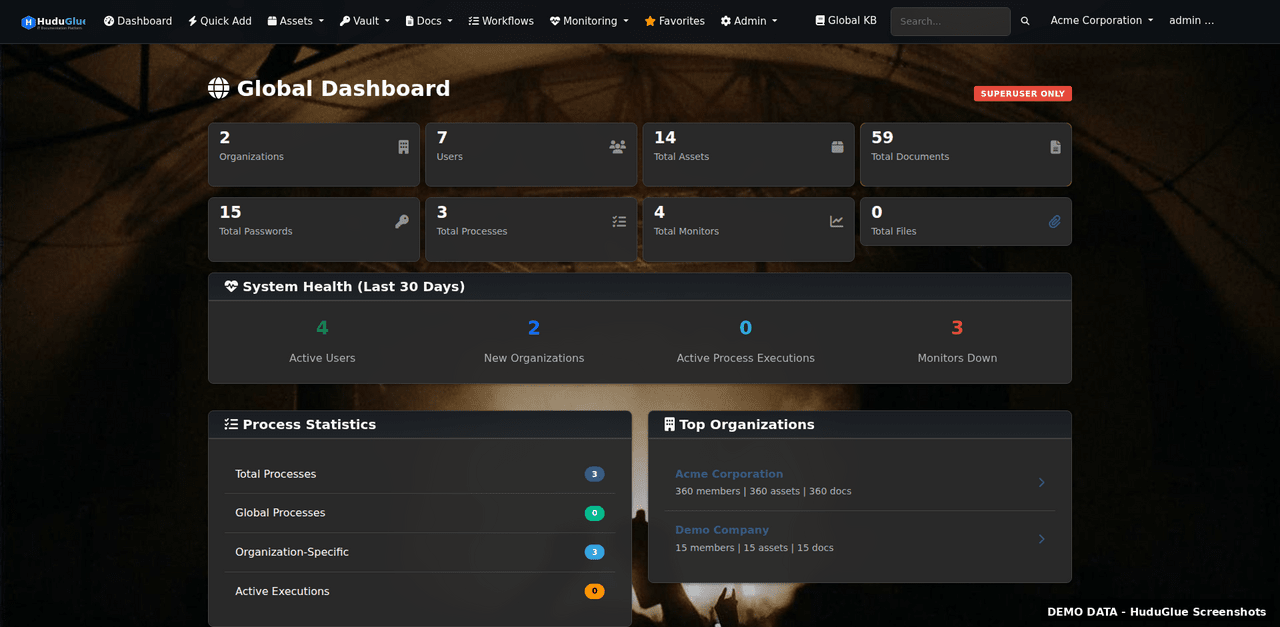
The global dashboard aggregates data across all client organizations — open tickets, asset health, expiring certificates, and pending approvals — so nothing falls through the cracks.

Global dashboard
Global Dashboard
The top-level view across all organizations. Shows open tickets, recently accessed items, expiring certs, low-stock inventory alerts, and active monitoring incidents in a single pane.
Organization dashboard
Organization Dashboard
Per-client dashboard showing asset counts, open tickets, vault access activity, network status, and recent knowledge base edits specific to that organization.
Quick add
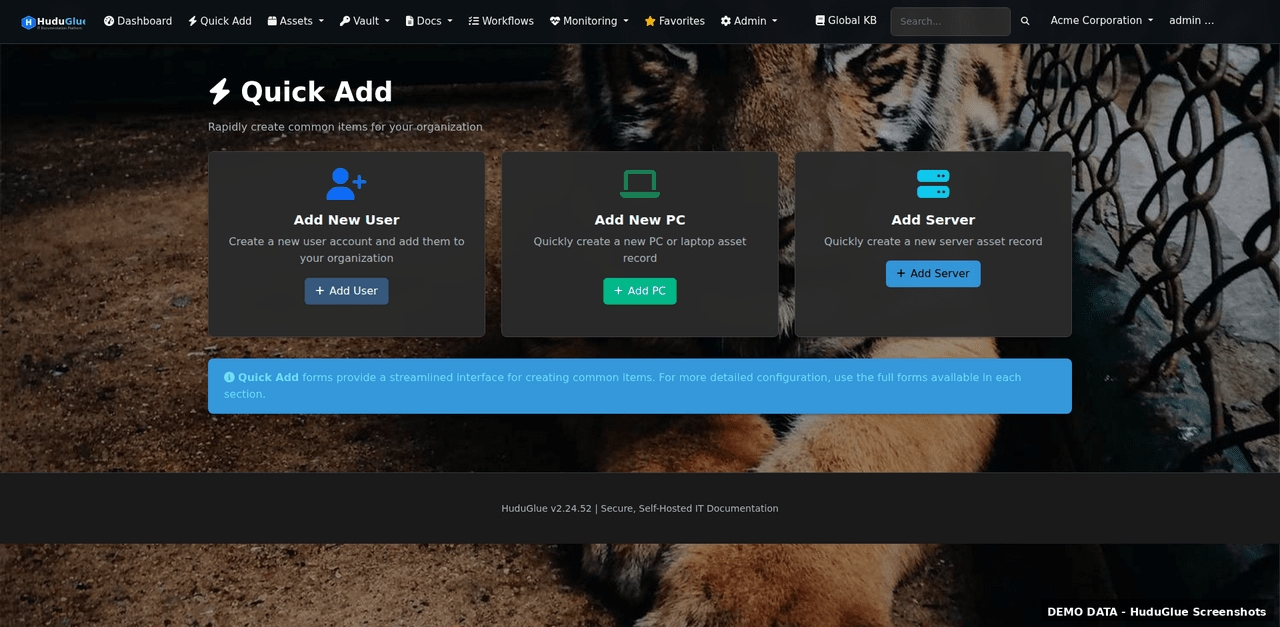
Quick Add
Global quick-add menu for creating assets, tickets, passwords, KB articles, and contacts without navigating away from your current context.
Favorites
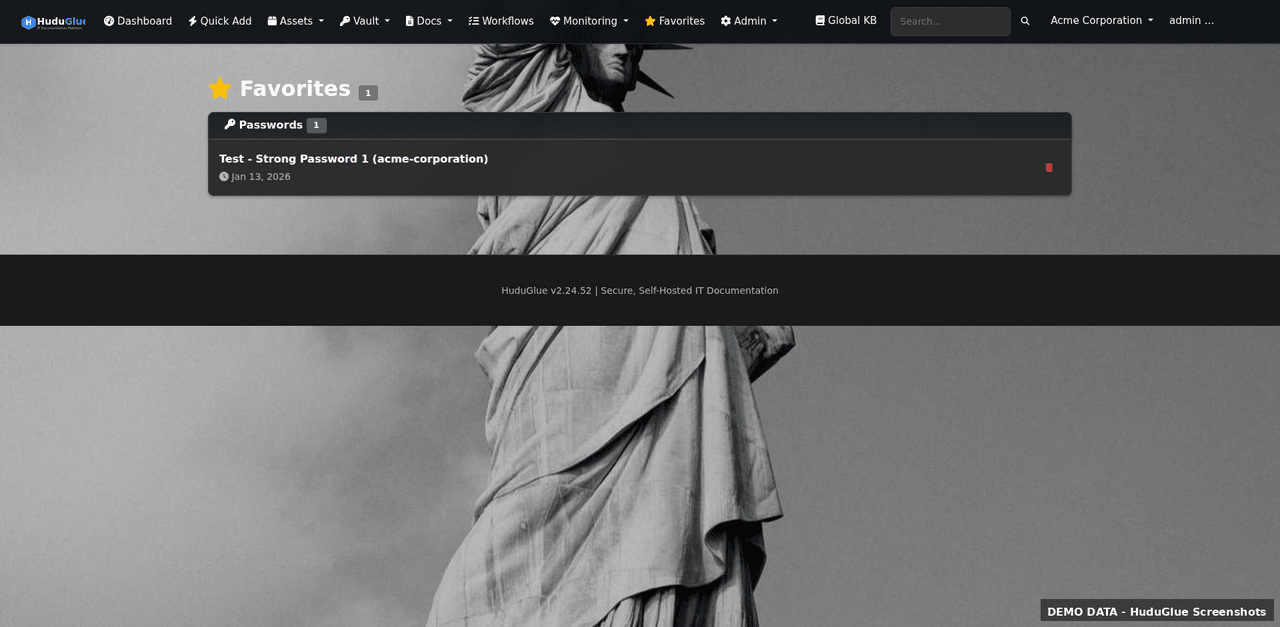
Favorites & Recent
Pin frequently accessed clients, assets, or KB articles. The recents panel tracks your last 20 visited pages across all modules for fast navigation.
User profile
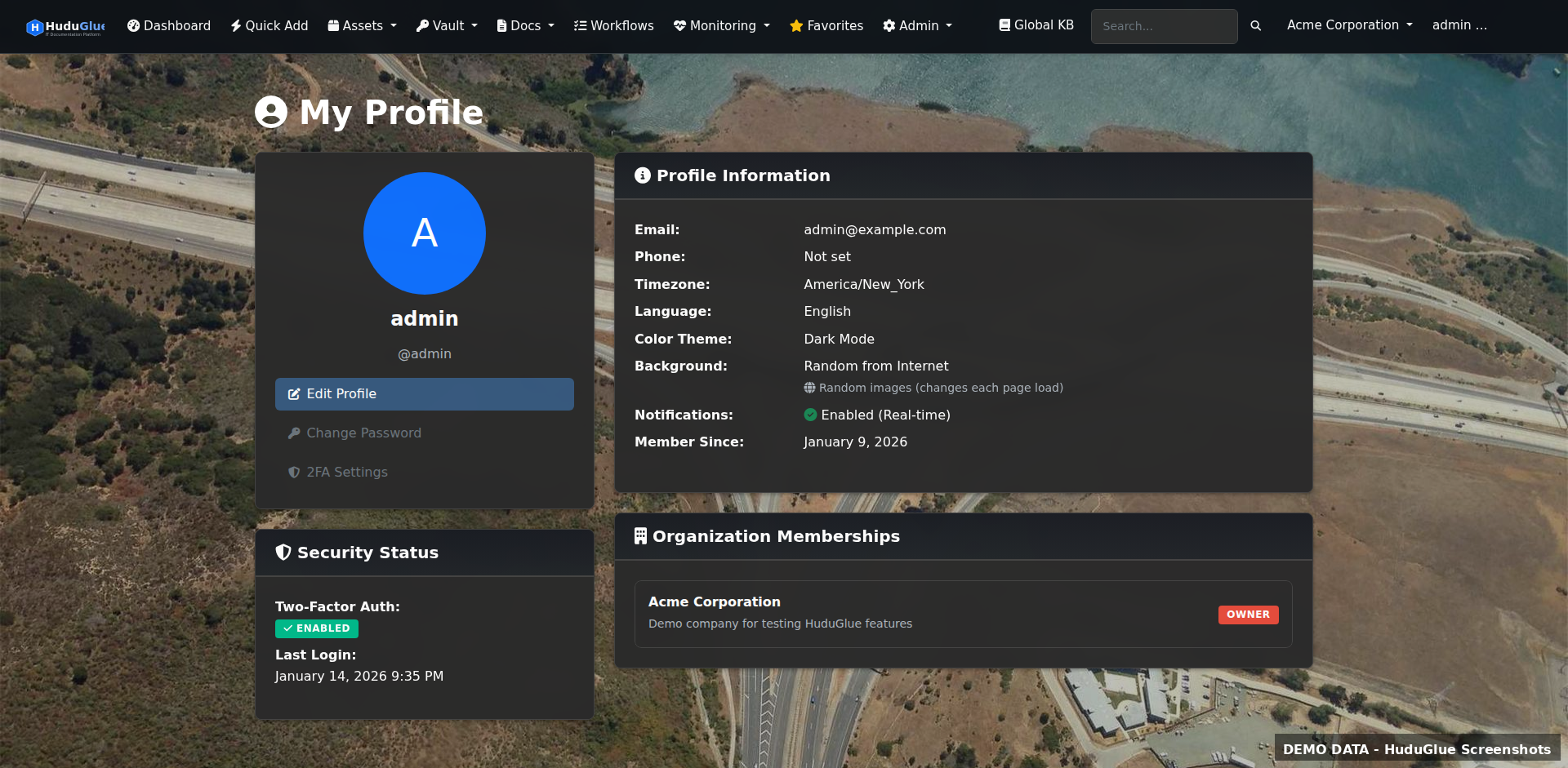
User Profile
Personal settings including TOTP 2FA enrollment, notification preferences, timezone, API token management, and personal password vault access.

A full service desk, built in.

Tickets, quotes, invoices, contracts, dispatch, and a customer portal — all linked to the same organizations and assets you already track. No separate PSA subscription needed.

Ticket queue
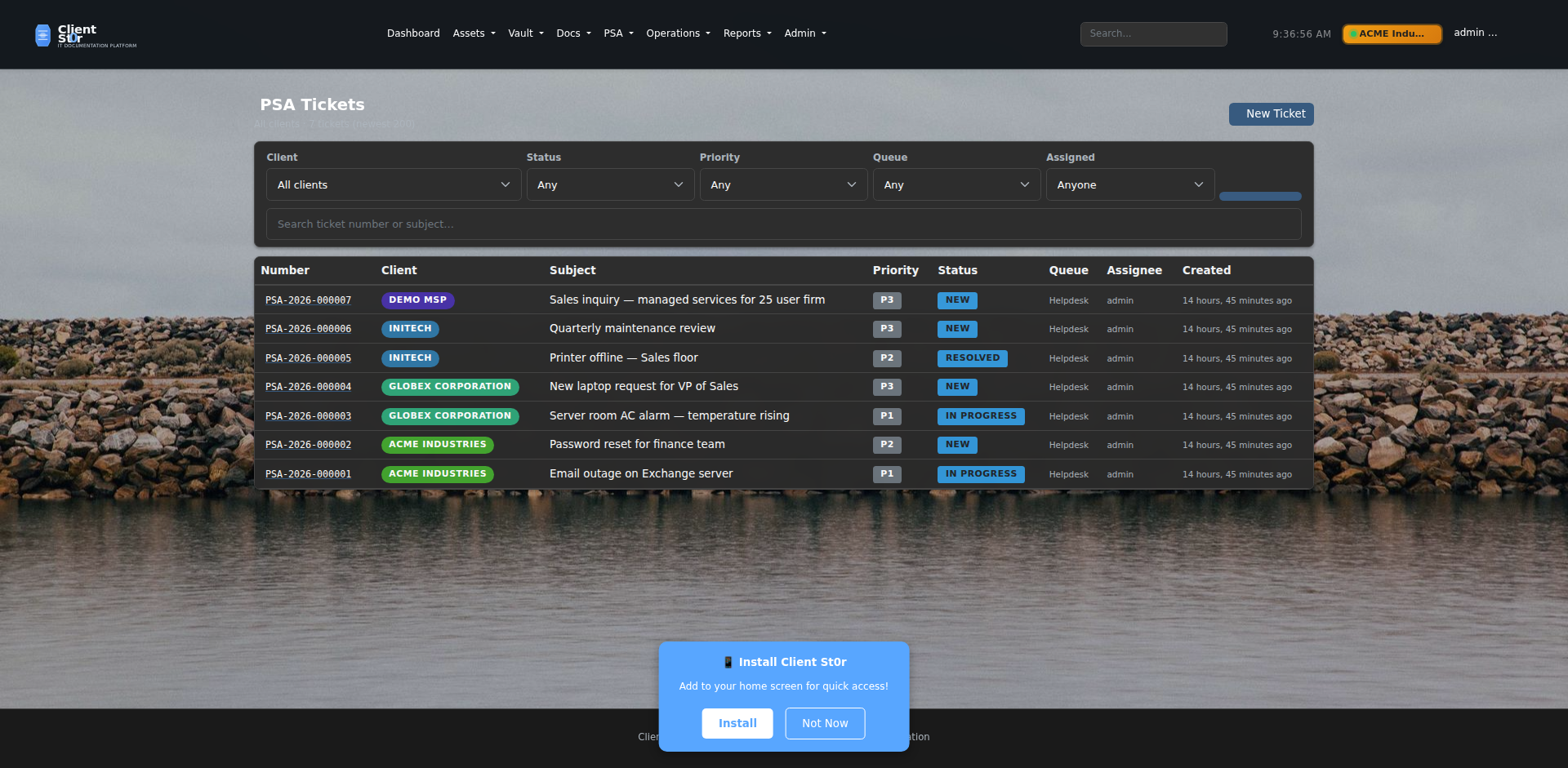
Ticket Queue
The main service desk view. Filter tickets by status, priority, assignee, queue, or client. Bulk-assign, merge, or escalate tickets. SLA countdown timers visible on each row so breaches are caught before they happen.
Ticket detail
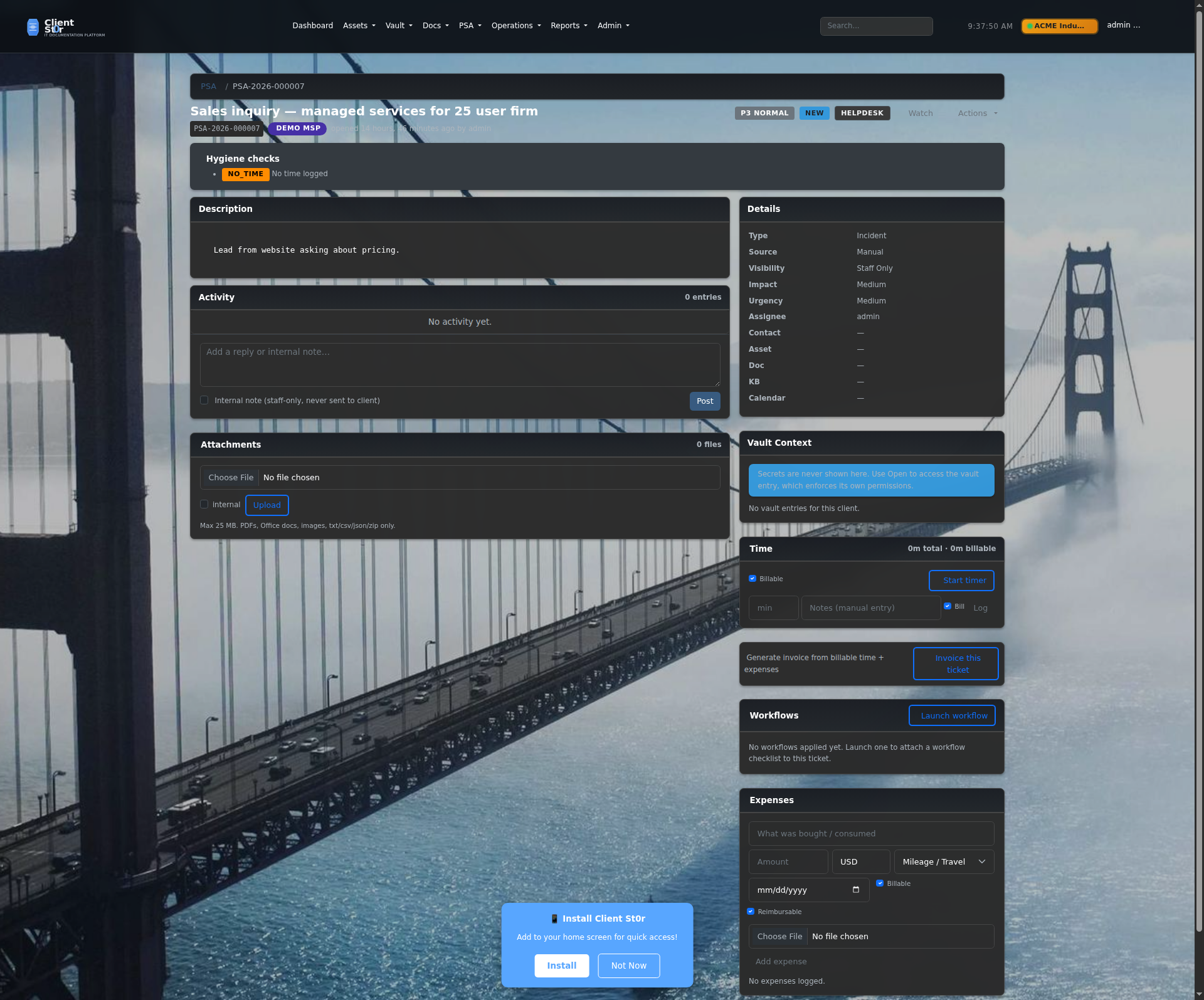
Ticket Detail
Full ticket view with threaded conversation, internal notes, time entries, attachments, linked assets, and SLA status. AI reply suggestions available to speed up first response.
New ticket form
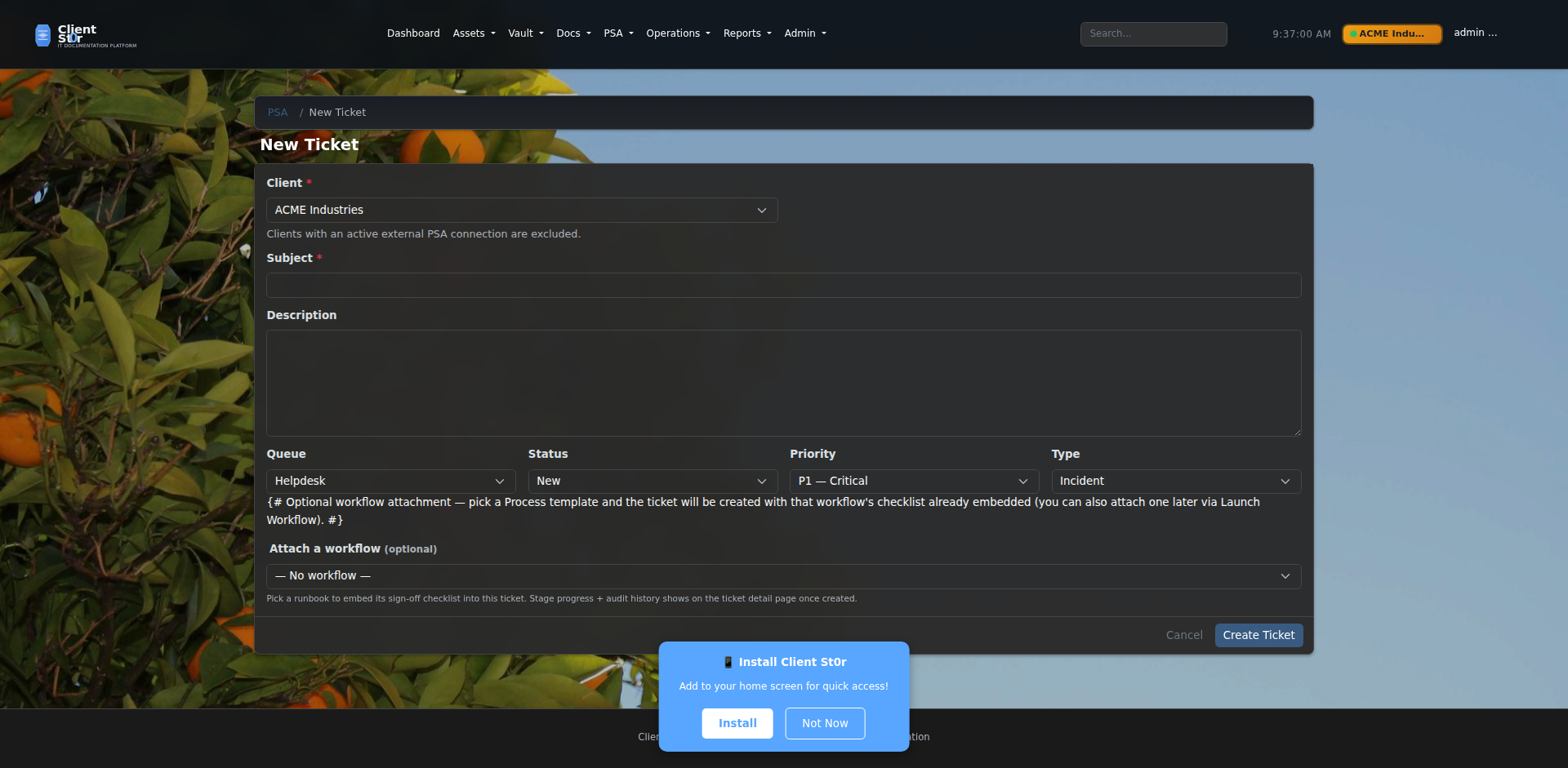
New Ticket
Create tickets manually or via email-to-ticket. Assign queue, priority, SLA tier, linked assets, and initial time budget at creation time.
Service catalog
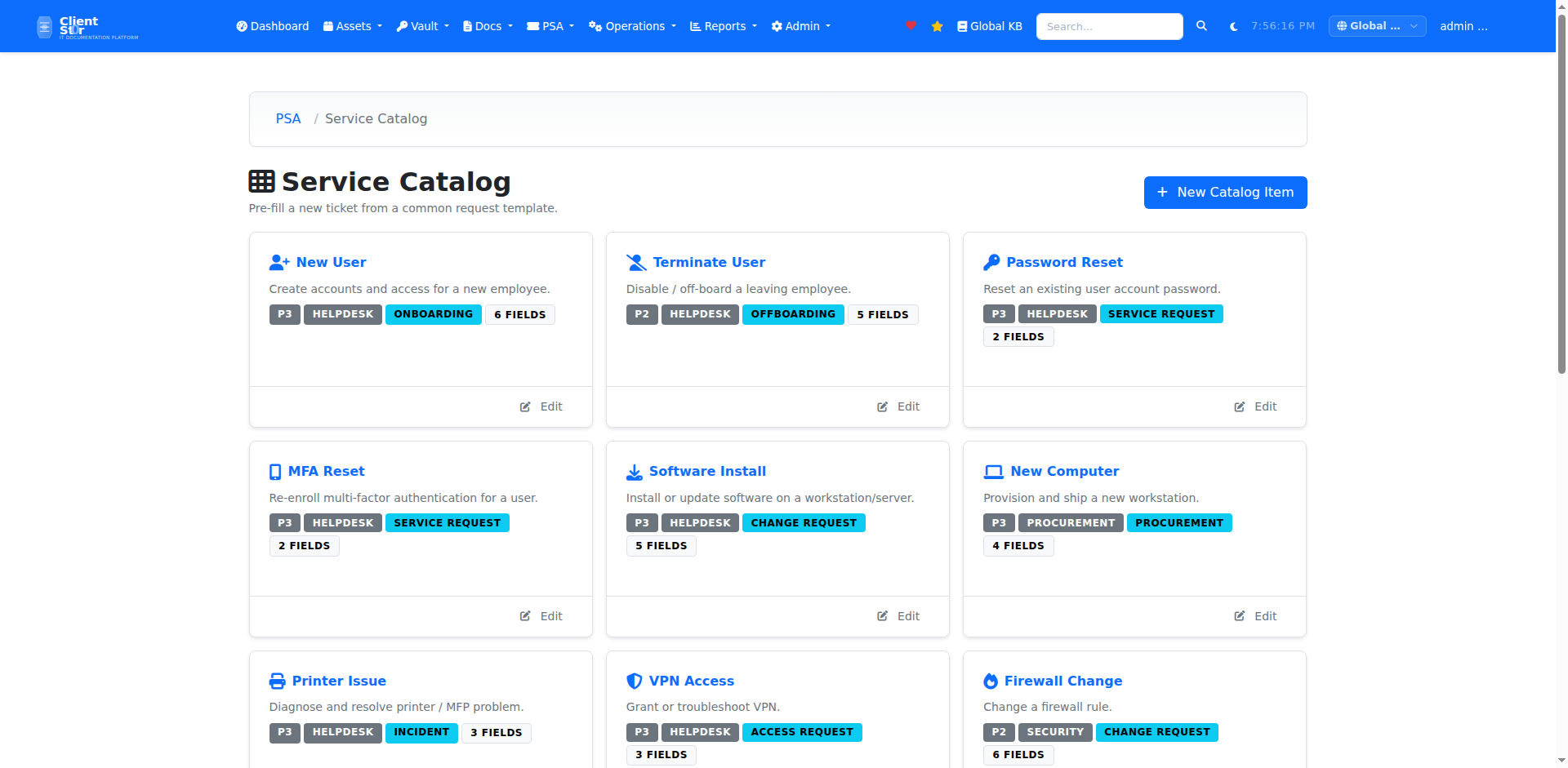
Service Catalog
Structured service templates that pre-fill ticket fields, checklists, and default SLA tiers. Customers can raise tickets directly from the service catalog via the customer portal.
Dispatch board
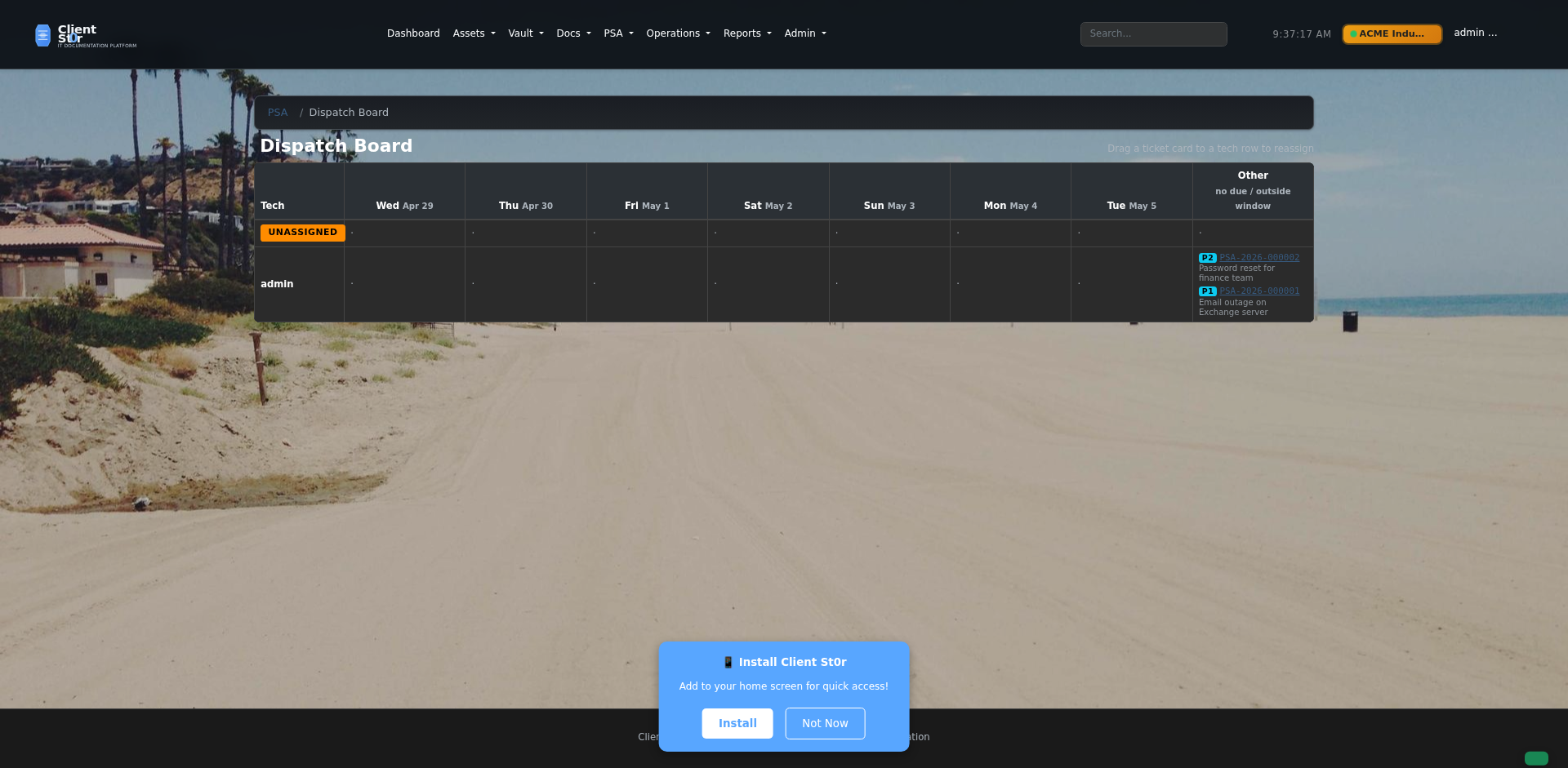
Dispatch Board
Visual calendar-style board showing engineer availability and scheduled tickets. Drag tickets onto time slots to assign and schedule field work.
Projects
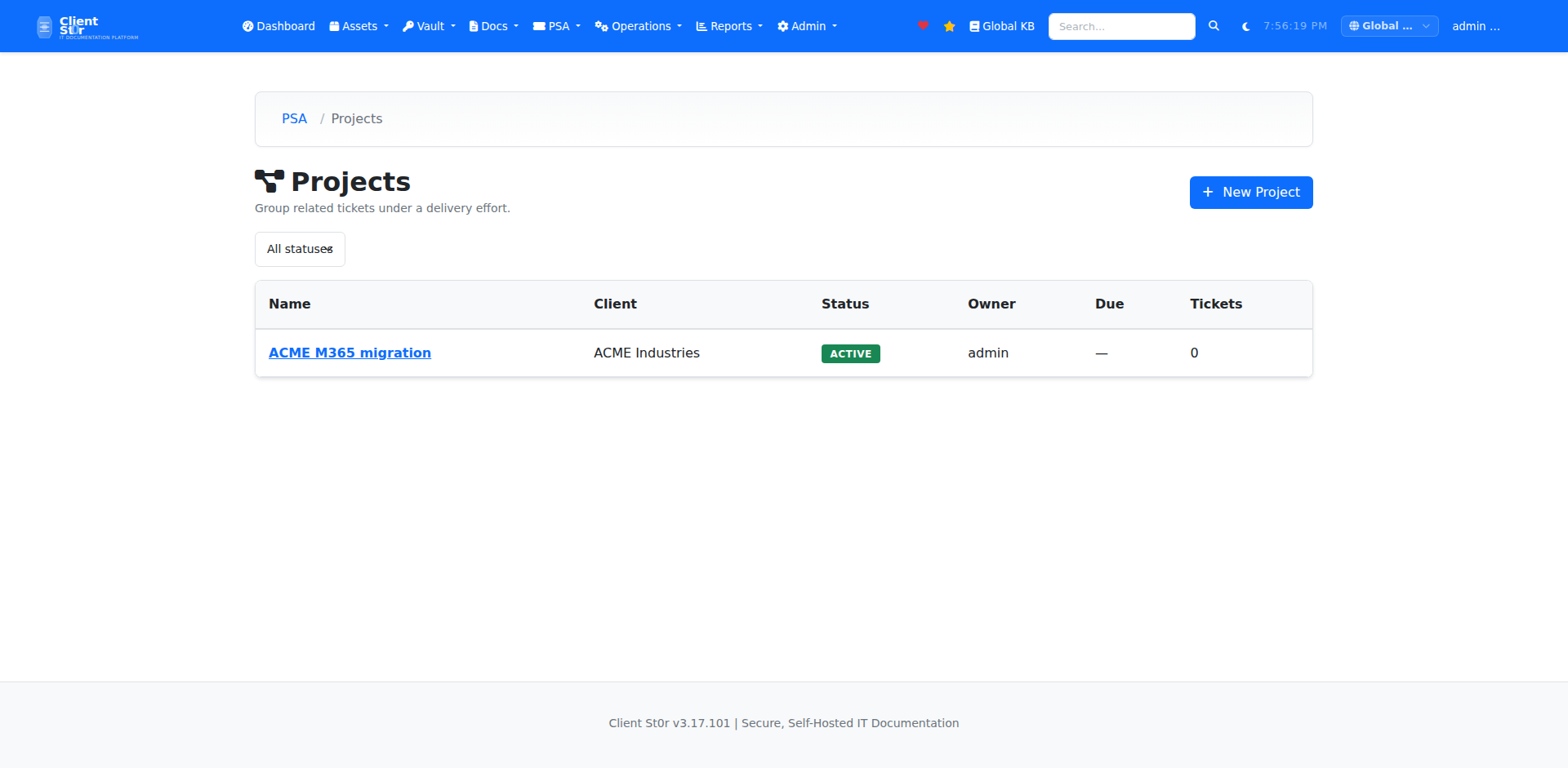
Projects
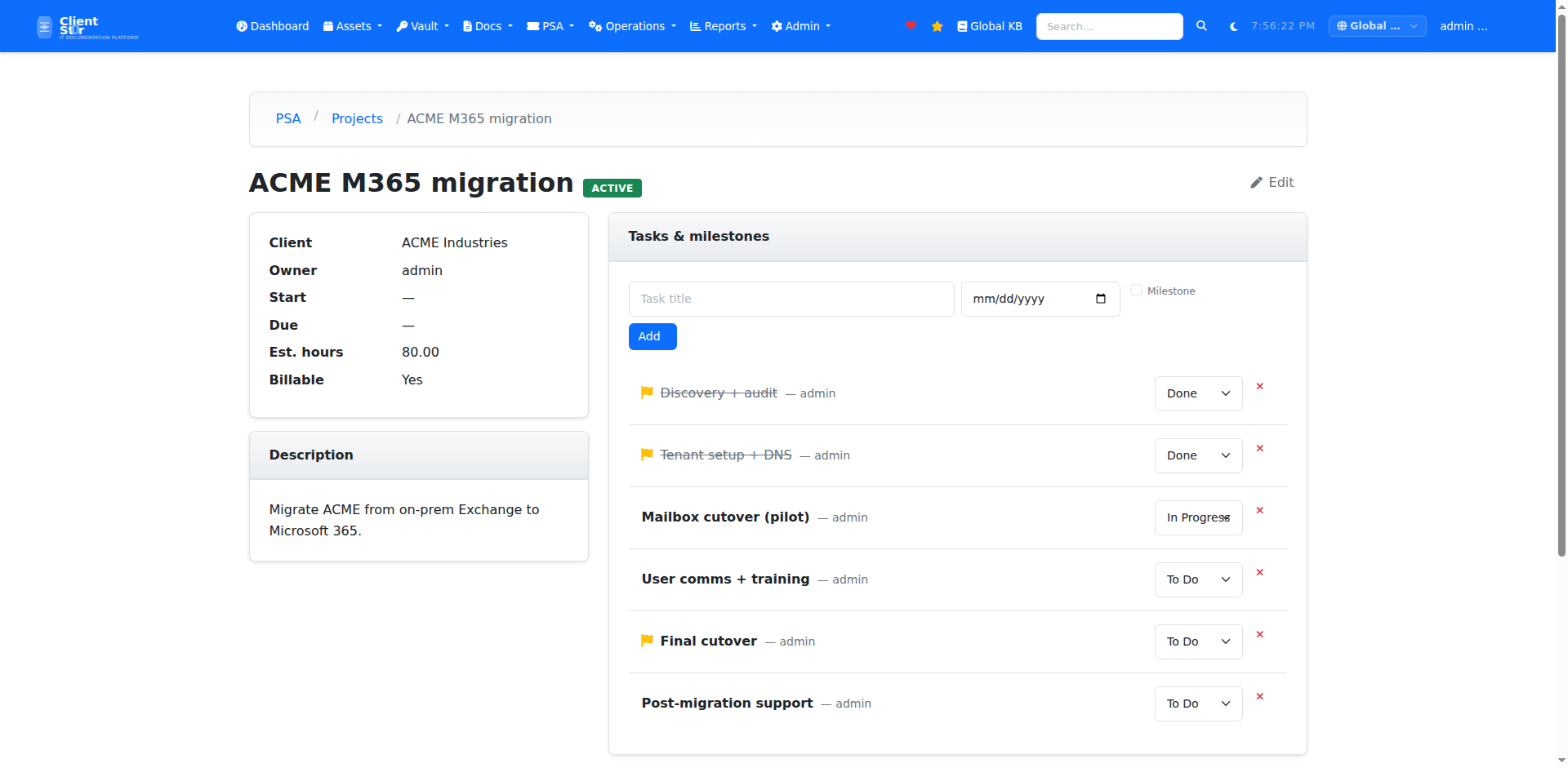
Project-level work management with task lists, milestones, and per-project time tracking. Link projects to client organizations and bill time against a project budget.
Project detail
Project Detail
Individual project view showing task completion, milestone timeline, team assignments, budget vs. actual hours, and linked tickets and assets.
Recurring tickets
Recurring Tickets
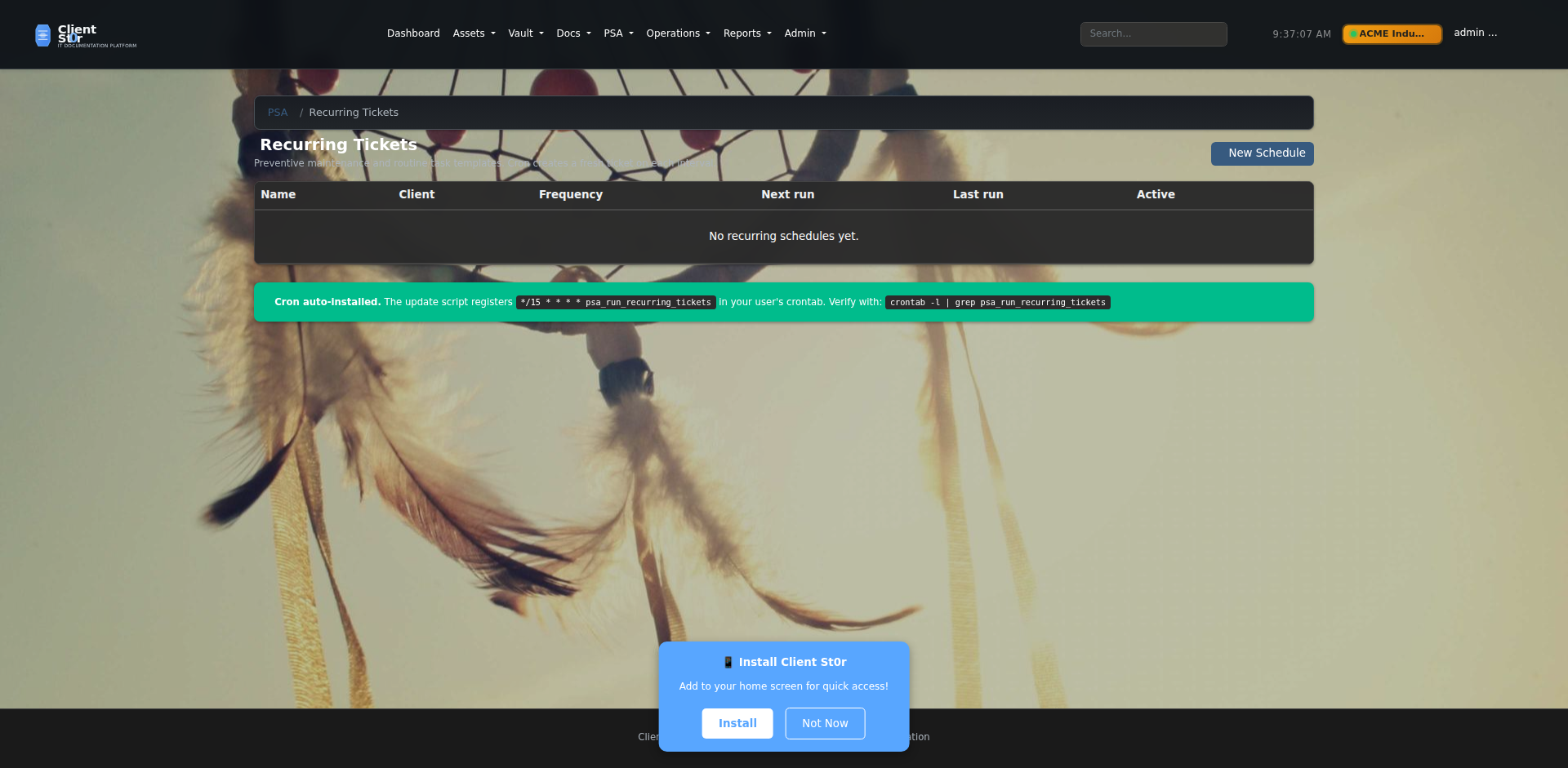
Schedule preventative maintenance and regular service tasks to auto-create as tickets on a defined cadence — daily, weekly, monthly, or custom cron expressions.
Approvals
Approvals
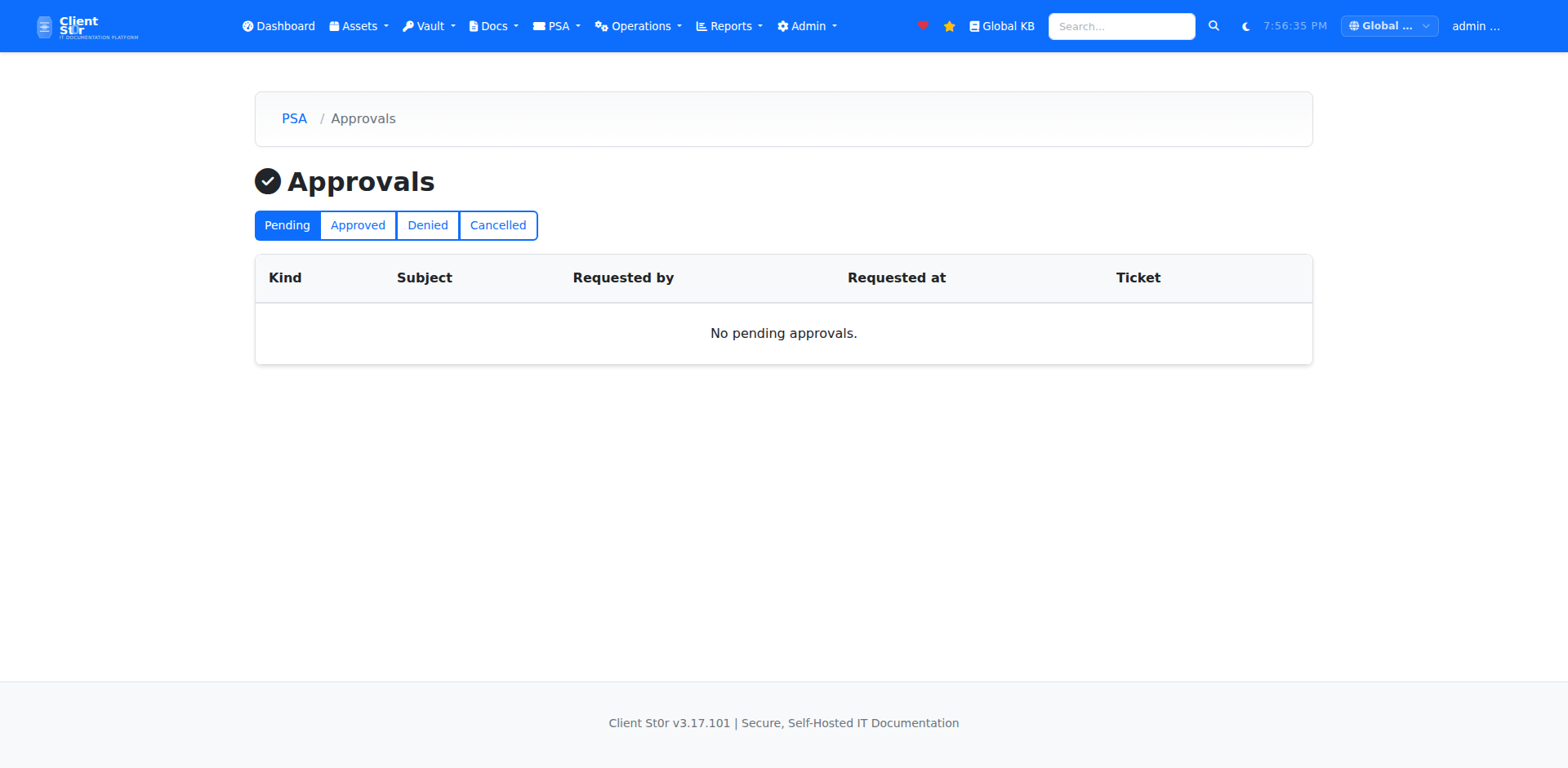
Approval workflows for quotes, changes, and purchases. Approvers are notified by email and can accept or reject with a single click from the portal or email.
Quotes list
Quotes & Estimates
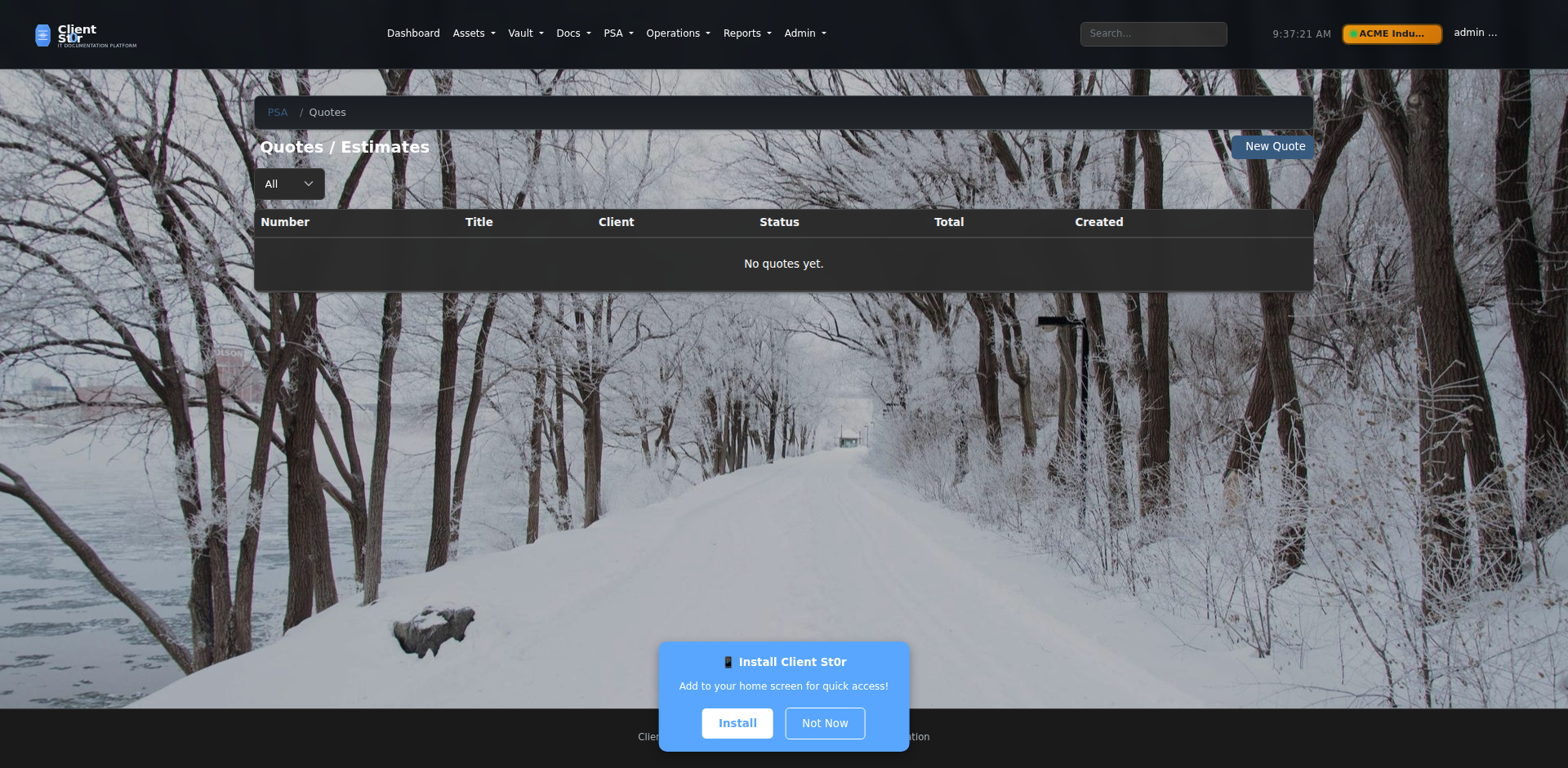
Generate professional quotes with line items, labour, parts, and tax. Send to clients for review and collect legally binding e-signatures without leaving ClientSt0r.
Quote detail
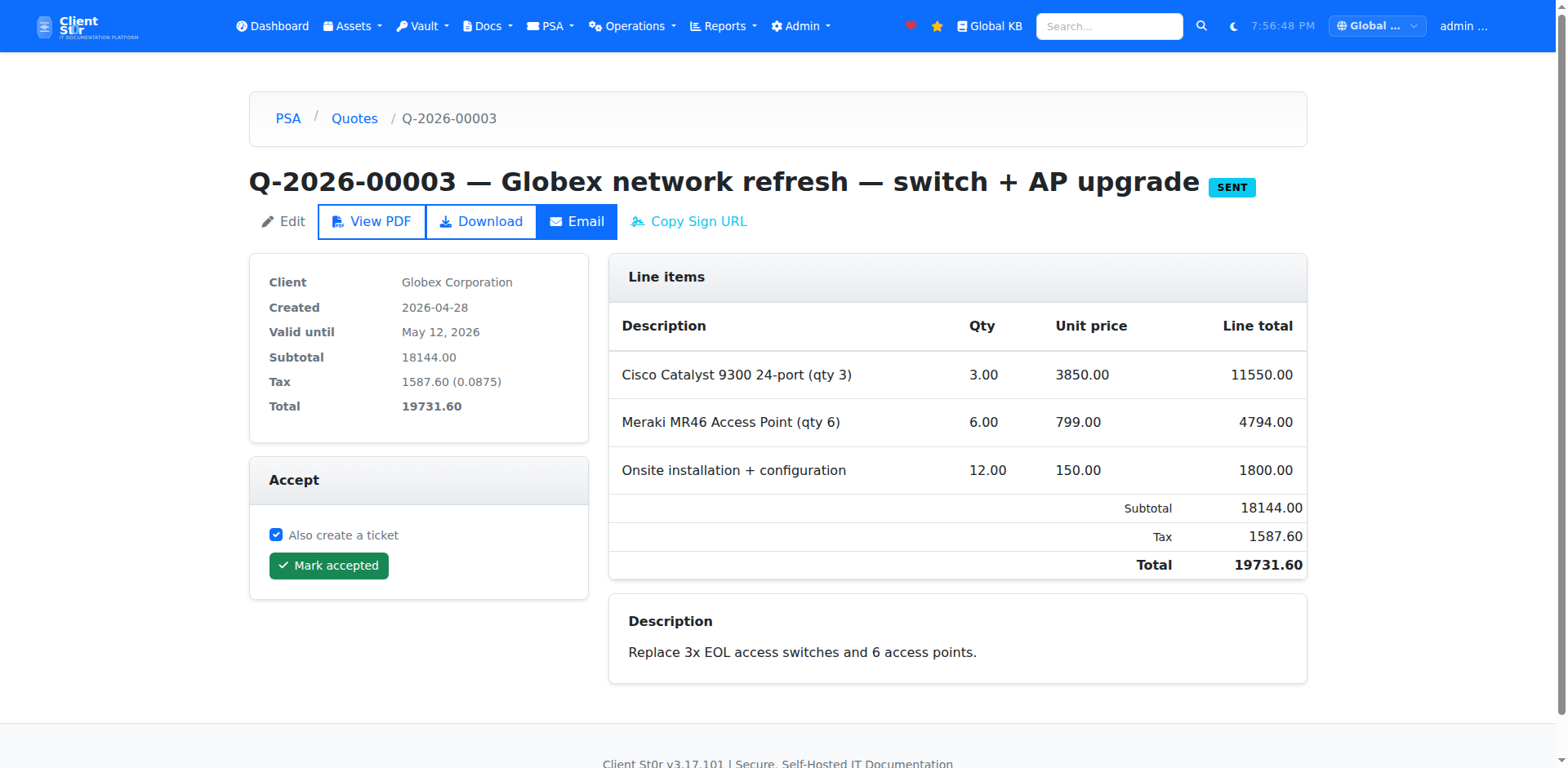
Quote Detail
Full quote breakdown showing itemised costs, margin, and discount. Track status — draft, sent, viewed, signed, or declined — with timestamps for each stage.
Customer e-signature
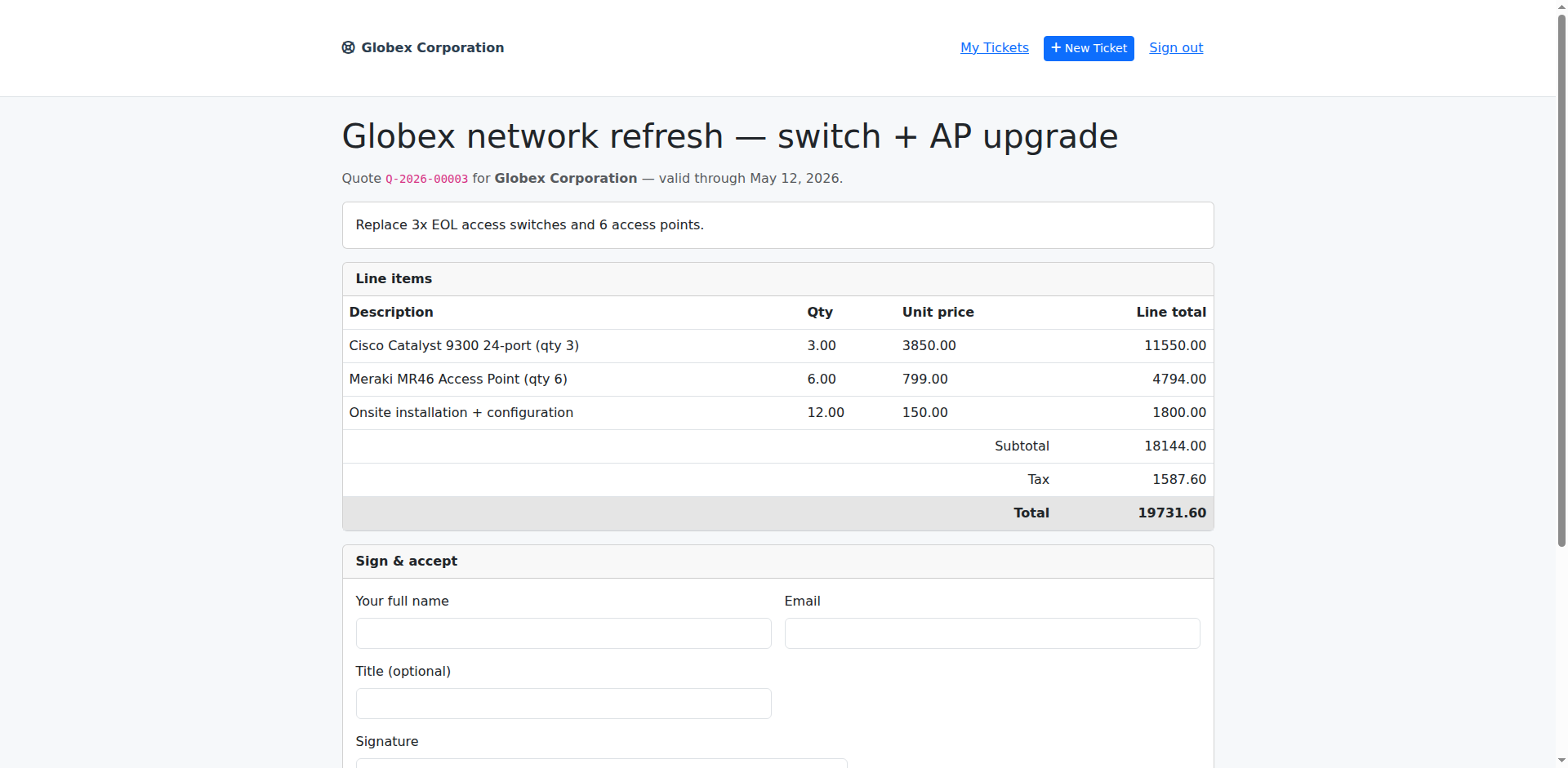
Customer E-Signature
Clients sign quotes via a secure customer portal link — no account required. Signature is timestamped, IP-logged, and stored against the quote as a PDF.
PDF quote
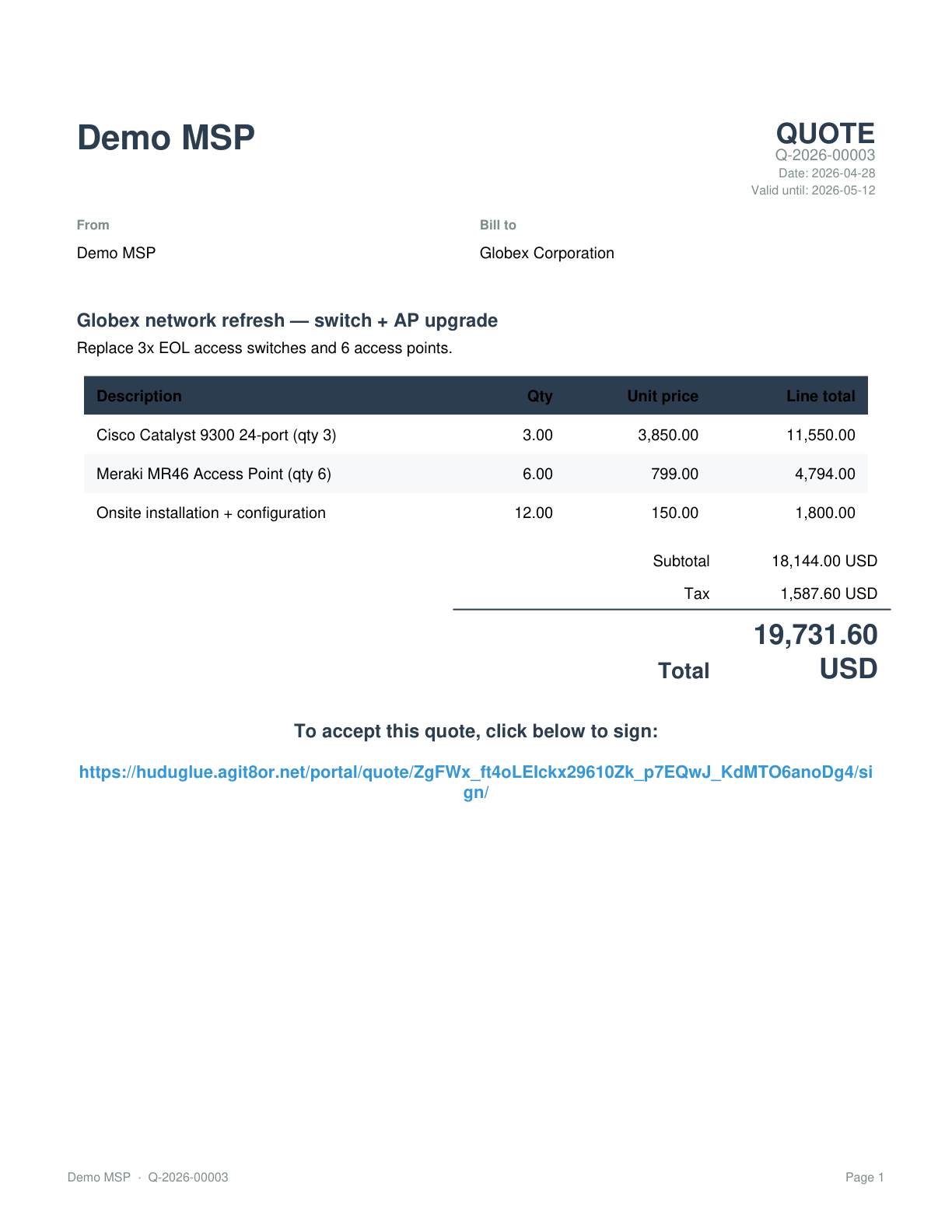
PDF Quote
Auto-generated branded PDF quote with your company logo, terms, and itemised breakdown. Sent directly from the quote screen or downloaded for manual delivery.
Invoices
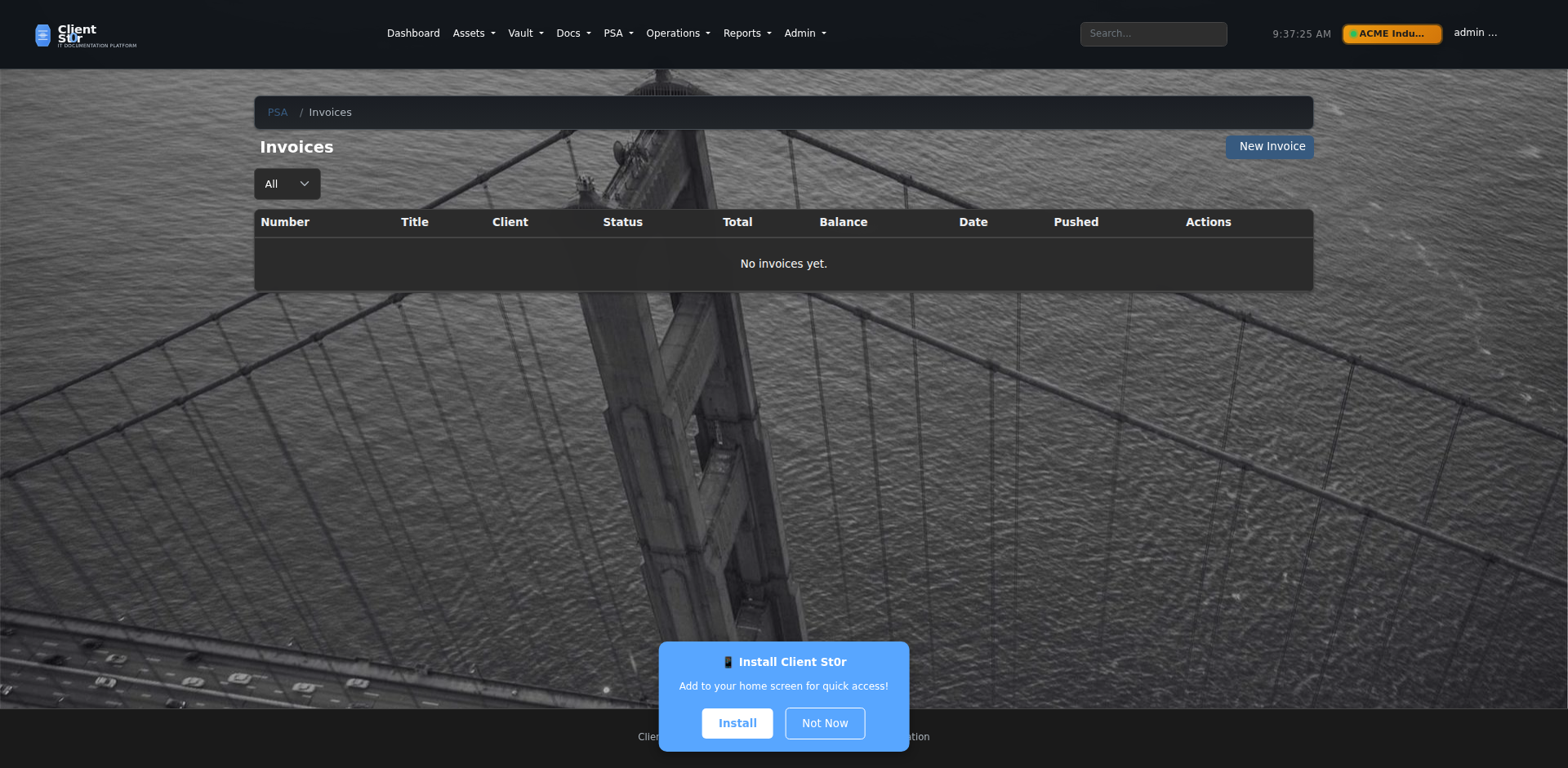
Invoices
Invoice management with status tracking across draft, sent, partial, and paid. Convert accepted quotes to invoices in one click, or generate invoices from time entries.
Invoice detail
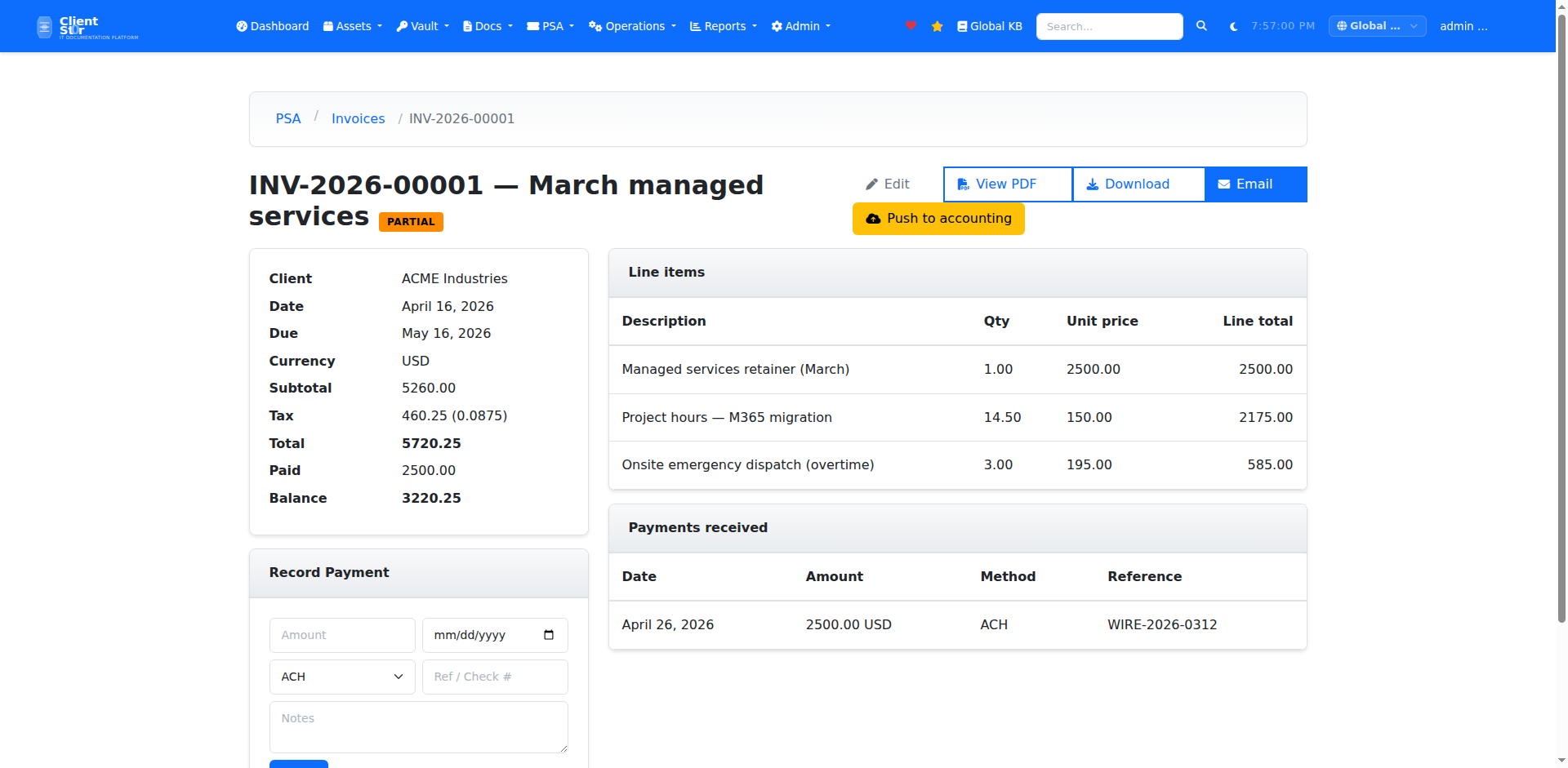
Invoice Detail
Line-item invoice view with payment history, outstanding balance, and direct sync to QuickBooks Online or Xero. Mark payments manually or let the accounting integration reconcile automatically.
PDF invoice
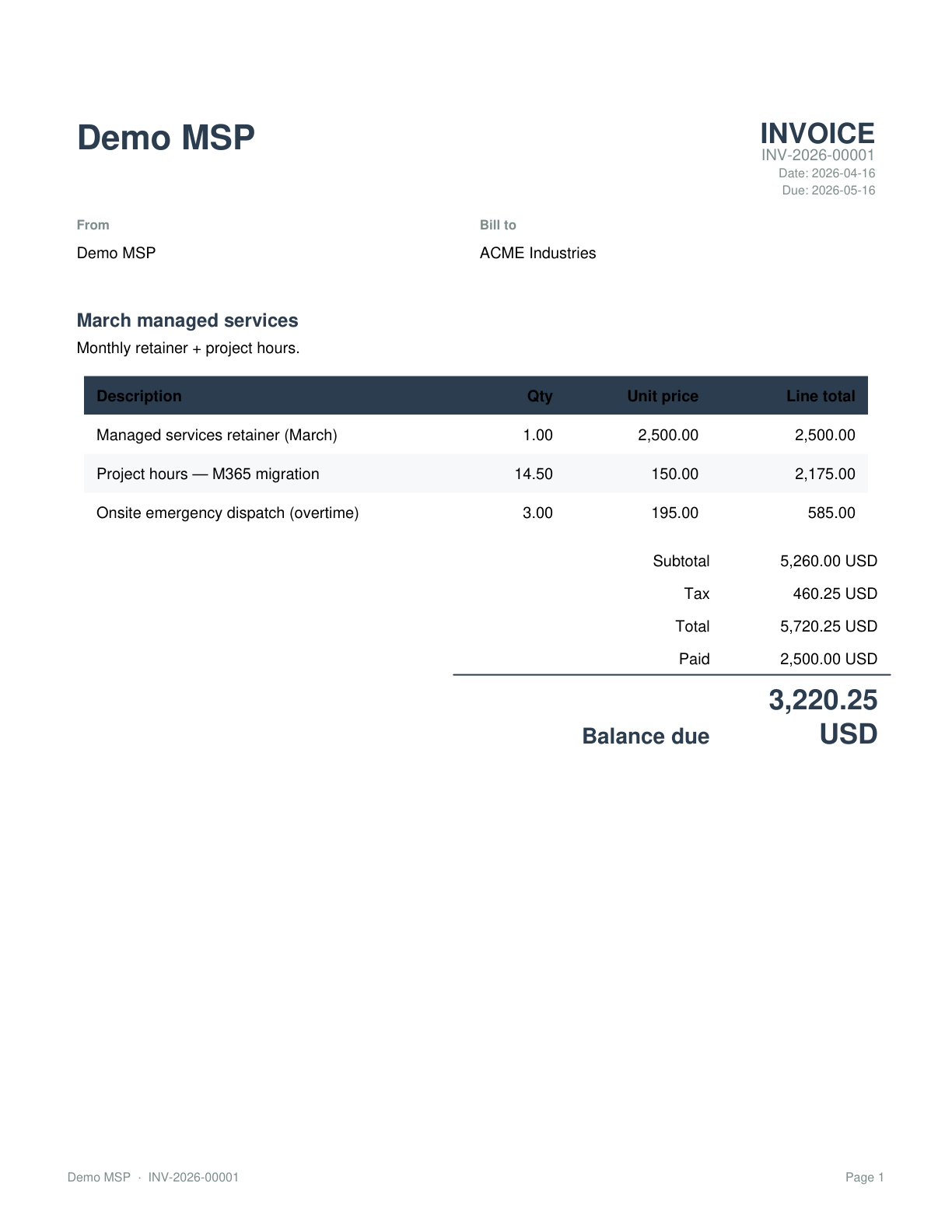
PDF Invoice
Professionally formatted invoice PDF with your branding, payment terms, and bank details. Generated on the fly — no template editing required.
Contracts
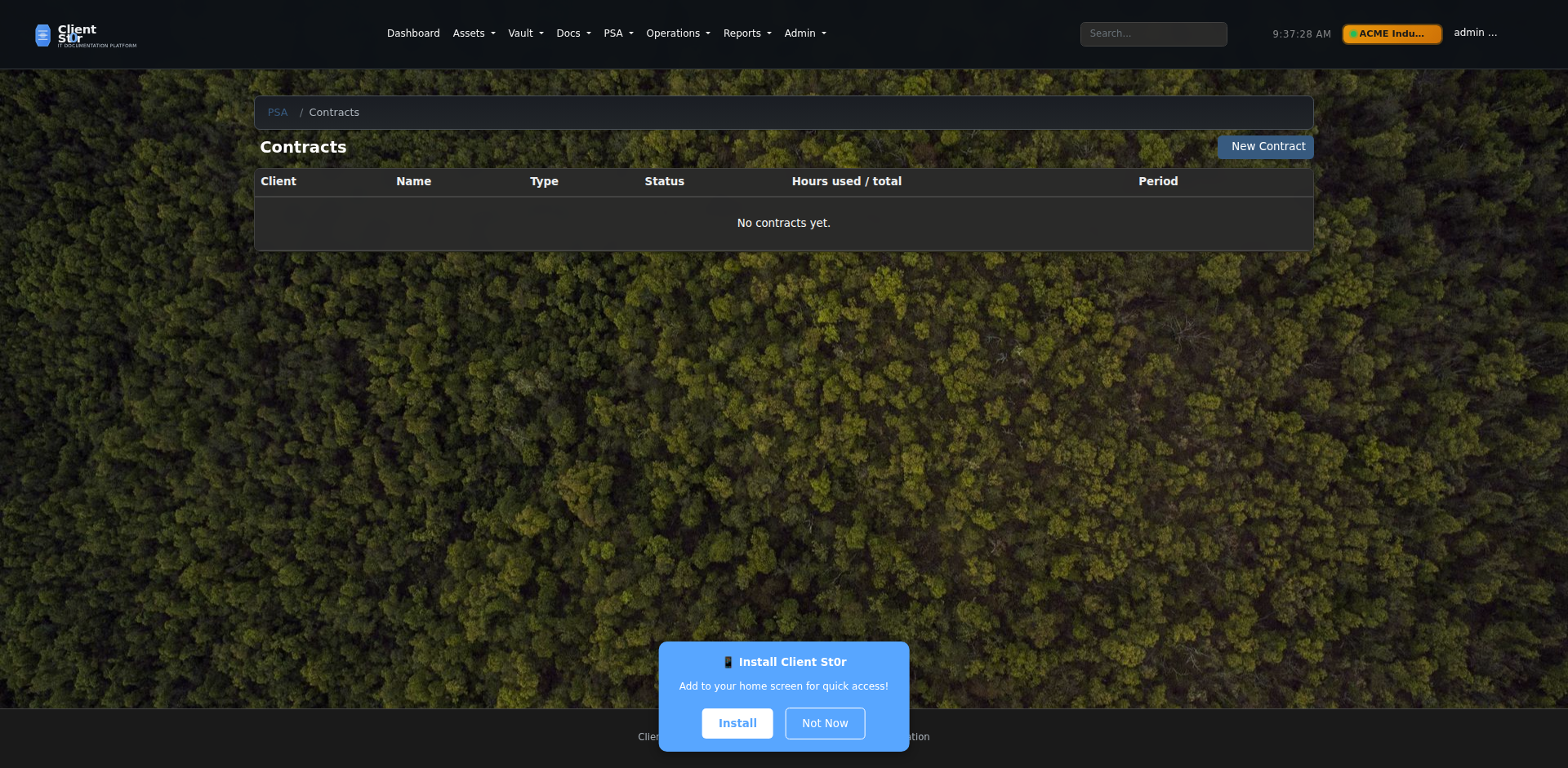
Contracts
Manage block-hours, retainer, and managed services contracts per client. Track consumed hours, renewal dates, and overage billing rules from one screen.
Client account
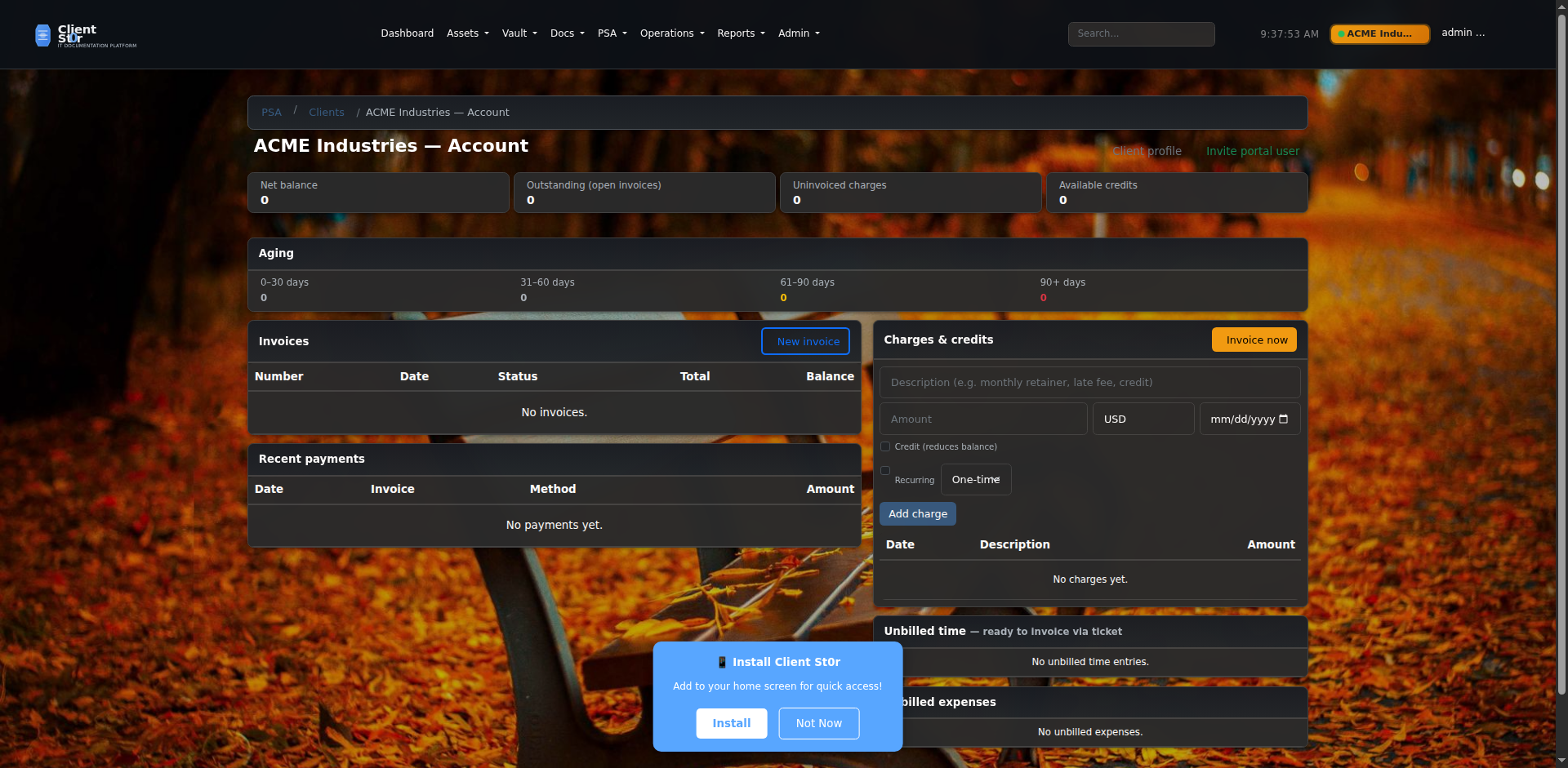
Client Account Summary
Full financial summary for a client — open invoices, outstanding balance, contract status, and billing history. Useful for account reviews and renewals.
Accounts aging
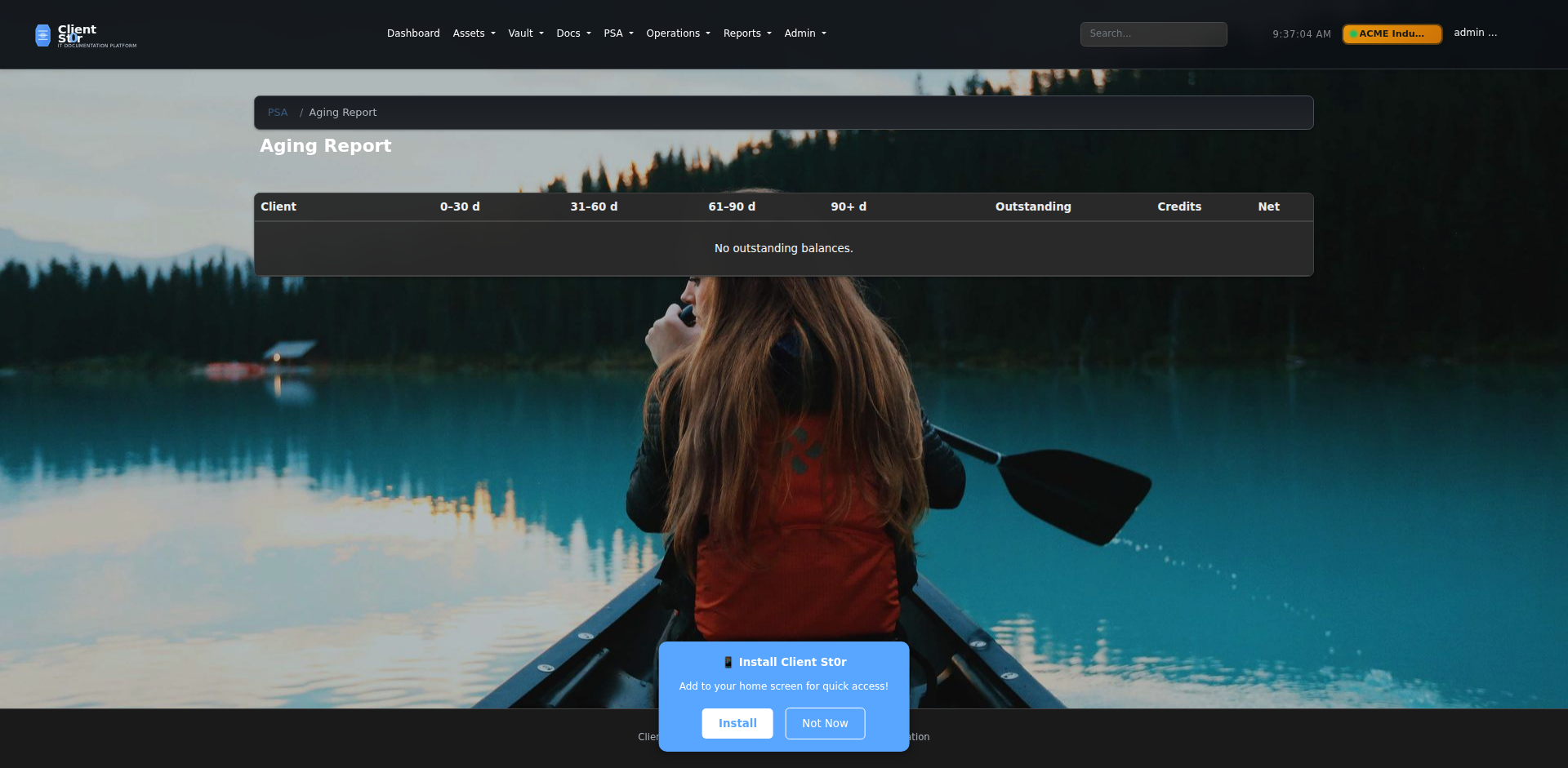
Accounts Aging
AR aging report showing overdue invoices by 30, 60, and 90+ day buckets across all clients. Spot chronic late payers at a glance and trigger follow-up workflows.
Workflow rules
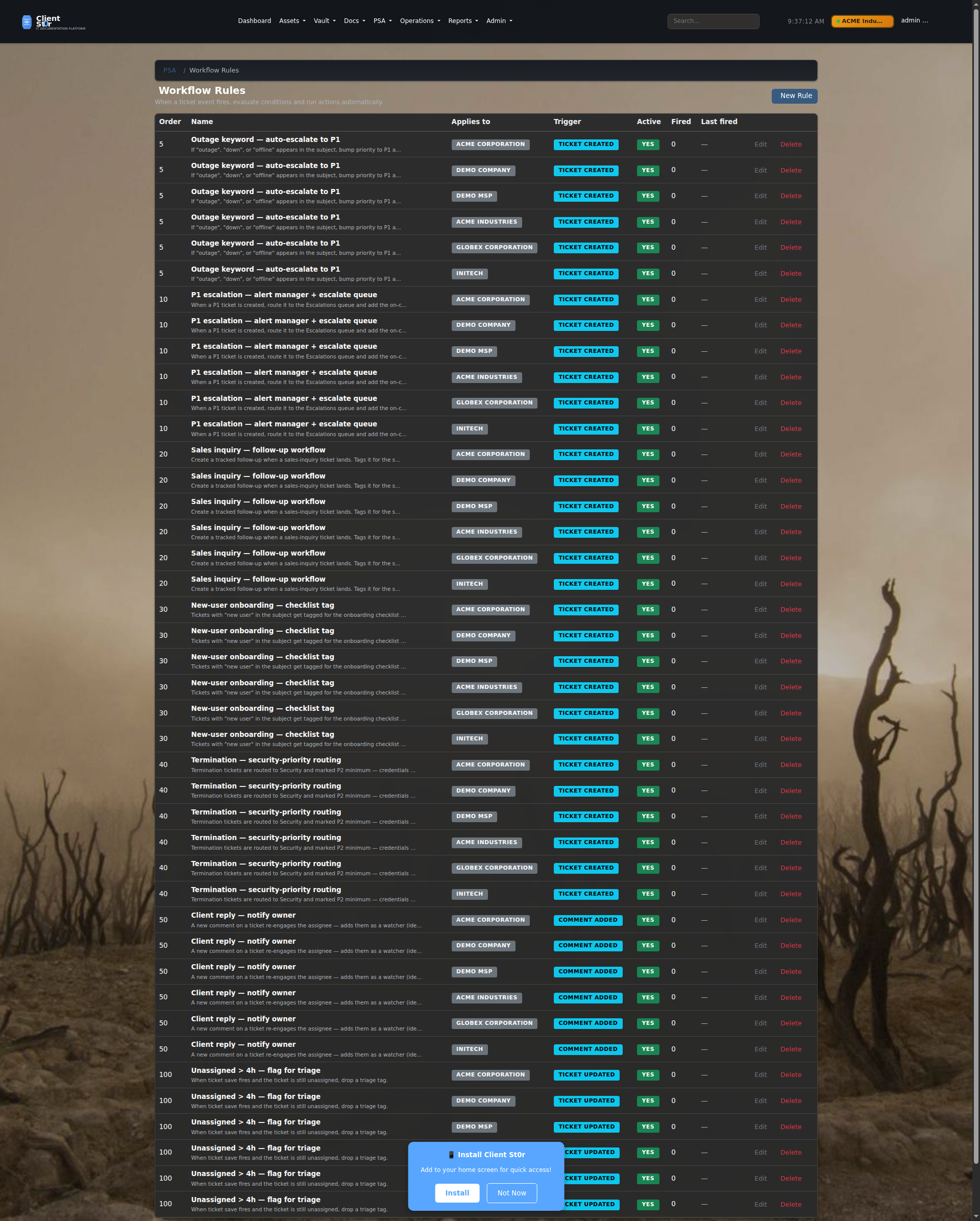
Workflow Automation
Visual rule builder for automating ticket routing, escalation, SLA notifications, and status changes. No code required — trigger actions based on ticket fields, org type, or time elapsed.
Email to ticket config
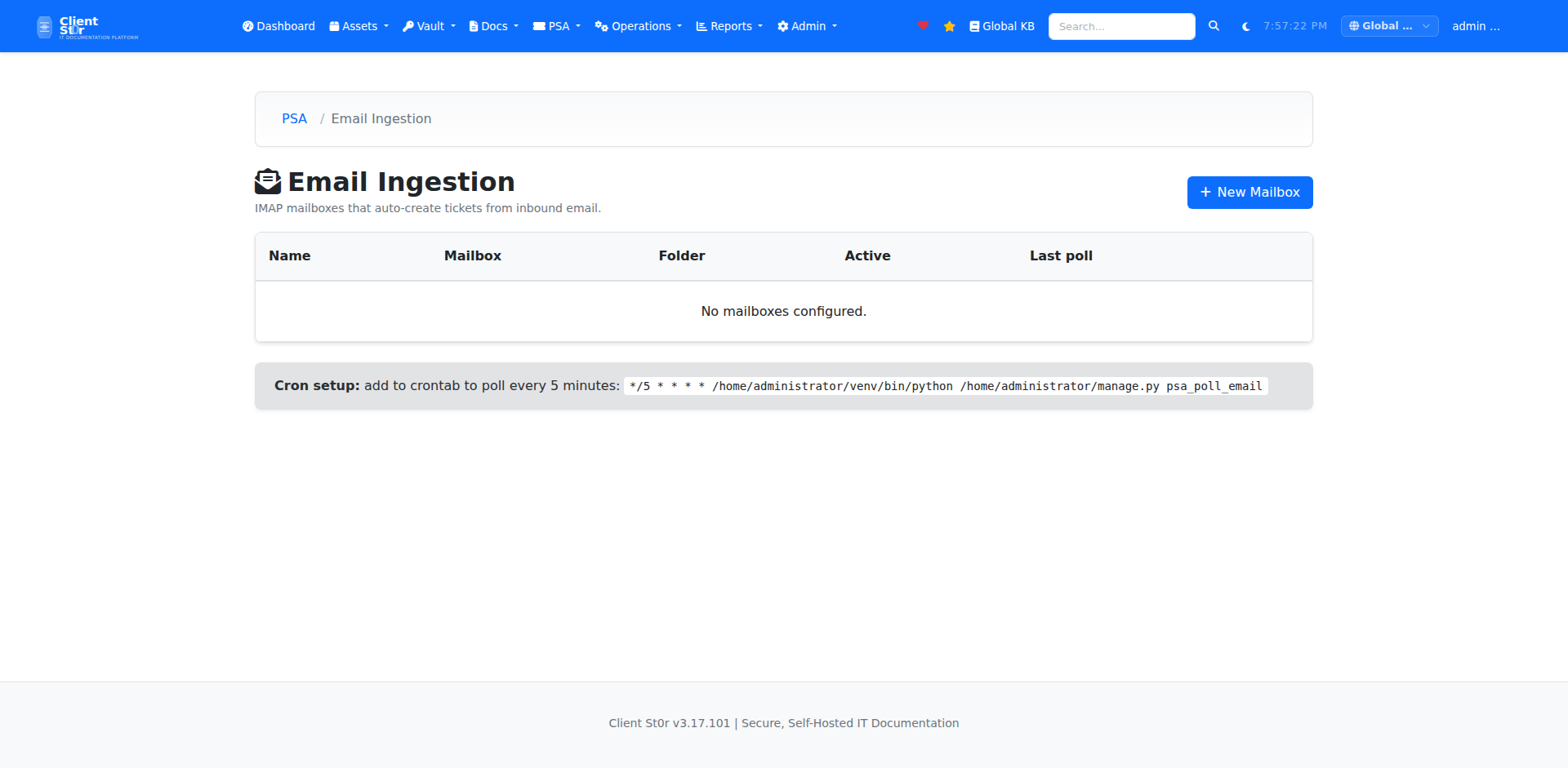
Email-to-Ticket (IMAP)
Connect your support mailbox via IMAP to automatically convert inbound emails into tickets. Supports multiple mailboxes, routing rules, and auto-reply templates.
Every device. Every rack. Every subnet.

Full asset lifecycle management from network discovery through decommission. Linked to your client organizations with per-org data isolation.

Asset inventory
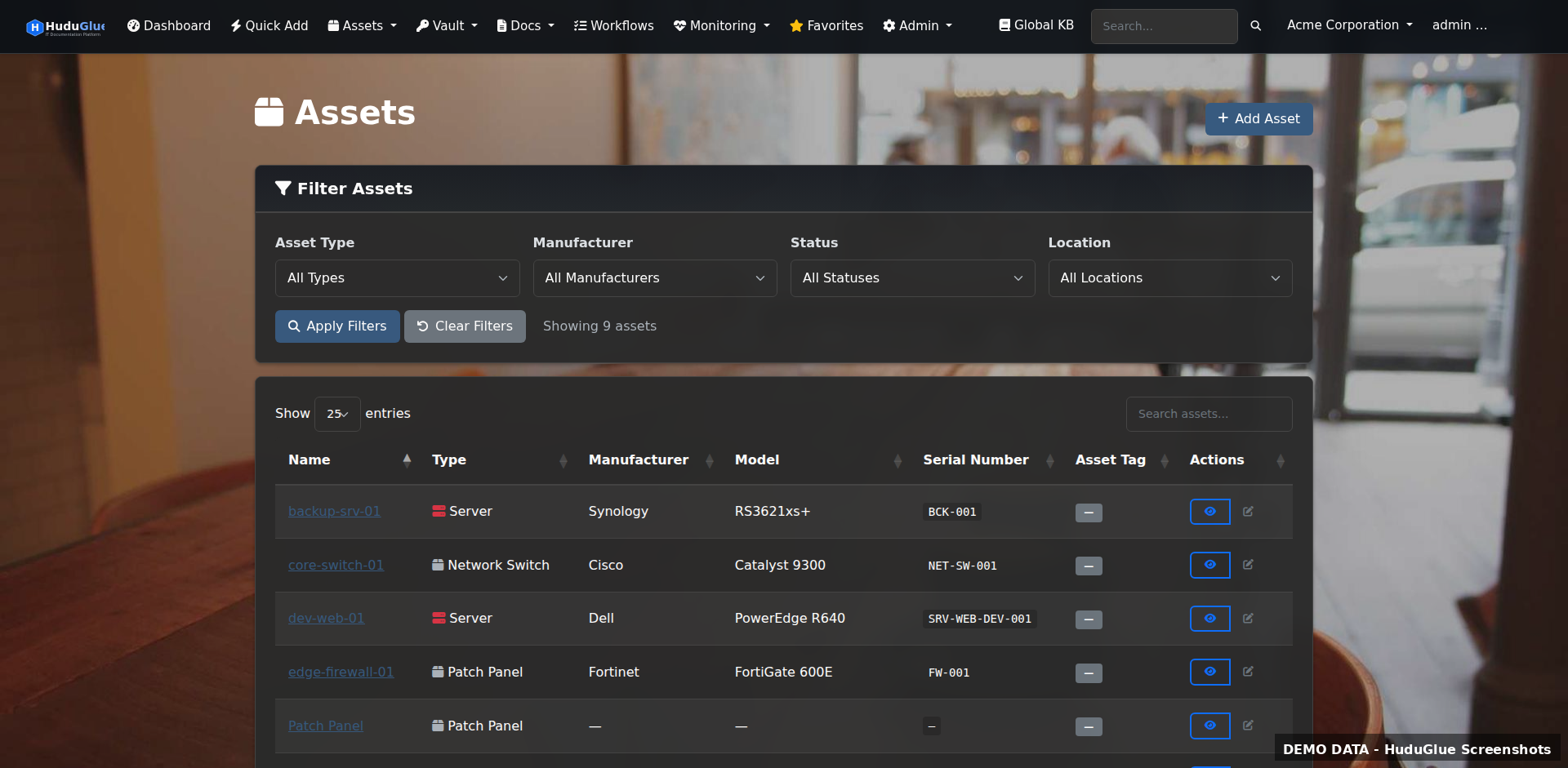
Asset Inventory
Full inventory of all assets across all clients. Filter by type, status, location, or organization. Each asset links to its network location, assigned user, warranty status, and related passwords.
Rack visualization
Interactive Rack Visualization
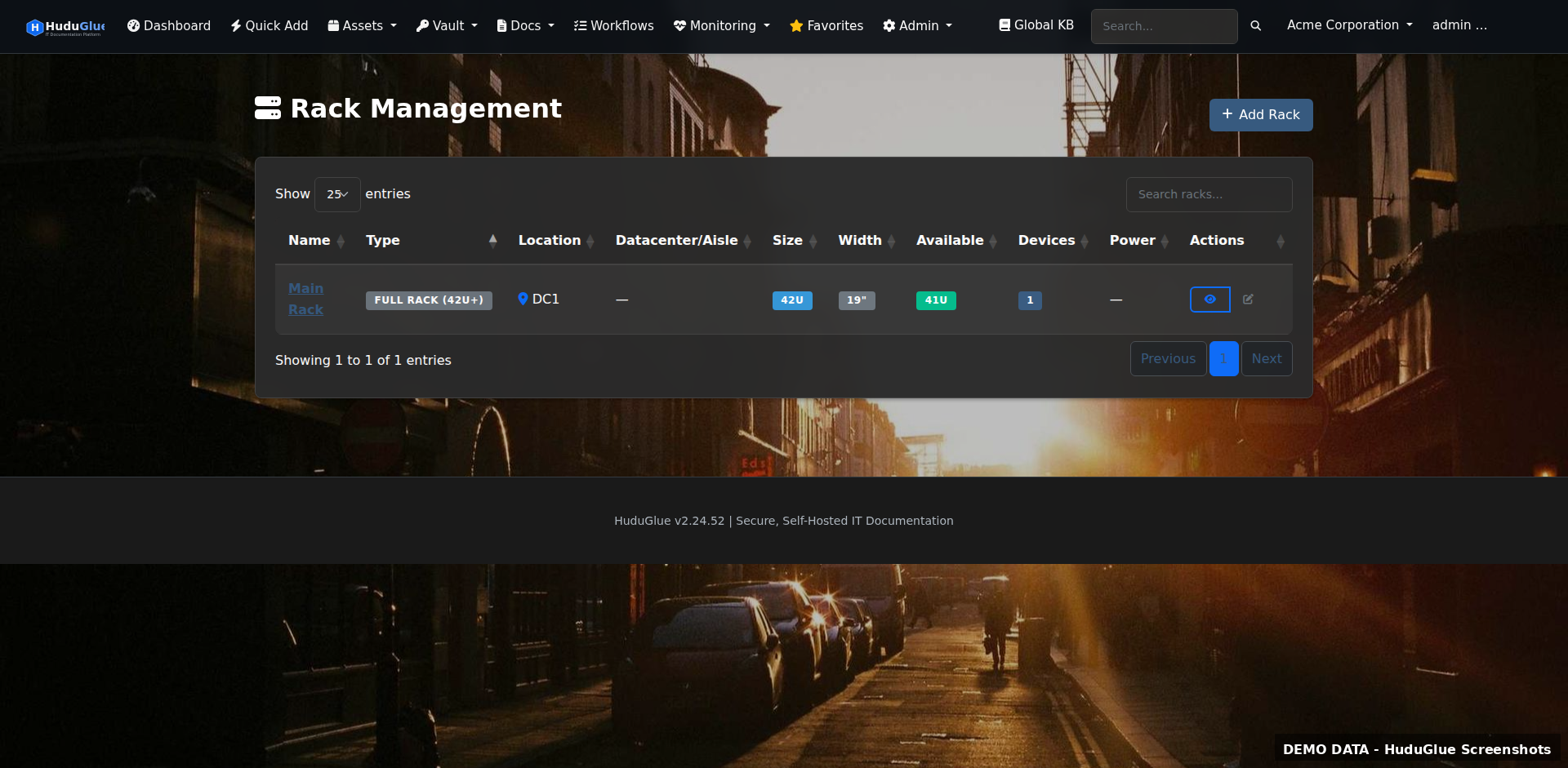
Drag-and-drop rack builder that mirrors your physical datacenter layout. Assign U-positions, track power consumption per rack, and link devices to their network ports.
Network closets
Network Closets & Patch Panels
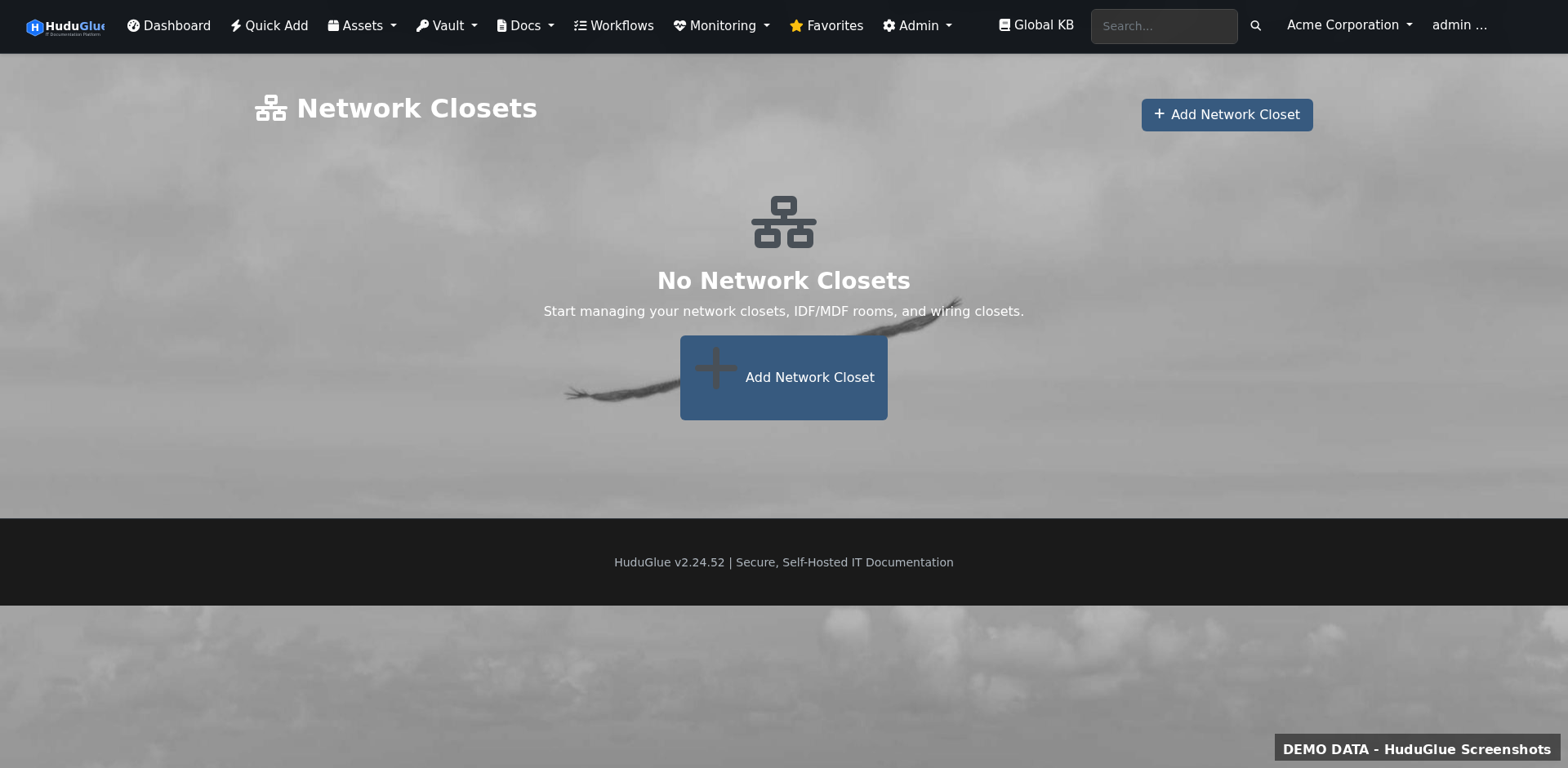
Document patch panel port assignments and closet layouts. Map switch ports to patch panel ports to physical jacks — know exactly which cable runs where without a site visit.
IPAM
IPAM — Subnet Management
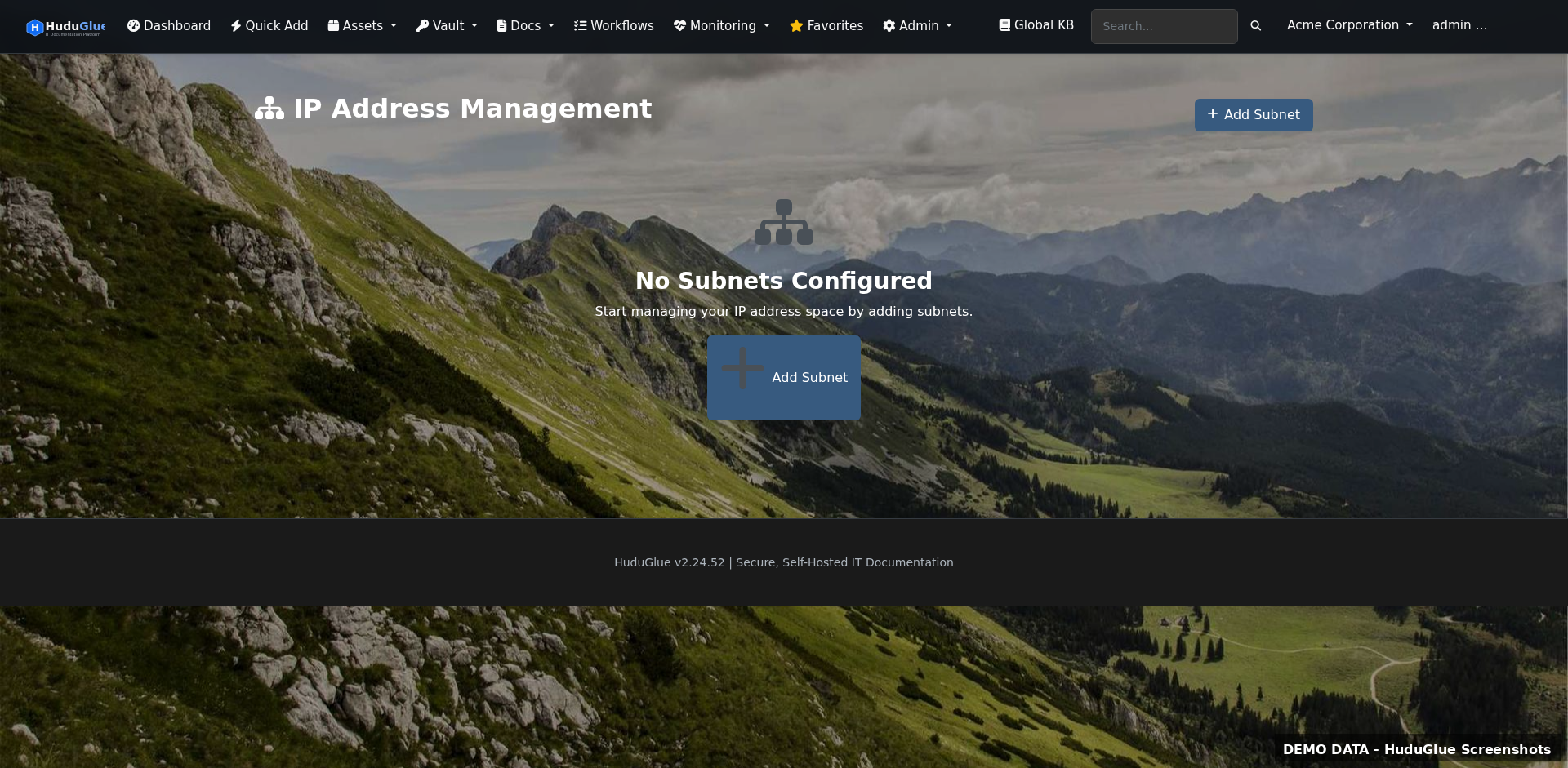
Visual subnet tree with host allocation tracking. See at a glance which IPs are in use, reserved, or available. Supports IPv4 and IPv6 with prefix delegation tracking.
VLAN management
VLAN Management
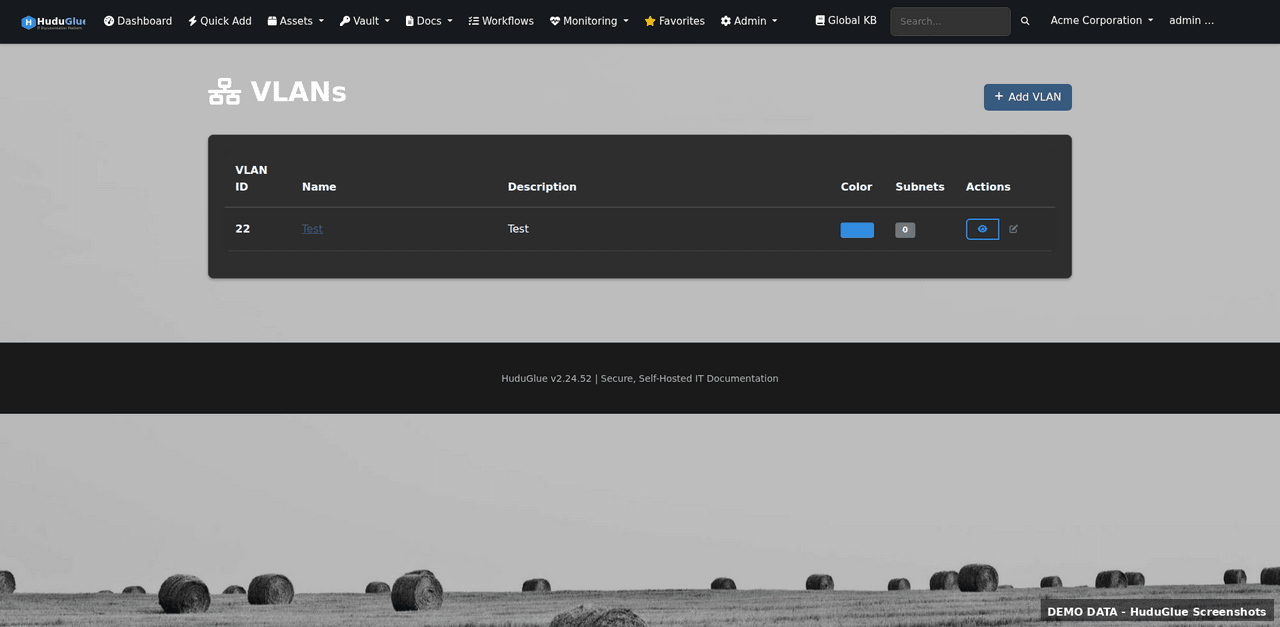
Document VLANs per client with associated subnets, switch ports, and purpose. Syncs with UniFi, Omada, and Grandstream controllers for automatic discovery.
Locations
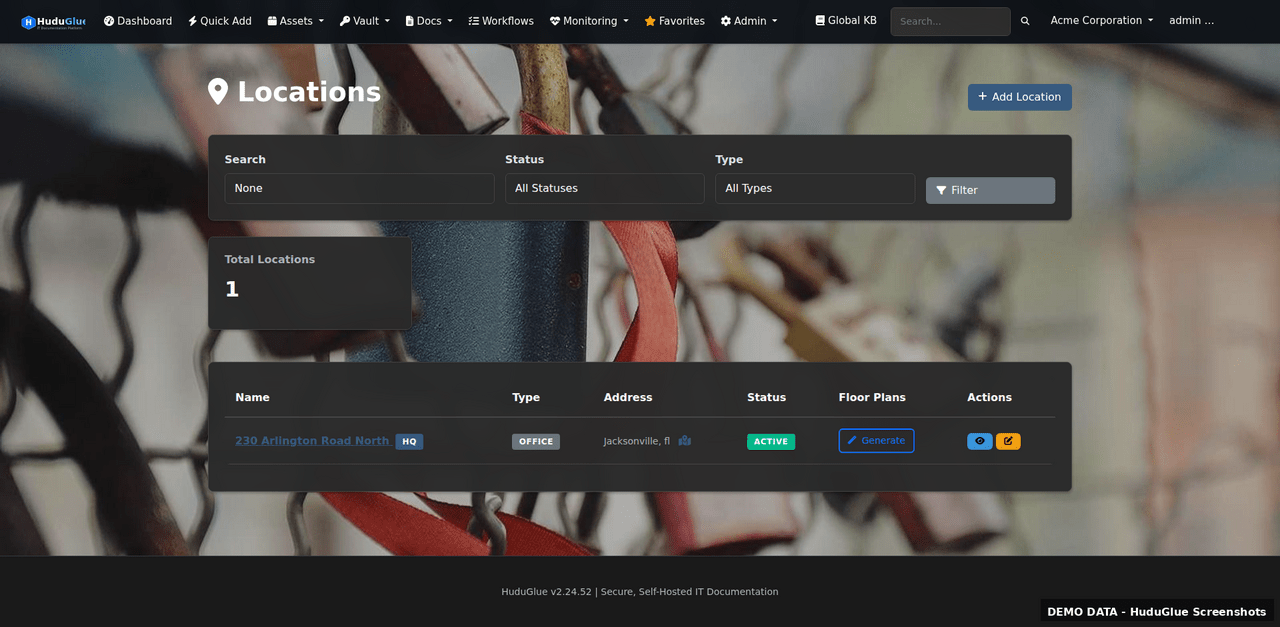
Physical Locations
Register client offices, datacenters, and remote sites. Link assets, racks, network closets, and contacts to each location for complete site documentation.

Encrypted credentials. Continuous scanning.

AES-256-GCM encrypted password storage with per-record access control, breach detection, Snyk integration, SSL/domain expiry tracking, and uptime monitoring.

Password vault
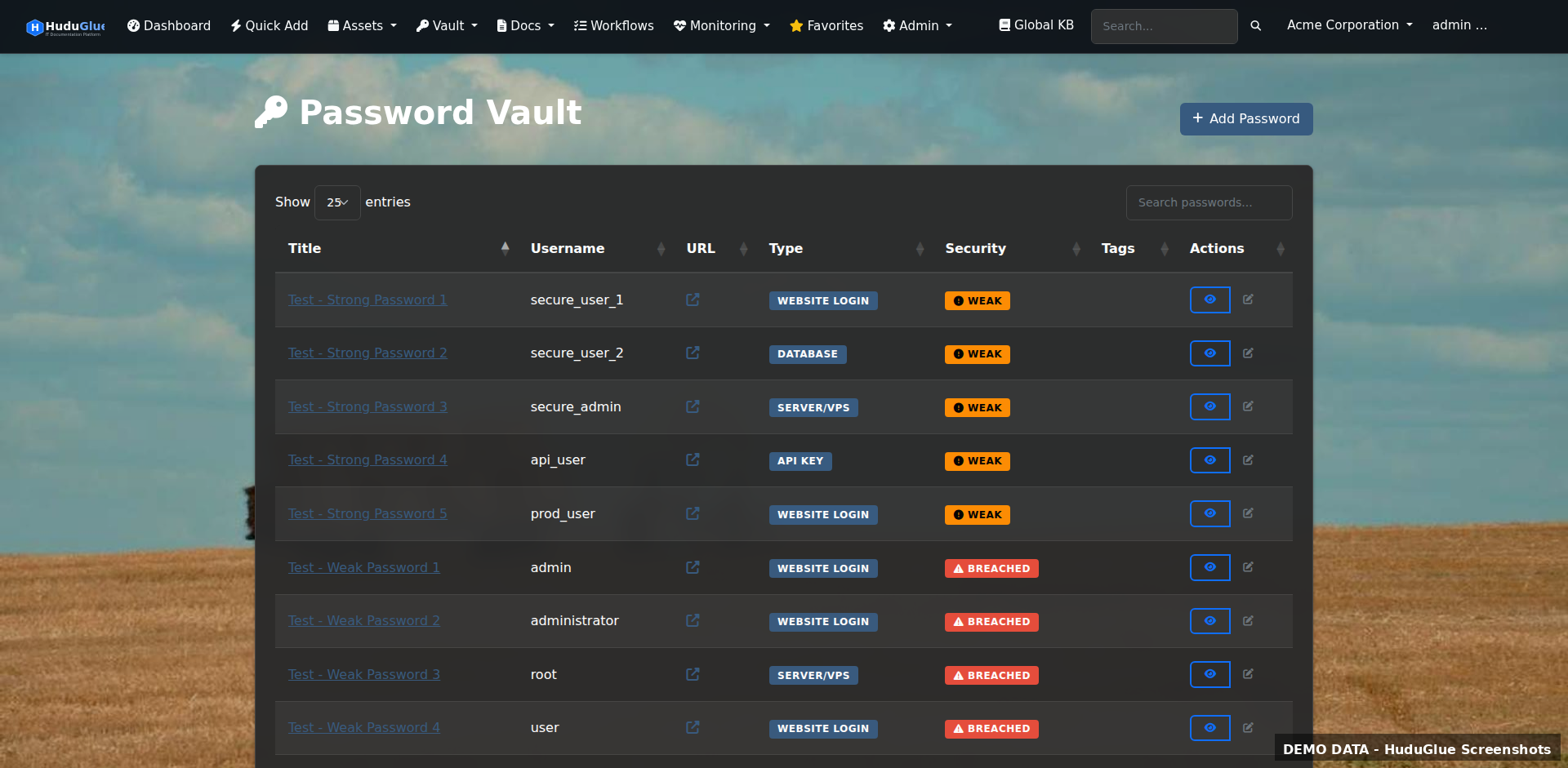
Password Vault
Per-organization encrypted credential store. Each password record has a full access log — who viewed it, when, and from which IP. Supports TOTP codes alongside stored passwords.
Personal vault
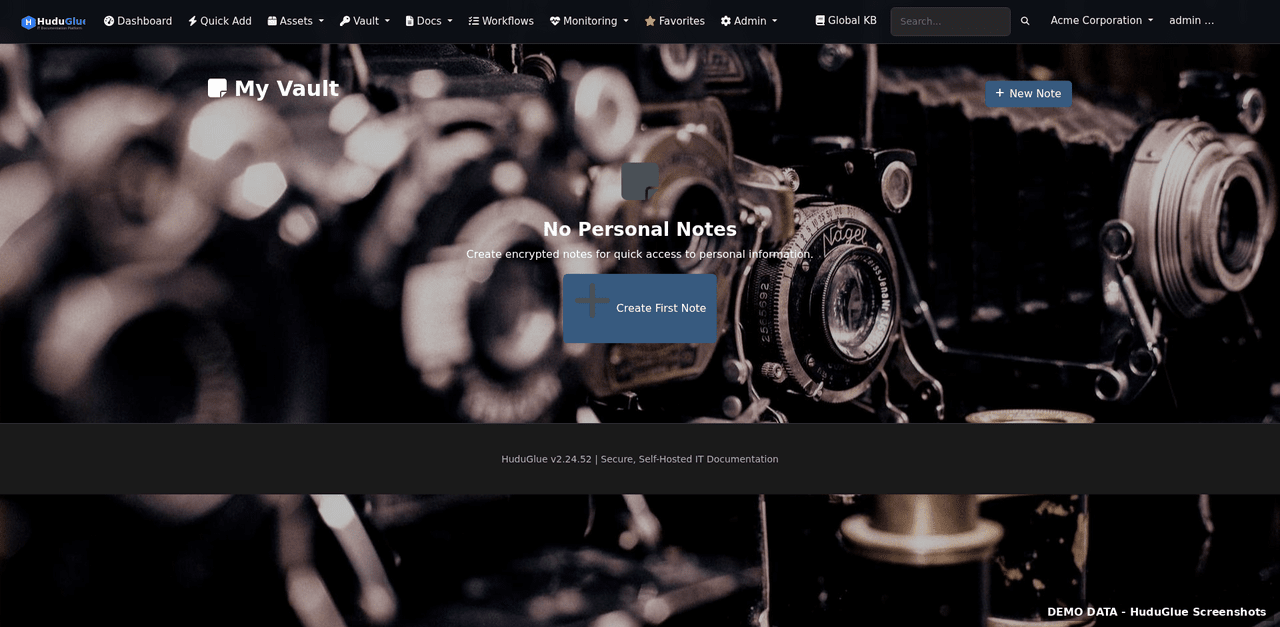
Personal Vault
Private credential store tied to your user account — not visible to other staff. Ideal for personal admin passwords that shouldn't be in a shared org vault.
Secure notes
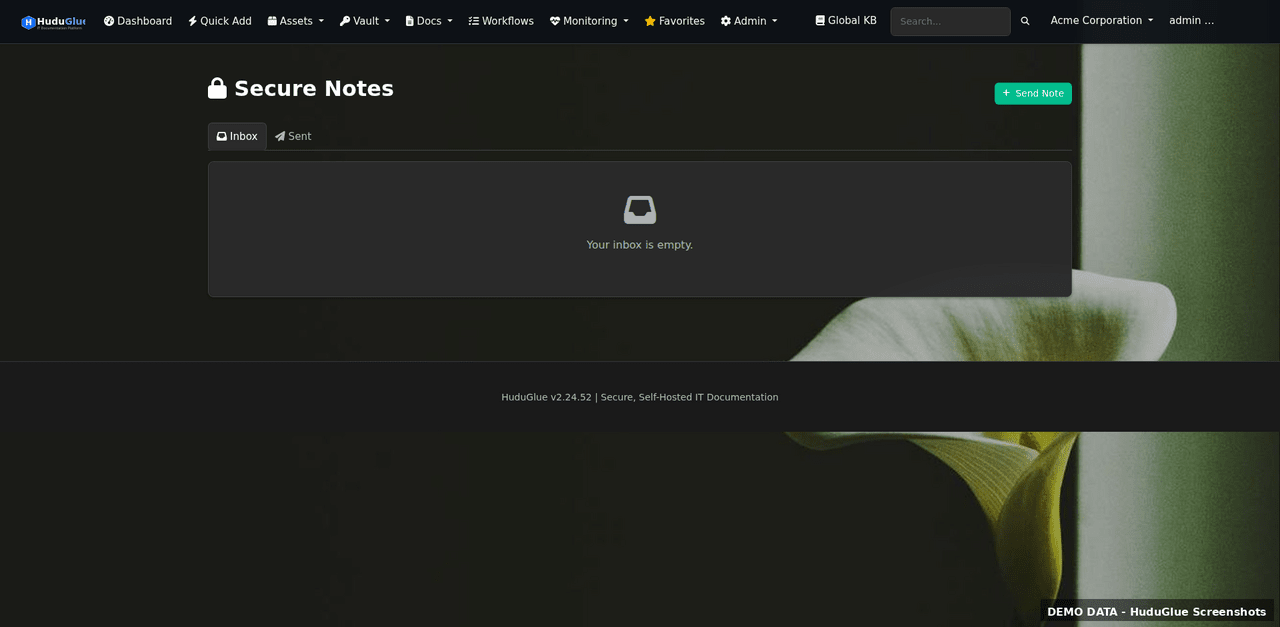
Secure Notes
Encrypted free-text notes for storing sensitive information — network keys, licences, config snippets — with field-level access control and audit logging on every read.
Security dashboard
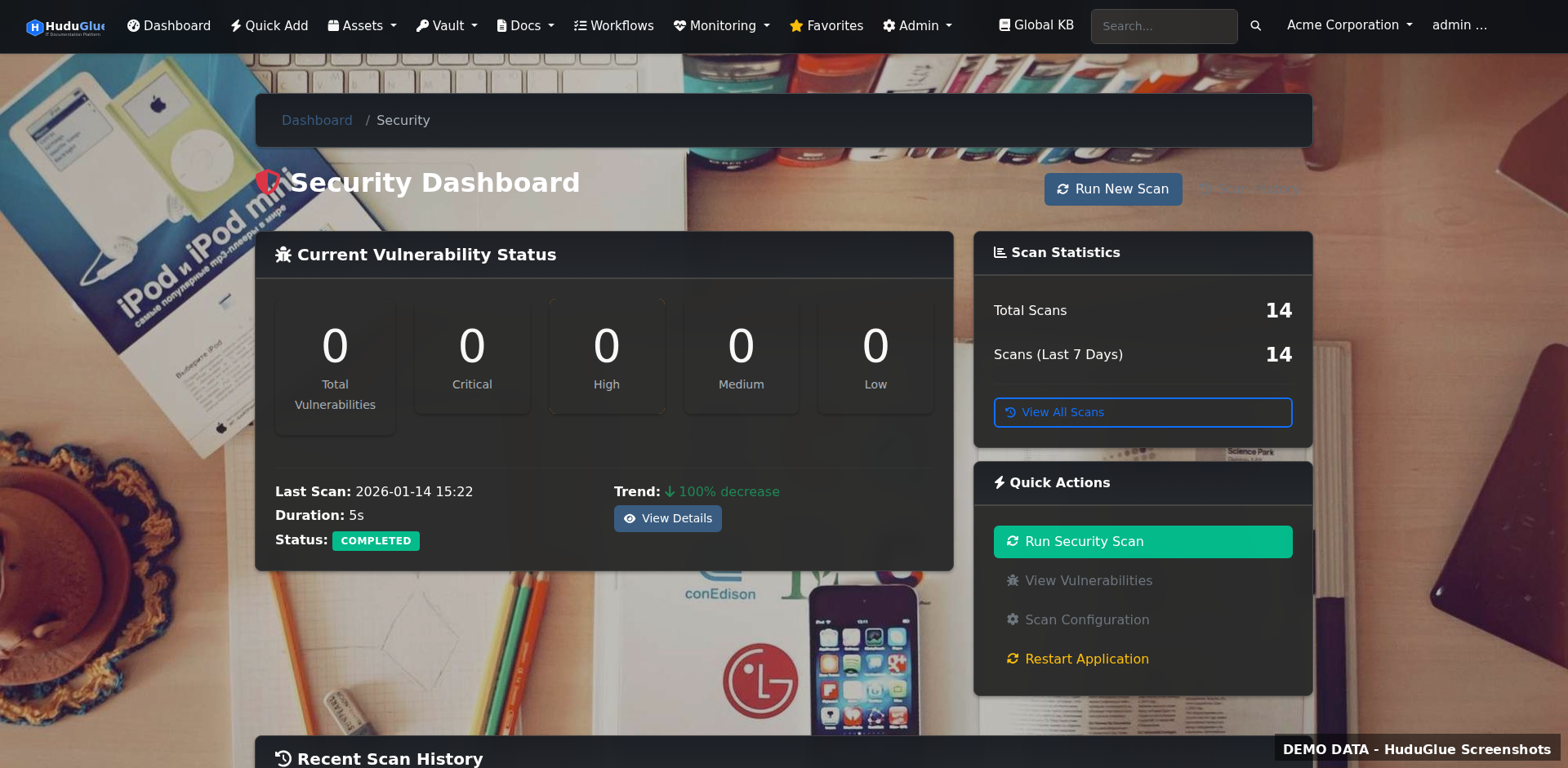
Security Dashboard
Unified security posture view showing open CVEs, failed scans, expiring certs, breached passwords, and uptime incidents across your entire client base.
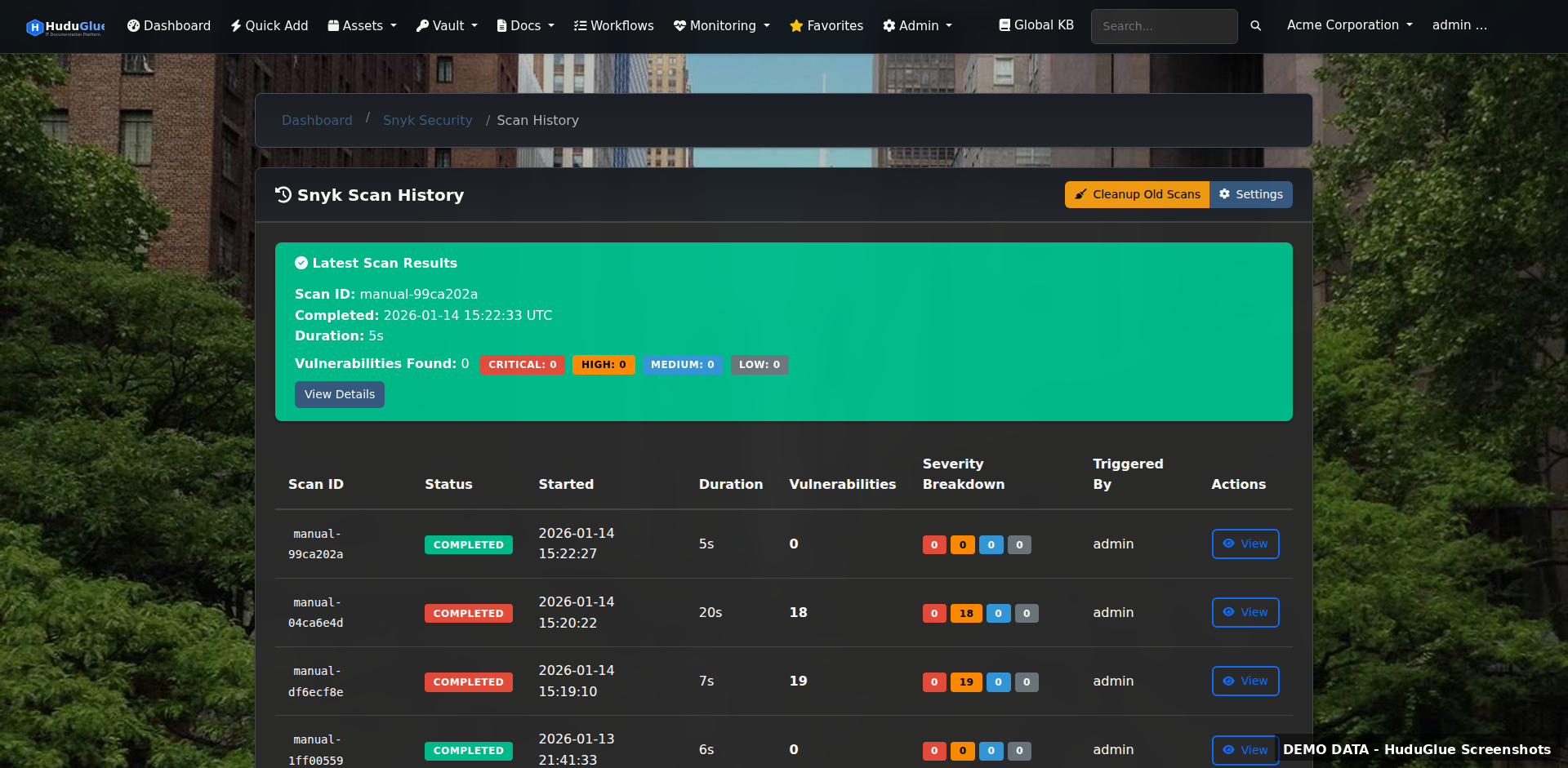
Vulnerability scans
Vulnerability Scans
Snyk-powered dependency and OS package scanning results. CVEs ranked by severity and real-world exploit availability. One-click view of affected packages per client system.
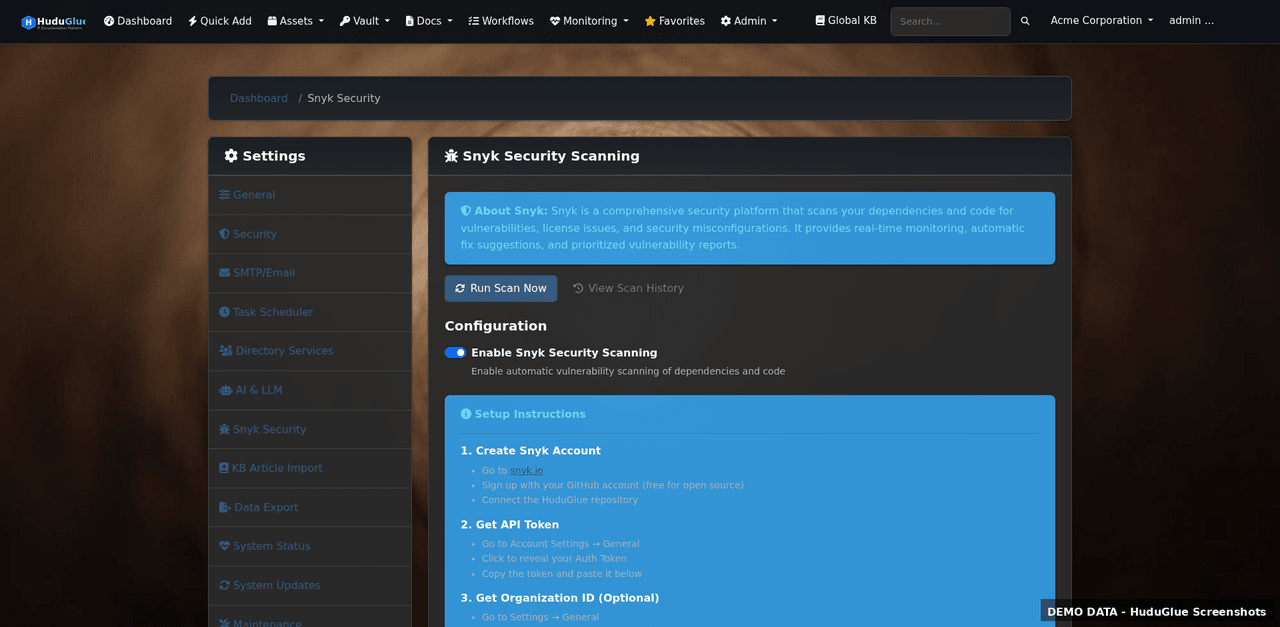
Scan configuration
Scan Configuration
Configure scan schedules, Snyk API keys, and scope per organization. Set exclusions and severity thresholds so alerting focuses on what matters.
Uptime monitoring
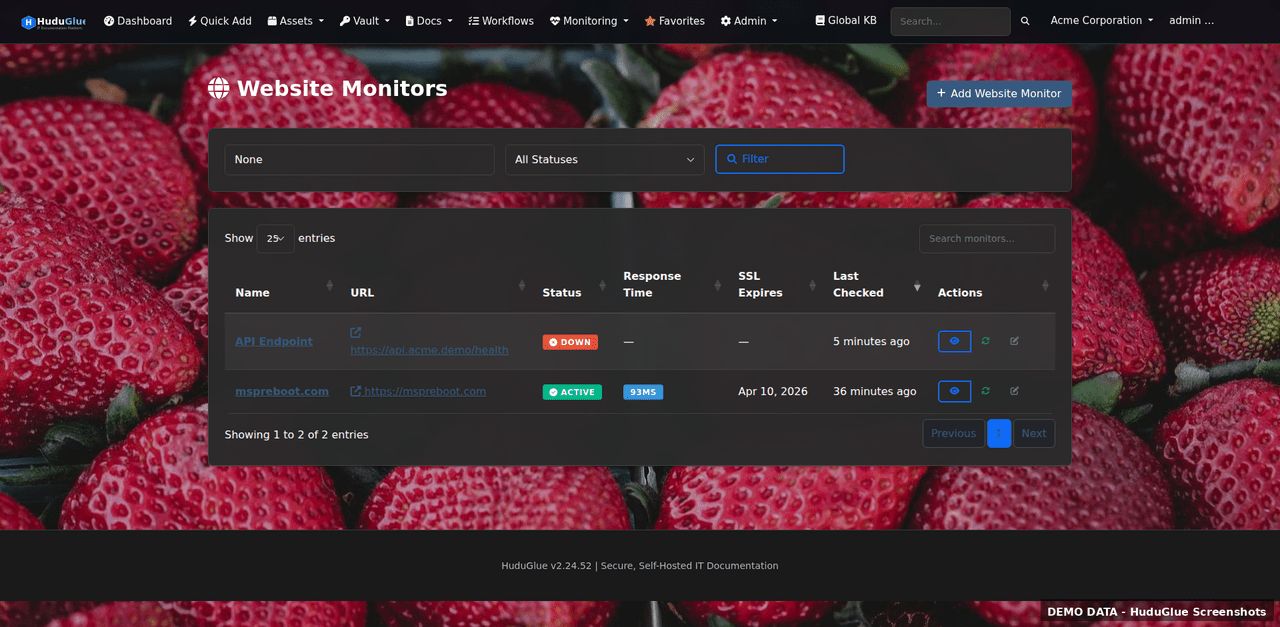
Website Uptime Monitoring
HTTP/HTTPS uptime checks with configurable intervals, response-time tracking, and multi-channel alerting. Track client-facing sites and internal services from the same dashboard.
Expiration tracking
SSL & Domain Expiration Tracking
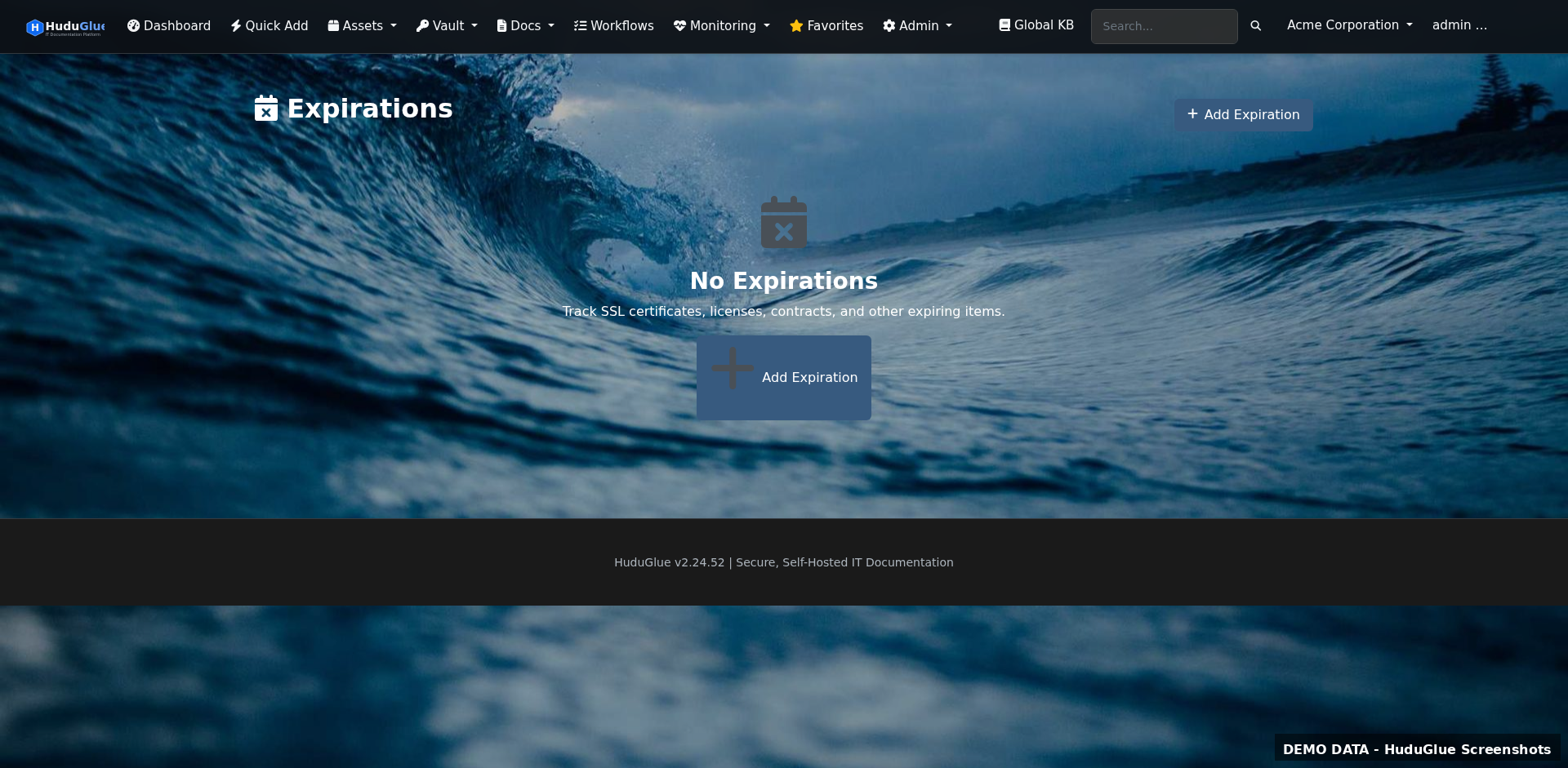
Automated checks against SSL certificates and domain registrations across all clients. Configurable warning thresholds (30 / 60 / 90 days) with email and webhook alerts.

Version-controlled docs. Real diagrams.

A structured knowledge base with version history, Draw.io network diagrams, MagicPlan floor plan imports, and workflow automation — all organized by client.

Knowledge base
Knowledge Base
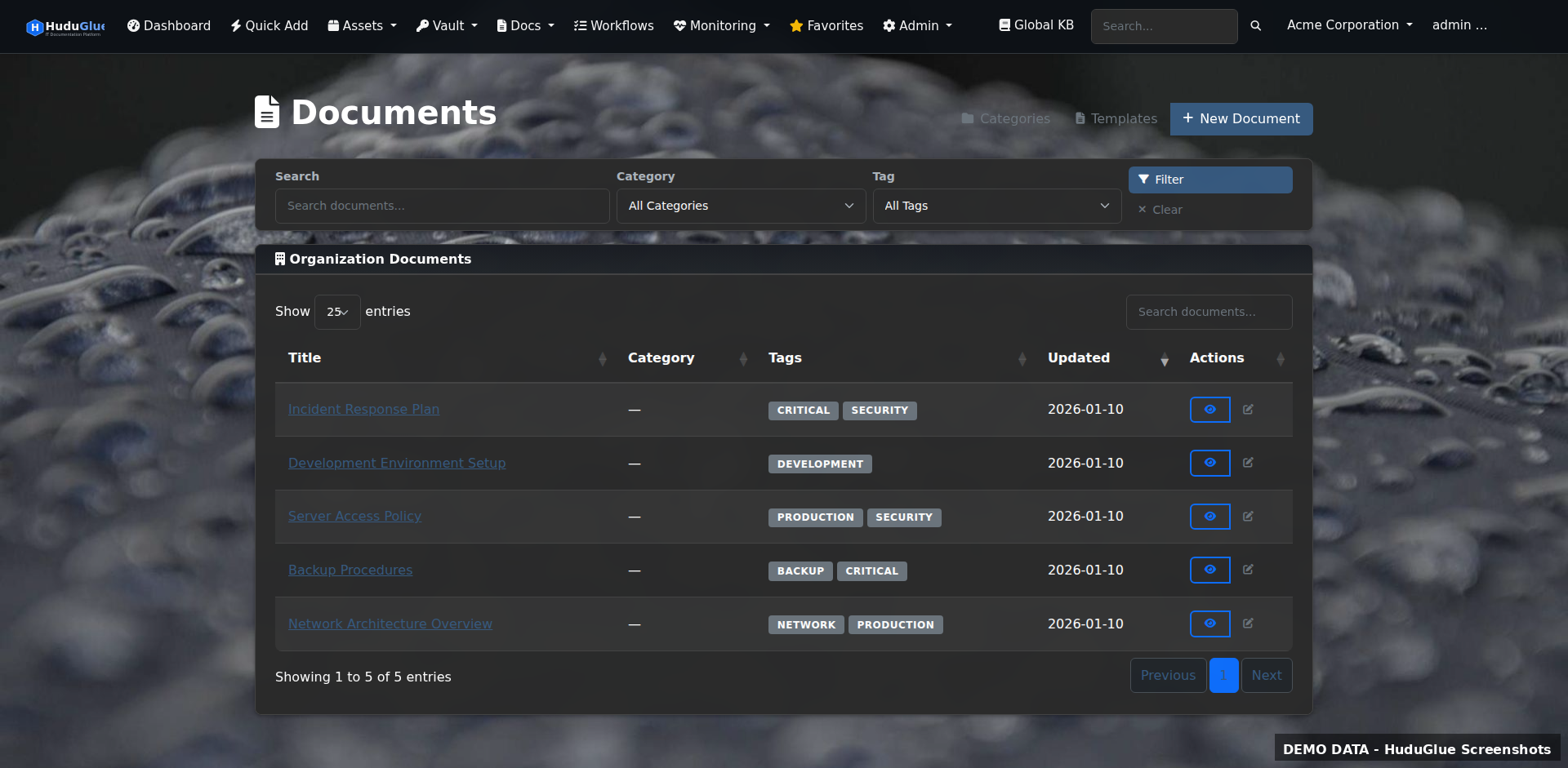
Hierarchical KB with categories, tags, and full version history. Technicians can lock articles during editing, compare revisions, and restore previous versions. Templates speed up common runbook creation.
Draw.io diagrams
Network Diagrams (Draw.io)
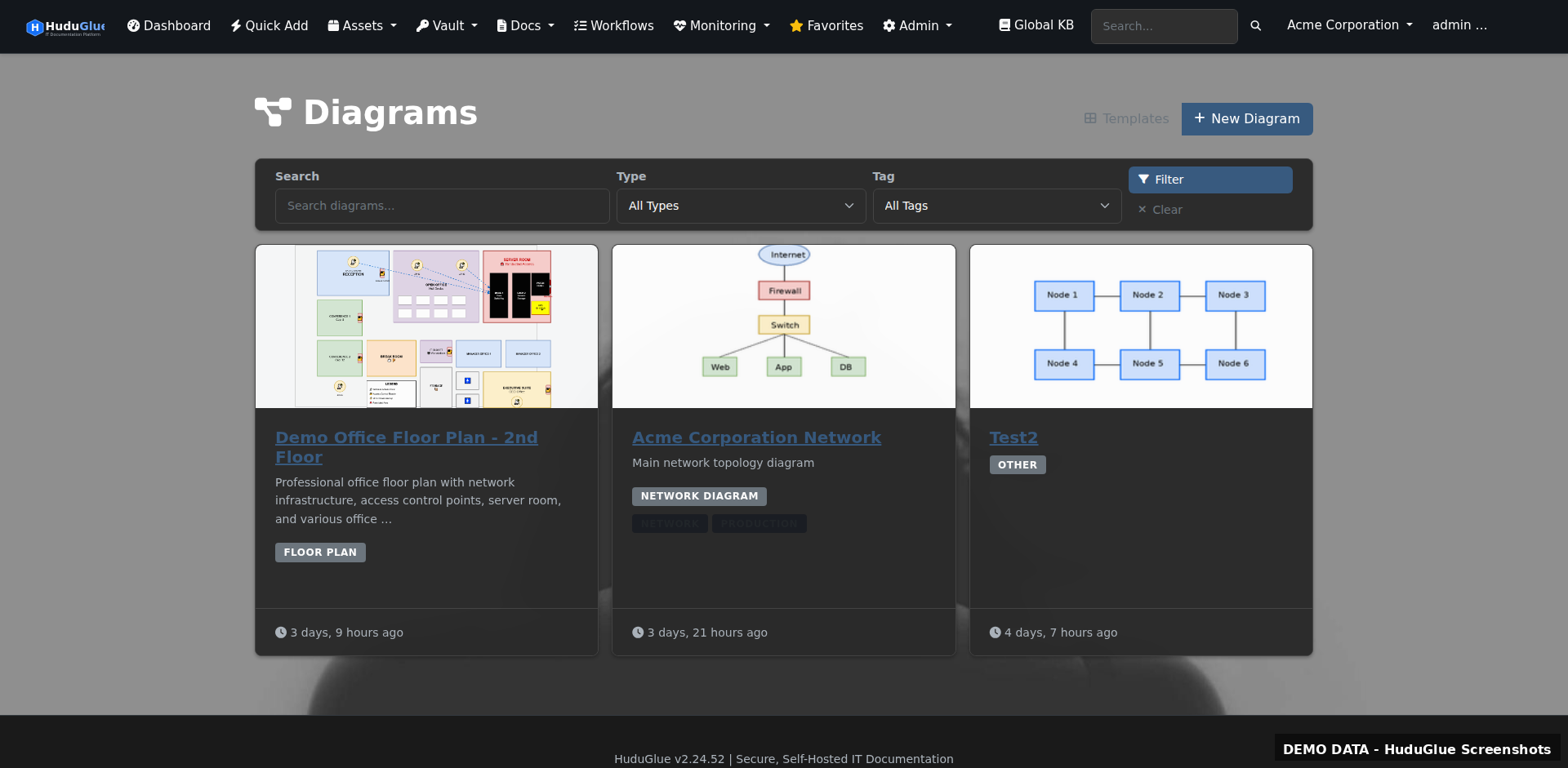
Embedded Draw.io editor — create and store network diagrams directly against client records without exporting to external tools. Diagrams are version-controlled alongside KB articles.
Floor plan import
Floor Plans (MagicPlan Import)
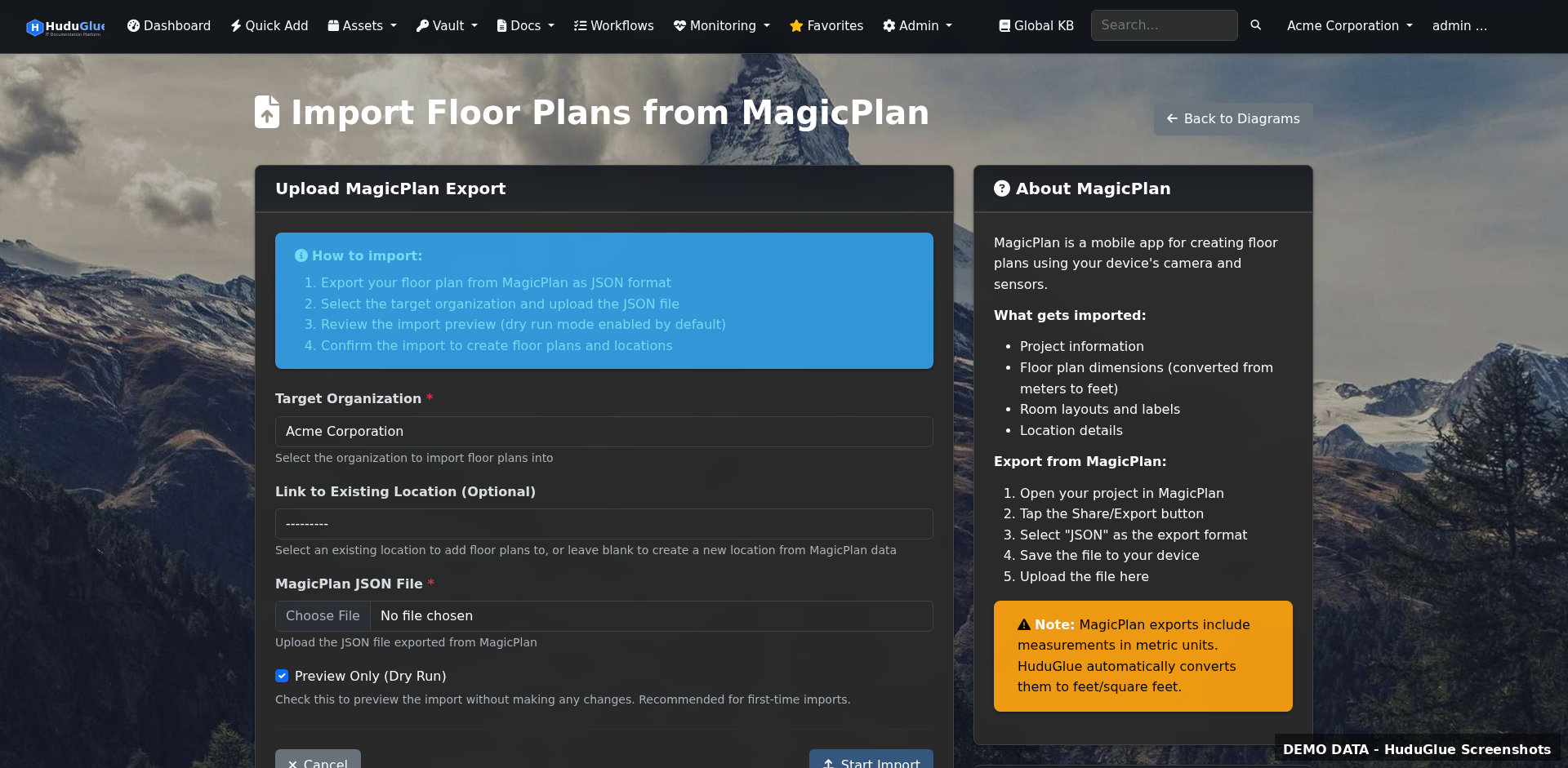
Import floor plans from MagicPlan and annotate them with network equipment, cable runs, and access points. Useful for on-site technicians who need a spatial reference.
Workflows
Workflow Automation
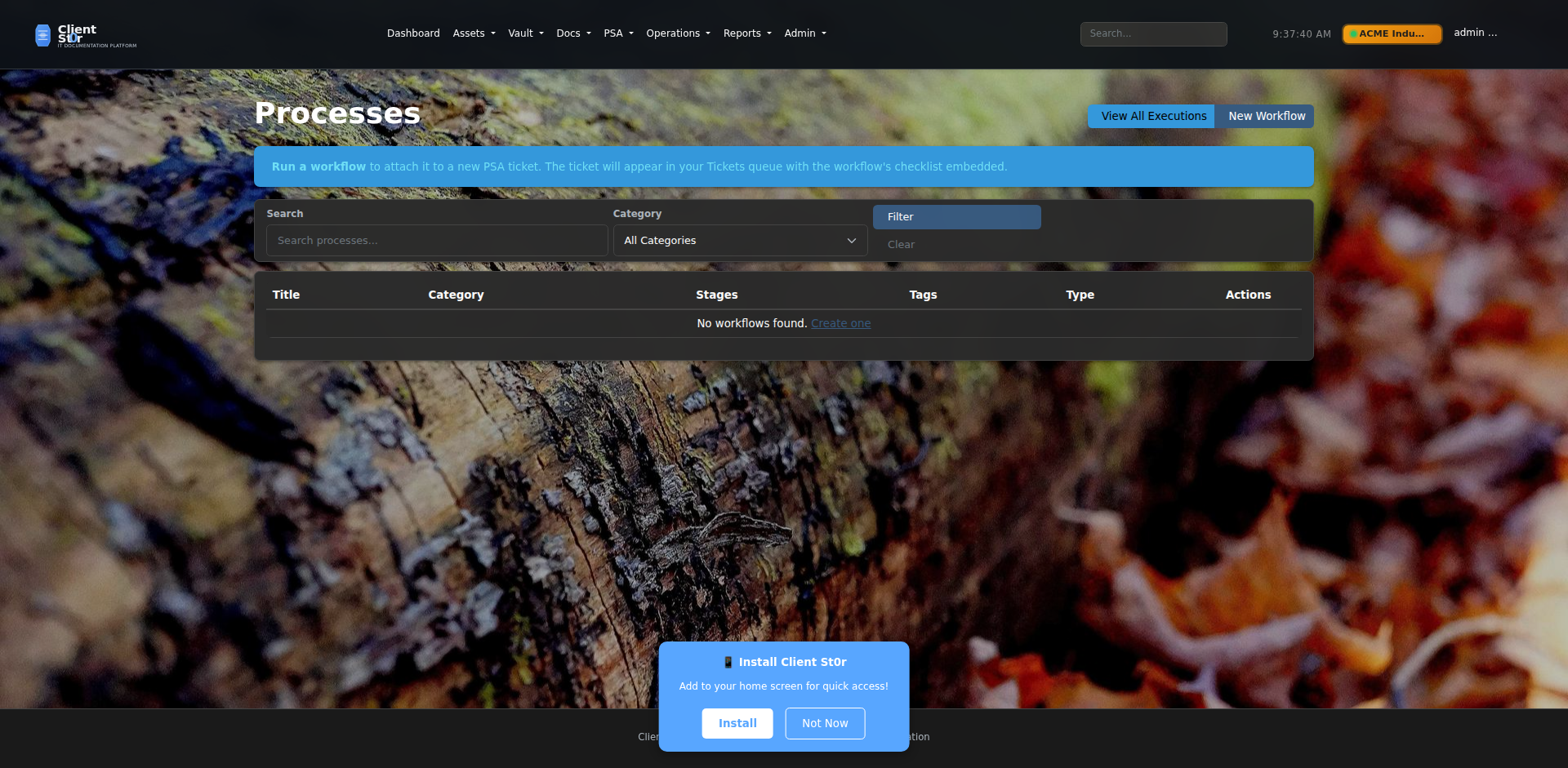
Document repeatable processes as structured workflows with ordered steps, assignees, and checkboxes. Link workflows to ticket types so the right checklist appears automatically.
Processes
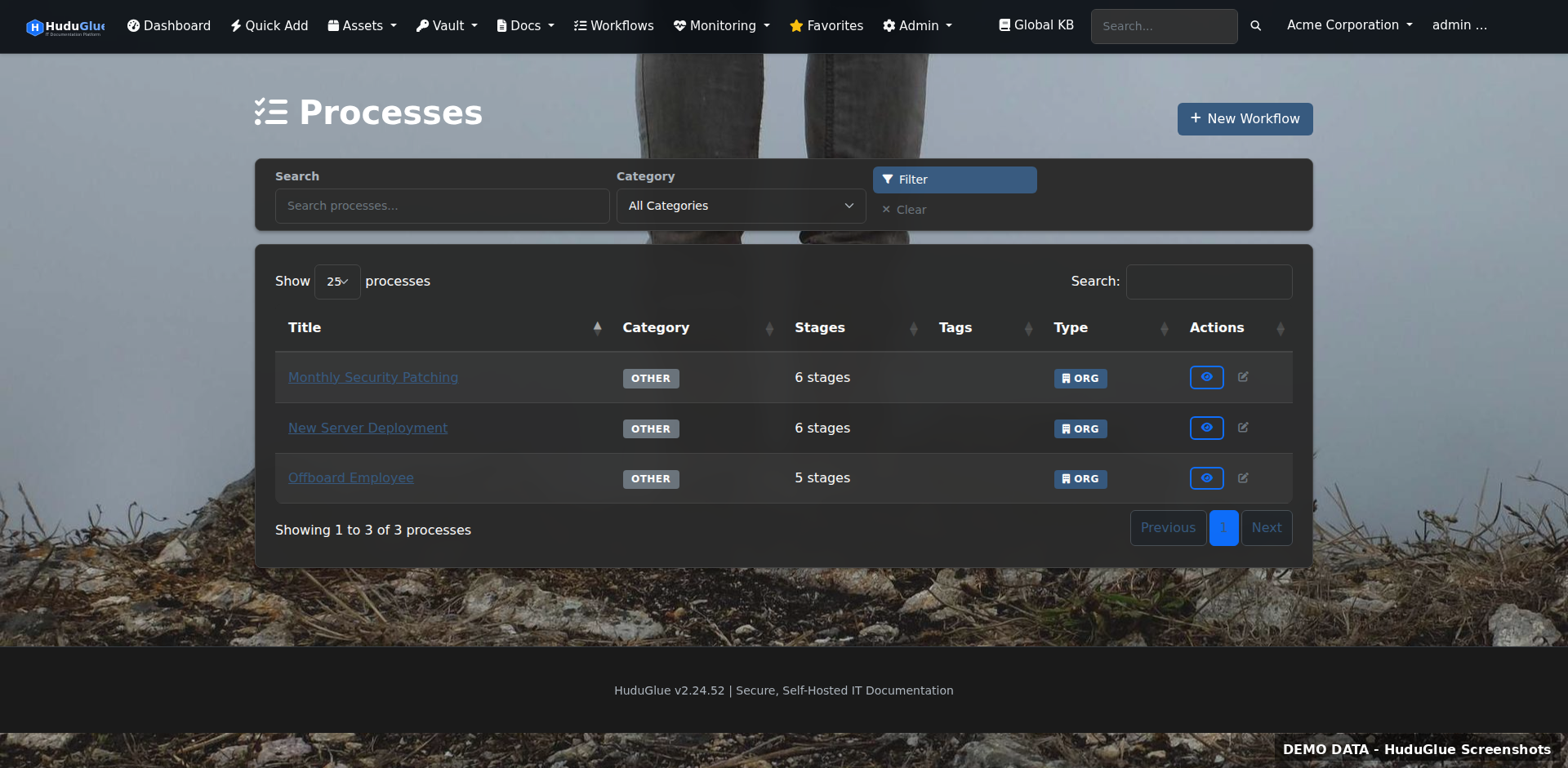
Processes
Multi-step process templates for onboarding, offboarding, and change management. Each step can require sign-off before the next is unlocked, enforcing procedure compliance.
Global knowledge base
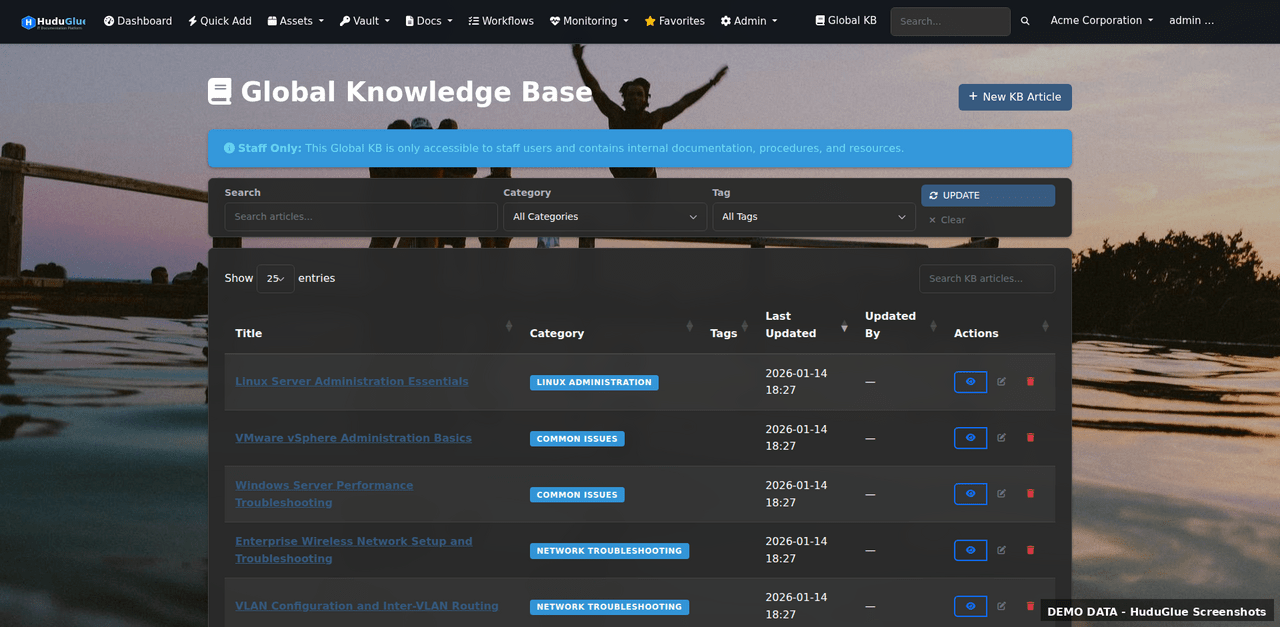
Global Knowledge Base
Shared KB articles visible across all organizations — useful for internal runbooks, vendor information, and standard operating procedures that apply to every client.

Every van. Every receipt. Every mile.

Complete service vehicle management with maintenance tracking, AI-powered receipt scanning, per-vehicle inventory, and damage reporting — all on mobile.

Fleet dashboard
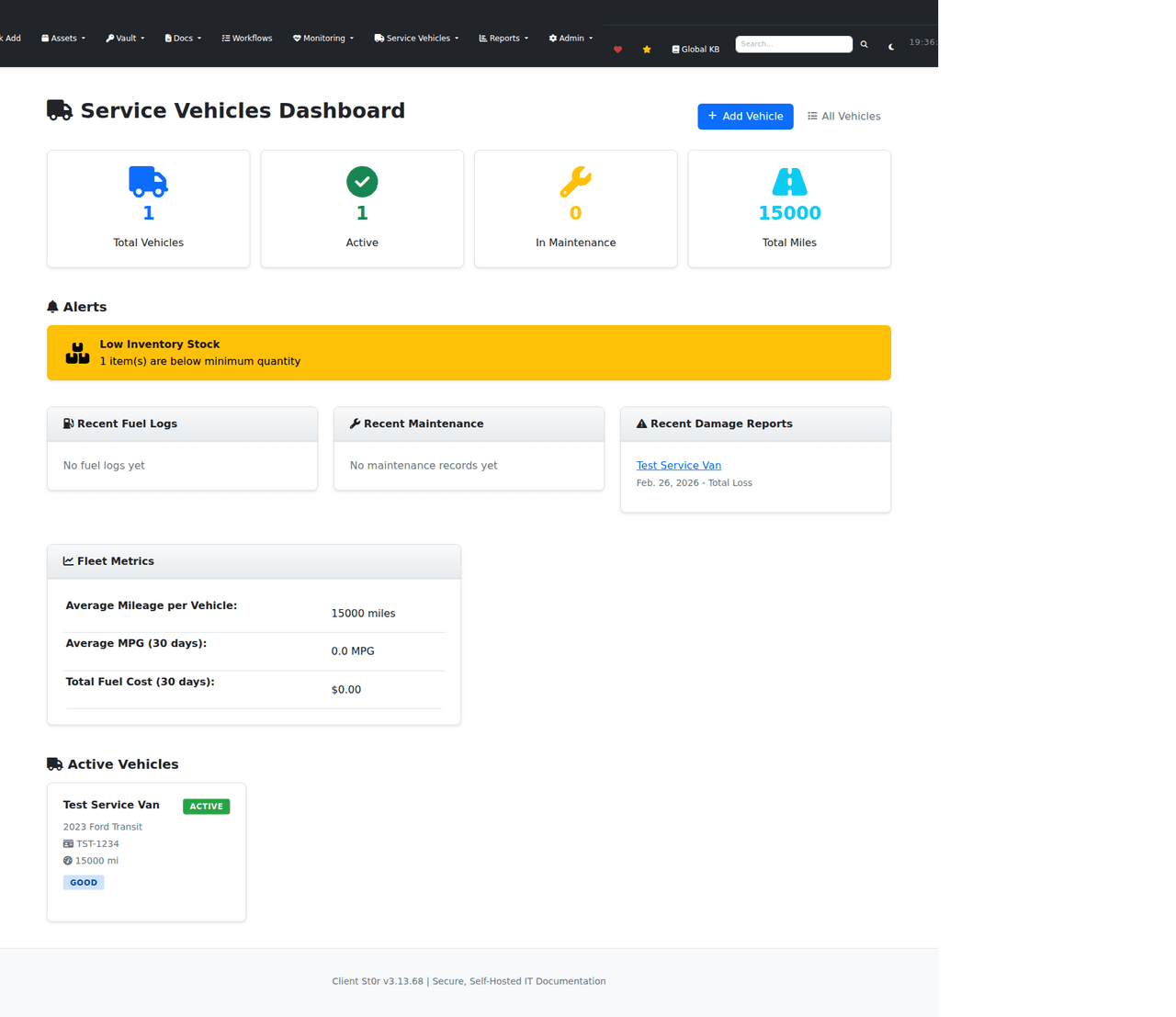
Fleet Dashboard
Overview of your entire vehicle fleet — current mileage, upcoming maintenance, fuel efficiency by vehicle, and outstanding damage reports. Spot which vans need attention before a breakdown happens.
Vehicle list
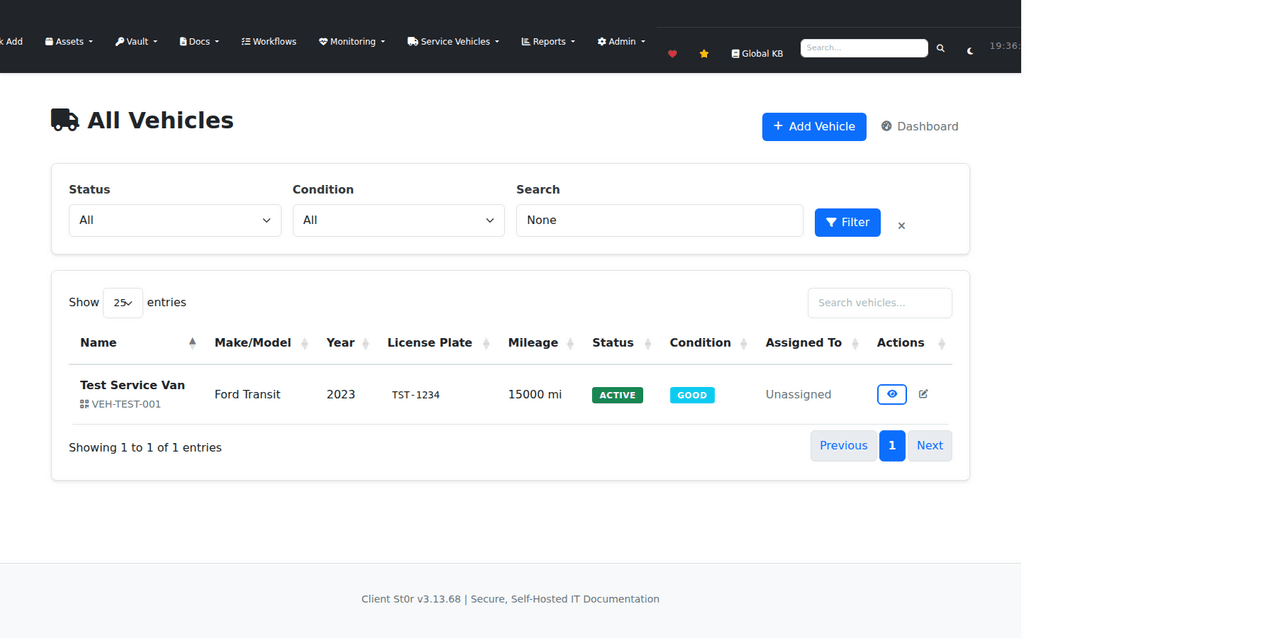
Vehicle List
Full vehicle inventory with make, model, year, registration, assigned technician, and current status. Filter by maintenance due date or technician to plan work orders.
Vehicle receipts
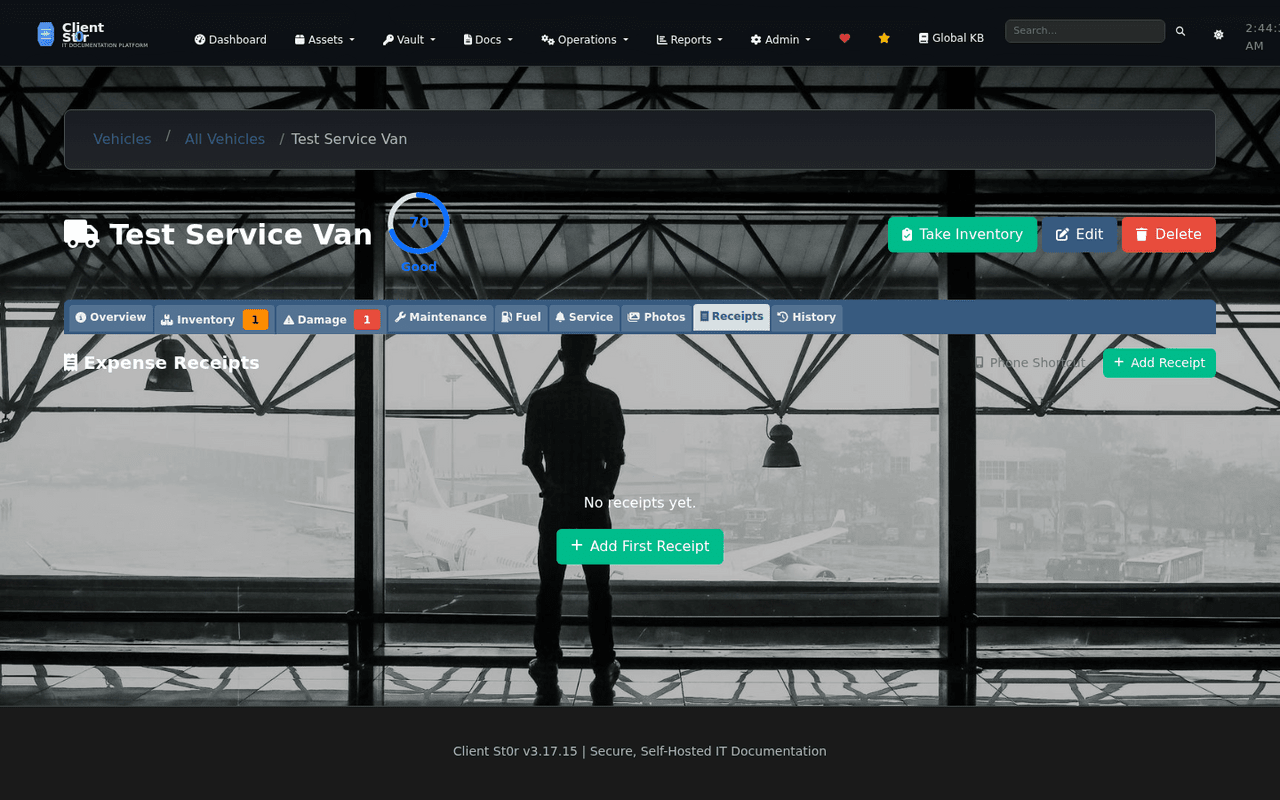
Receipt Log
All vehicle-related receipts in one place — fuel, maintenance, parts, and tolls. Scanned via mobile camera and categorised automatically by AI before the technician even gets back to the office.
AI receipt scanning
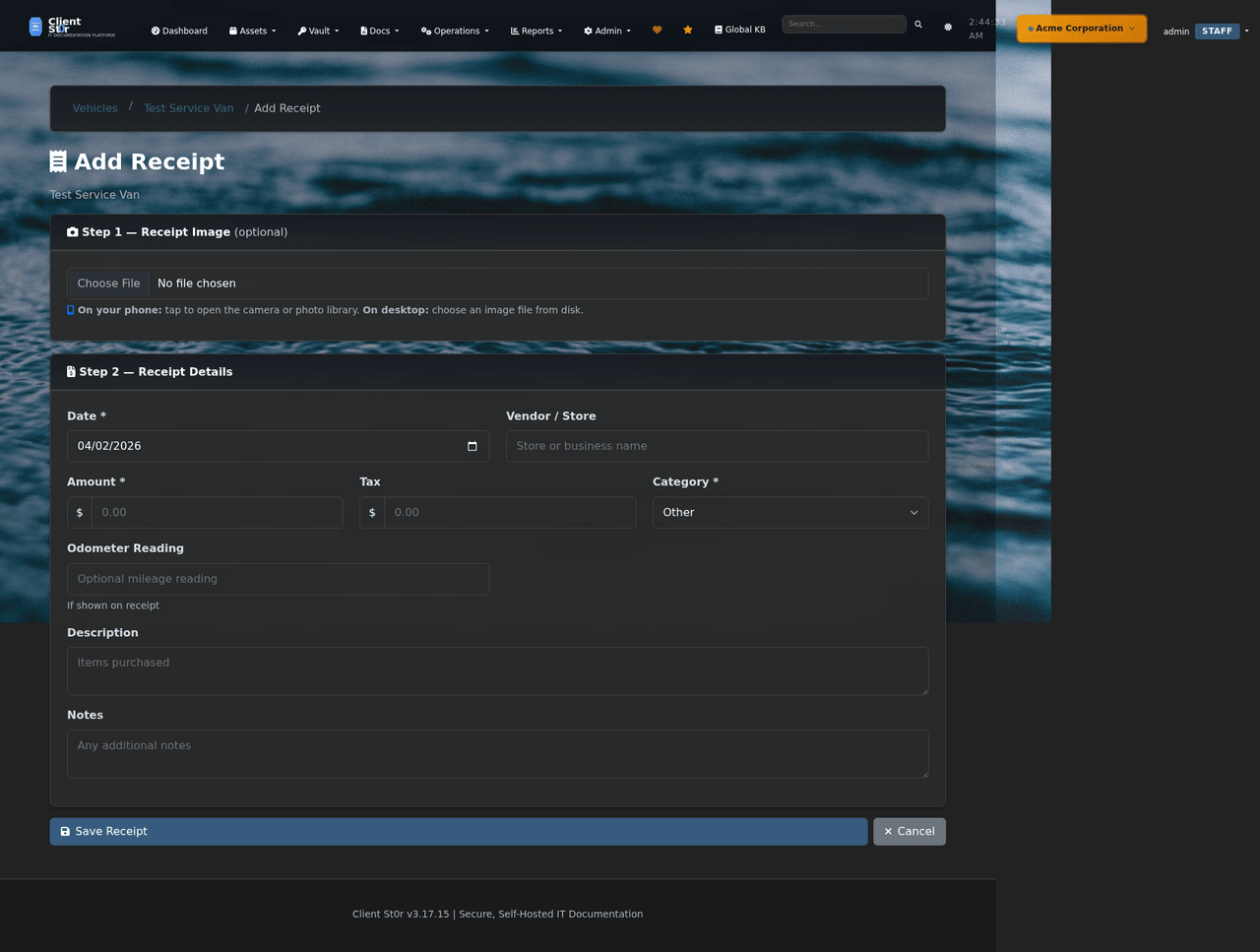
AI Receipt Scanning
Point your phone camera at a receipt — Claude vision API extracts vendor, date, amount, tax, and category automatically. Review and save in under 10 seconds. No manual data entry required.
Vehicle inventory
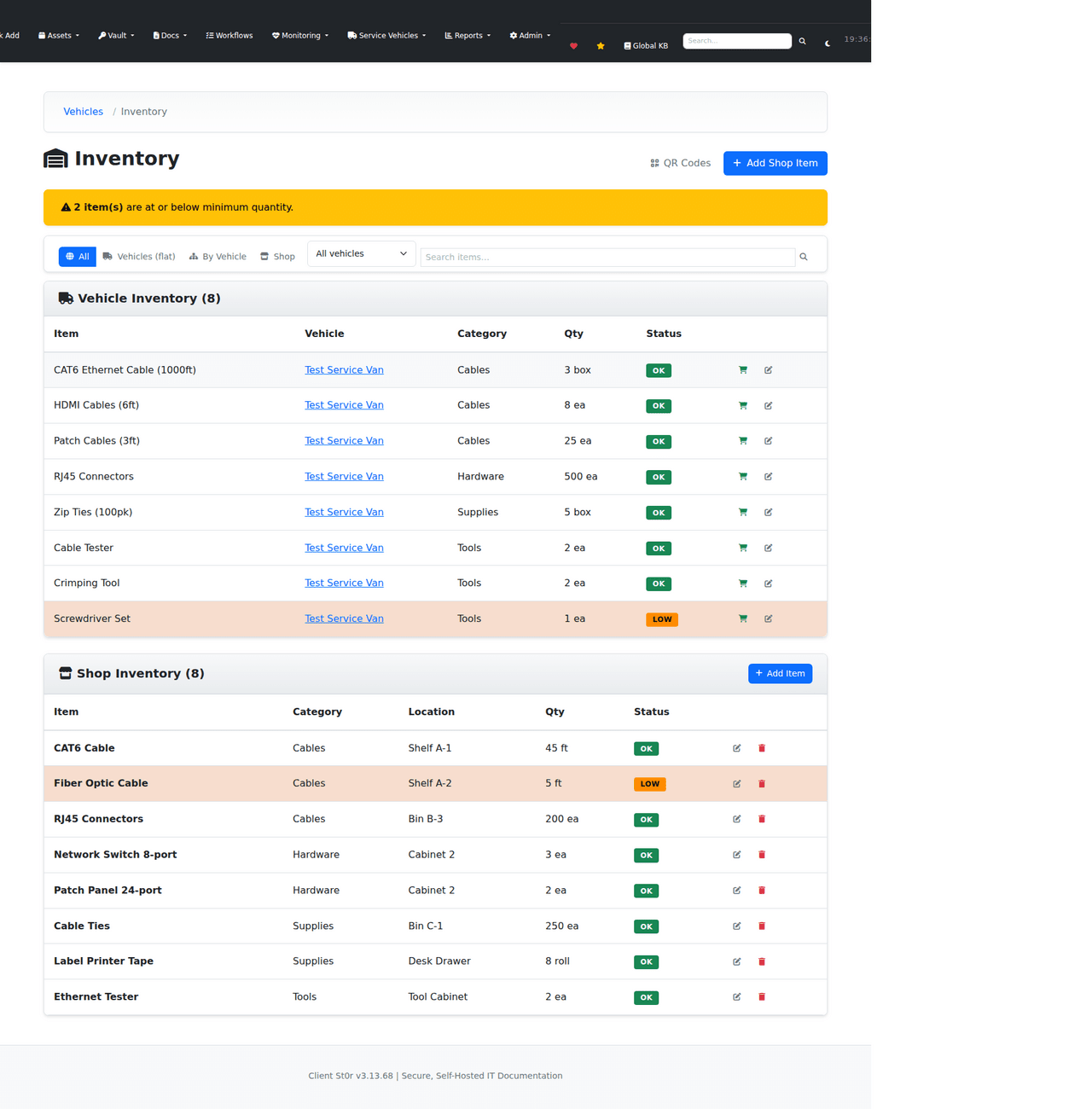
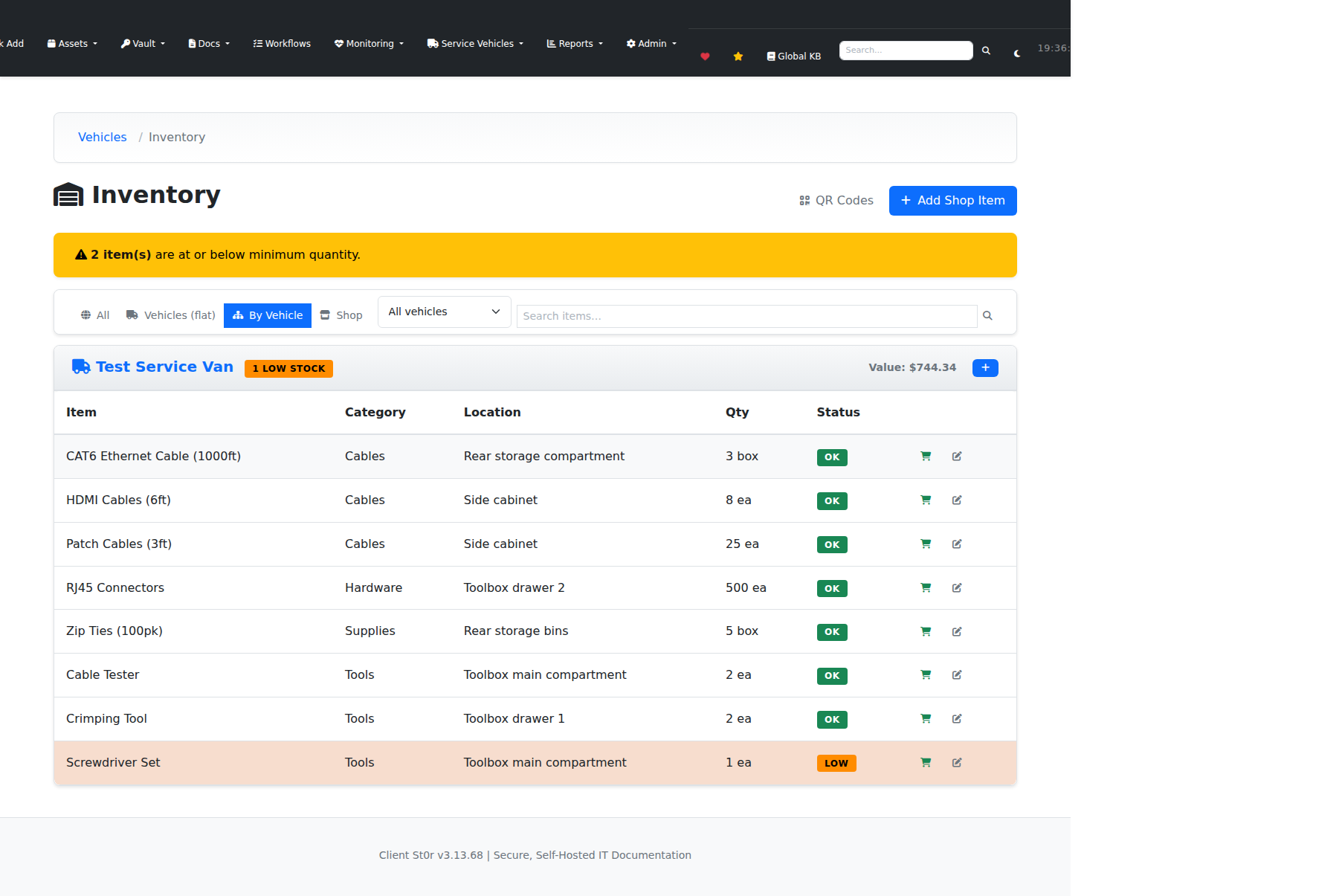
Vehicle Inventory
Track parts and consumables stored in each vehicle. Set minimum stock levels and receive alerts when inventory drops below threshold — so techs are never caught without the right part on site.
Inventory by vehicle
Inventory by Vehicle
Per-vehicle inventory breakdown showing exactly what each van is carrying. Useful for technician handoffs and end-of-day stock reconciliation.
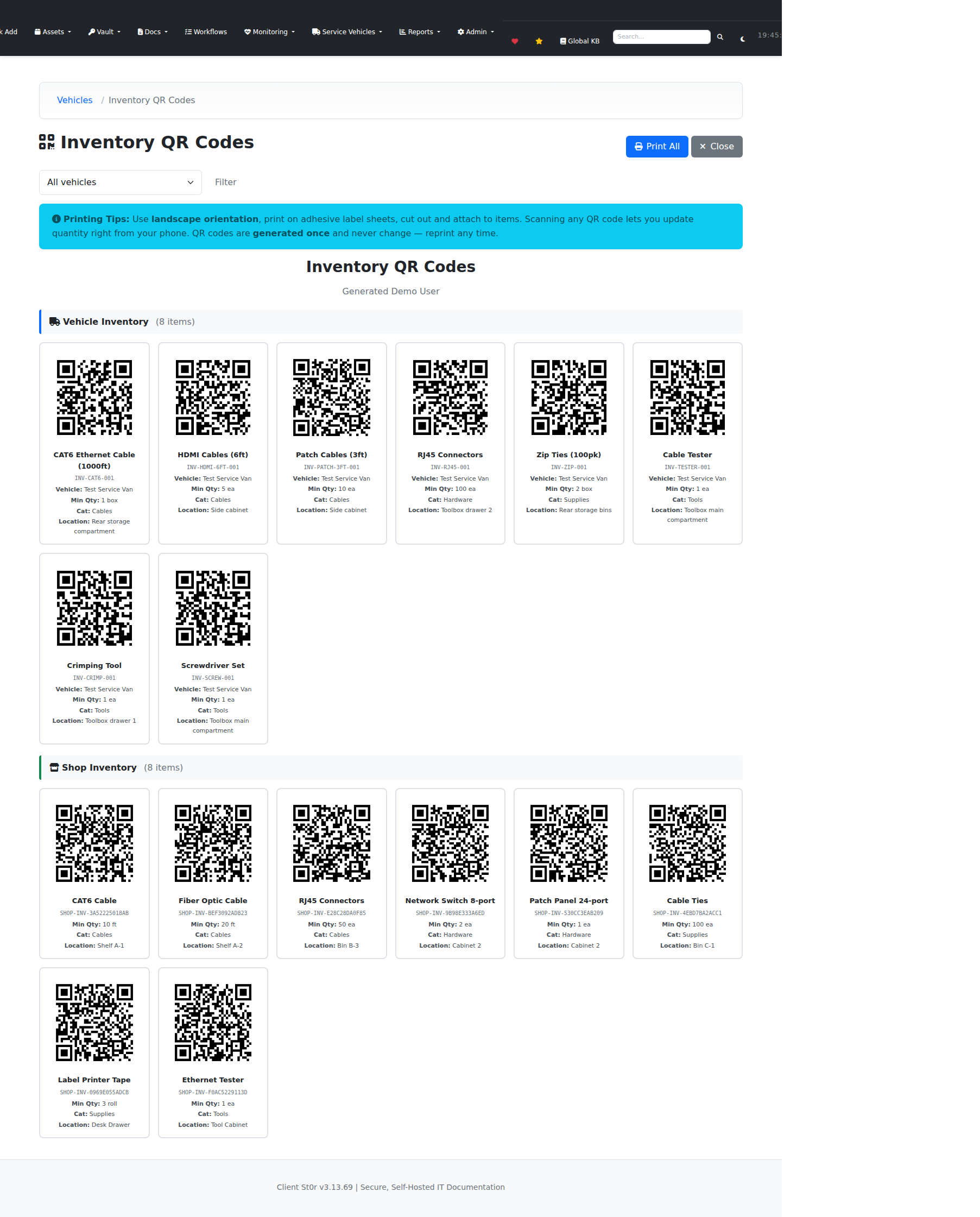
QR code labels
QR Code Labels
Generate printable QR code labels for any inventory item. Scan with a phone to pull up the item record, log usage, or add a restock request from the field.

Multi-org, RBAC, and one-click updates.
42 permission levels, Azure AD / LDAP SSO, feature toggles per organization, web-based updates in 20 seconds, and integrations with every major PSA, RMM, and accounting platform.

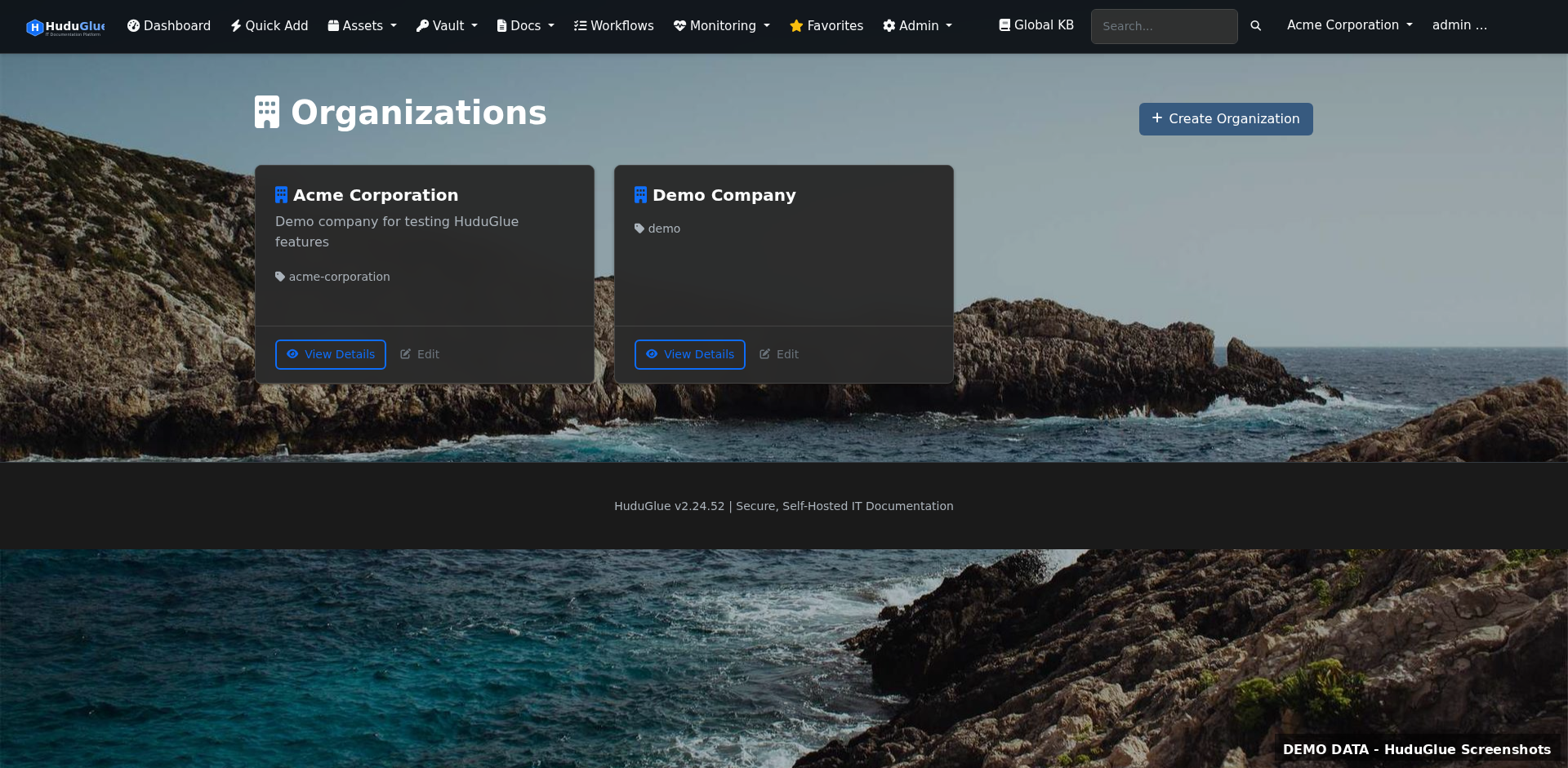
Organizations
Organizations
Top-level client management. Each organization gets fully isolated data — separate vault, assets, KB, tickets, and billing. Staff see only the orgs they have permission to access.
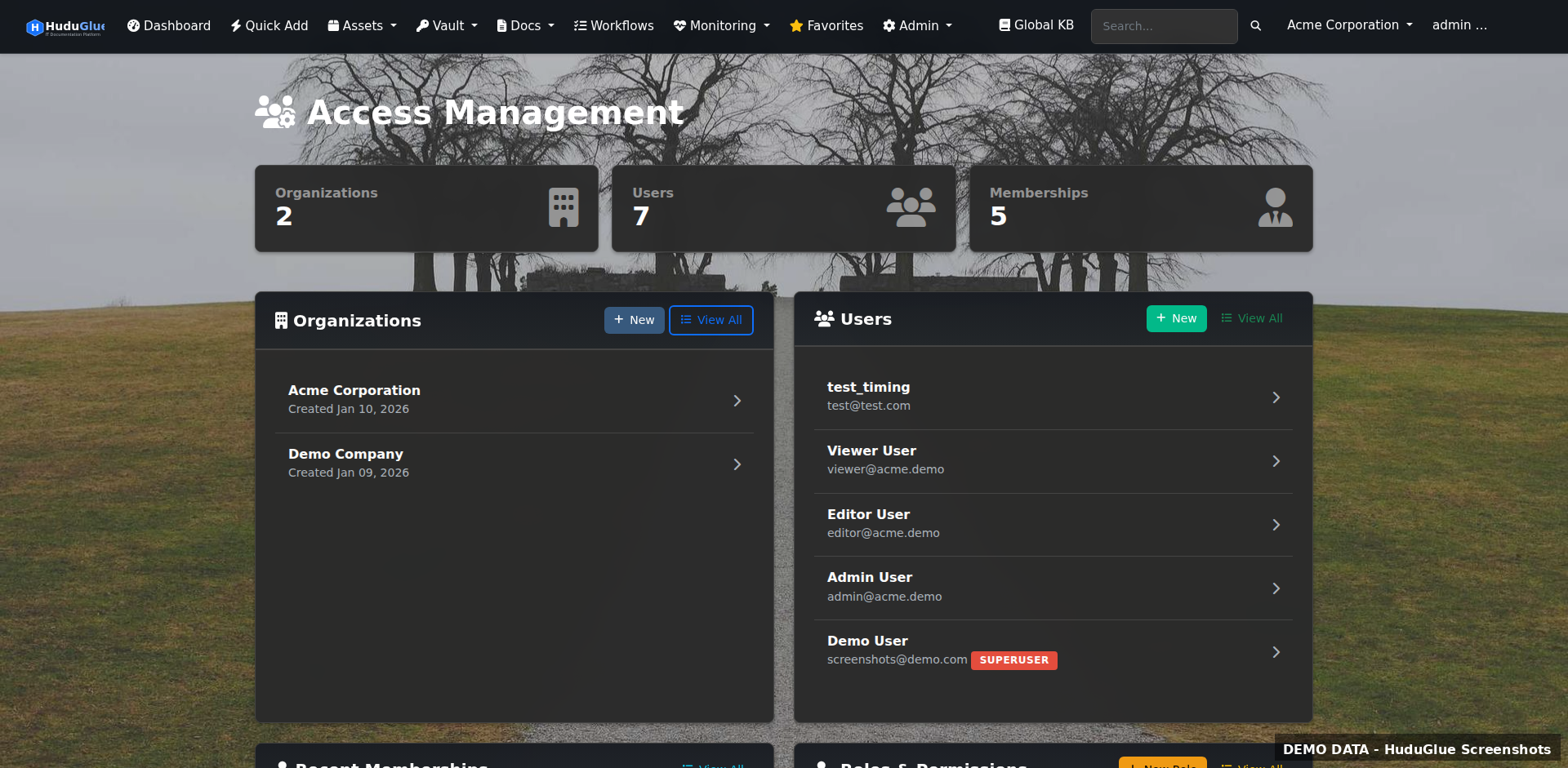
Access management
Access Management
42 granular permission levels controlling read, write, delete, and export access per module per organization. Build custom roles and assign staff with org-level scope overrides.
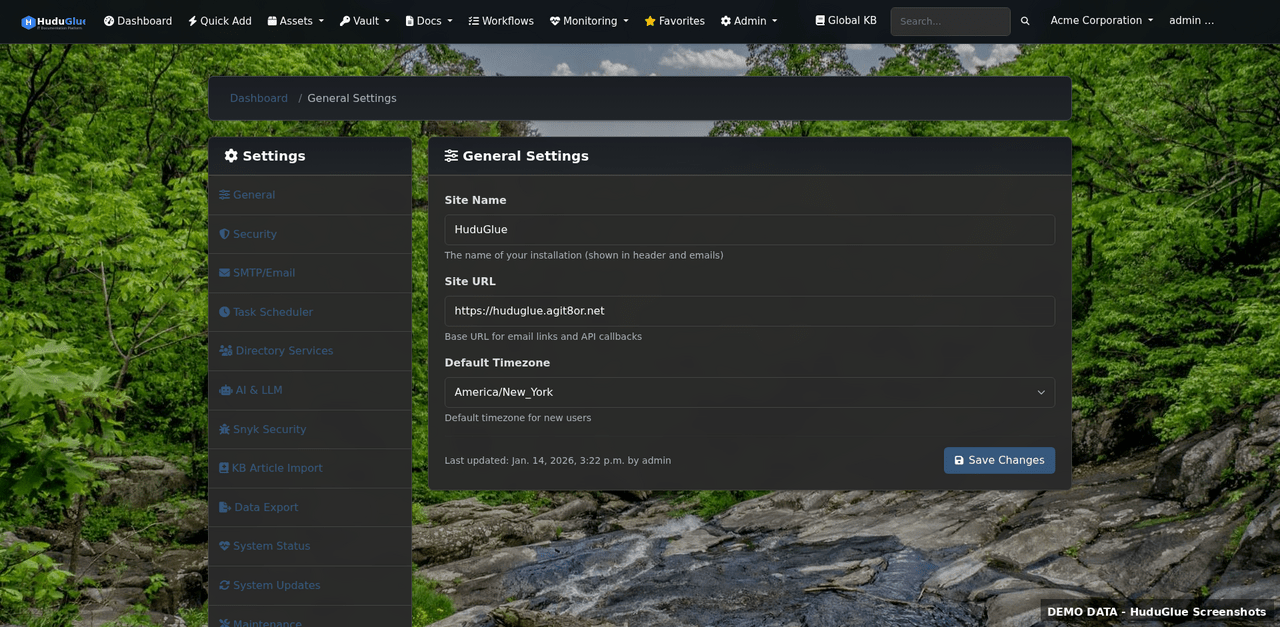
Settings
General Settings
Global instance configuration — company branding, email delivery, SMTP, 2FA enforcement policy, session timeout, and feature toggles for each module across the platform.
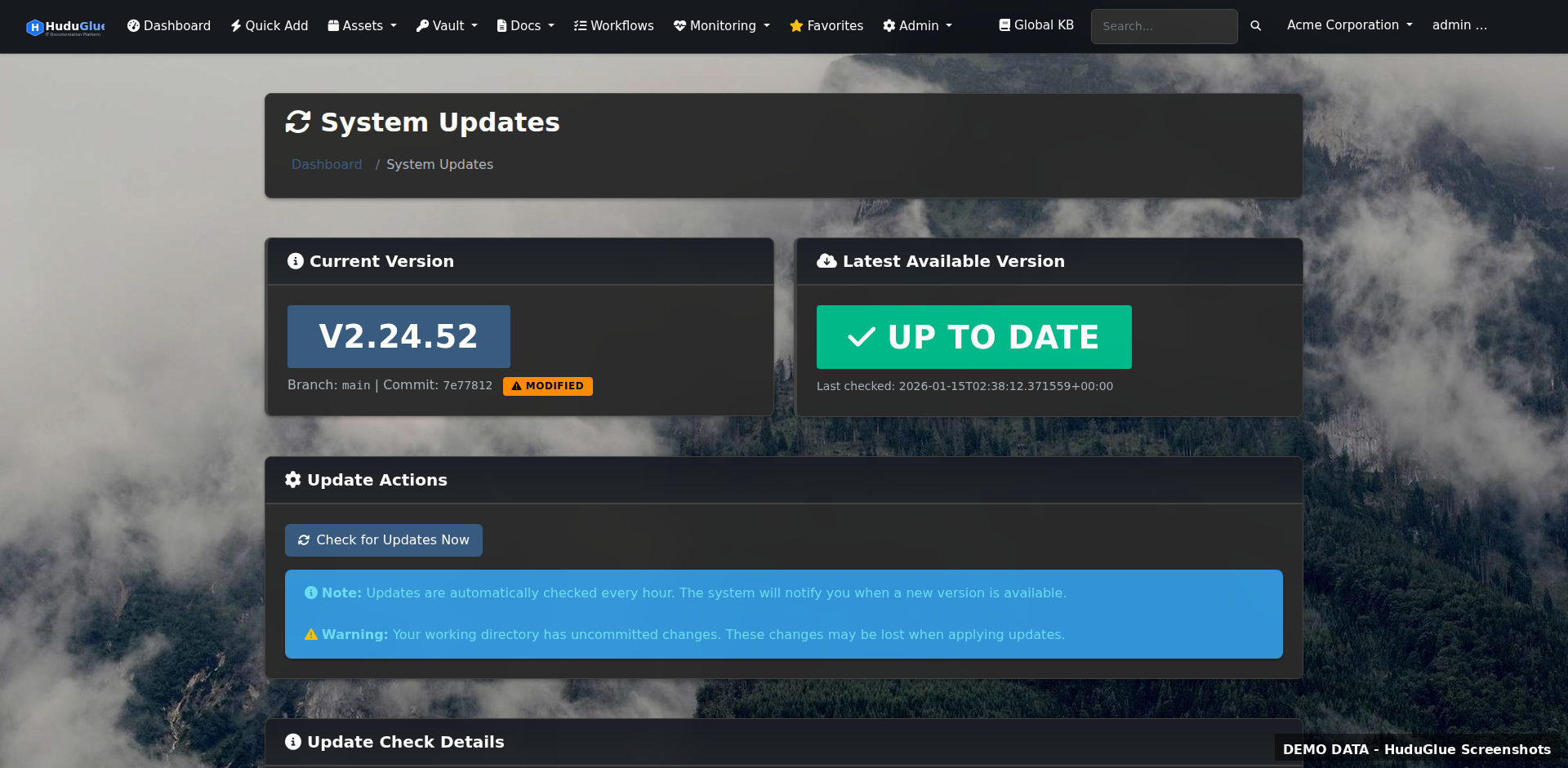
System updates
One-Click Web Updates
Update ClientSt0r directly from the browser — no SSH, no manual git pull. The update process takes 20–30 seconds, applies migrations, and restarts services automatically.
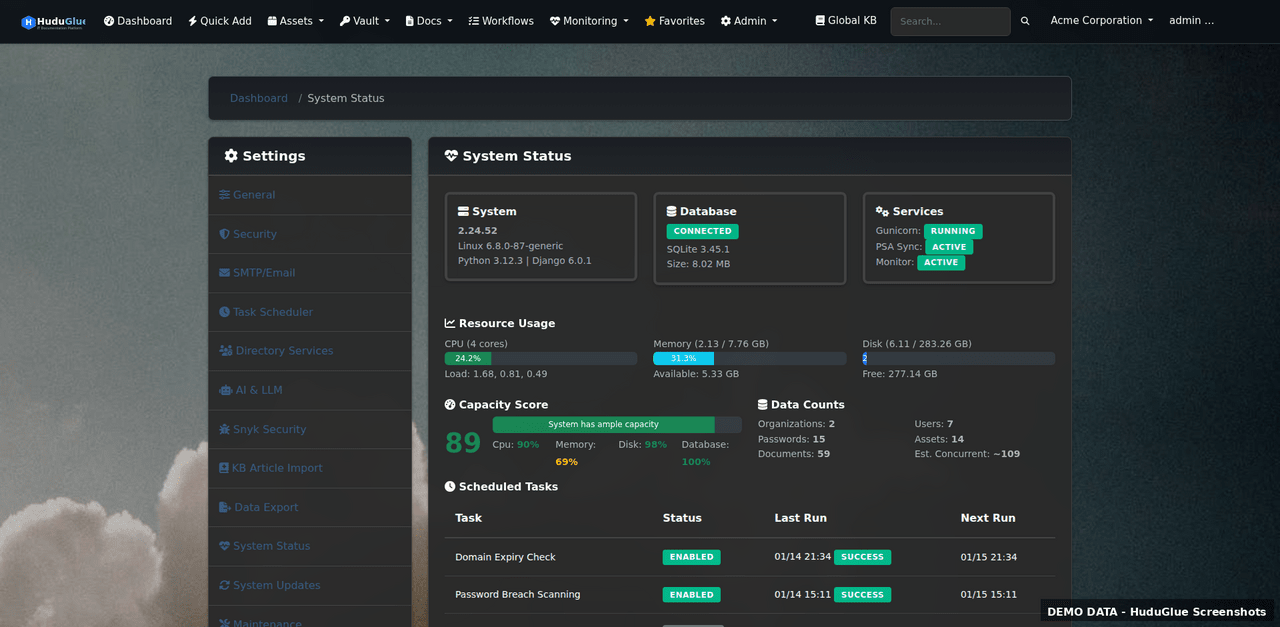
System status
System Status
Internal health dashboard showing database connectivity, background task queue depth, disk usage, cache hit rate, and service worker status.
Integrations
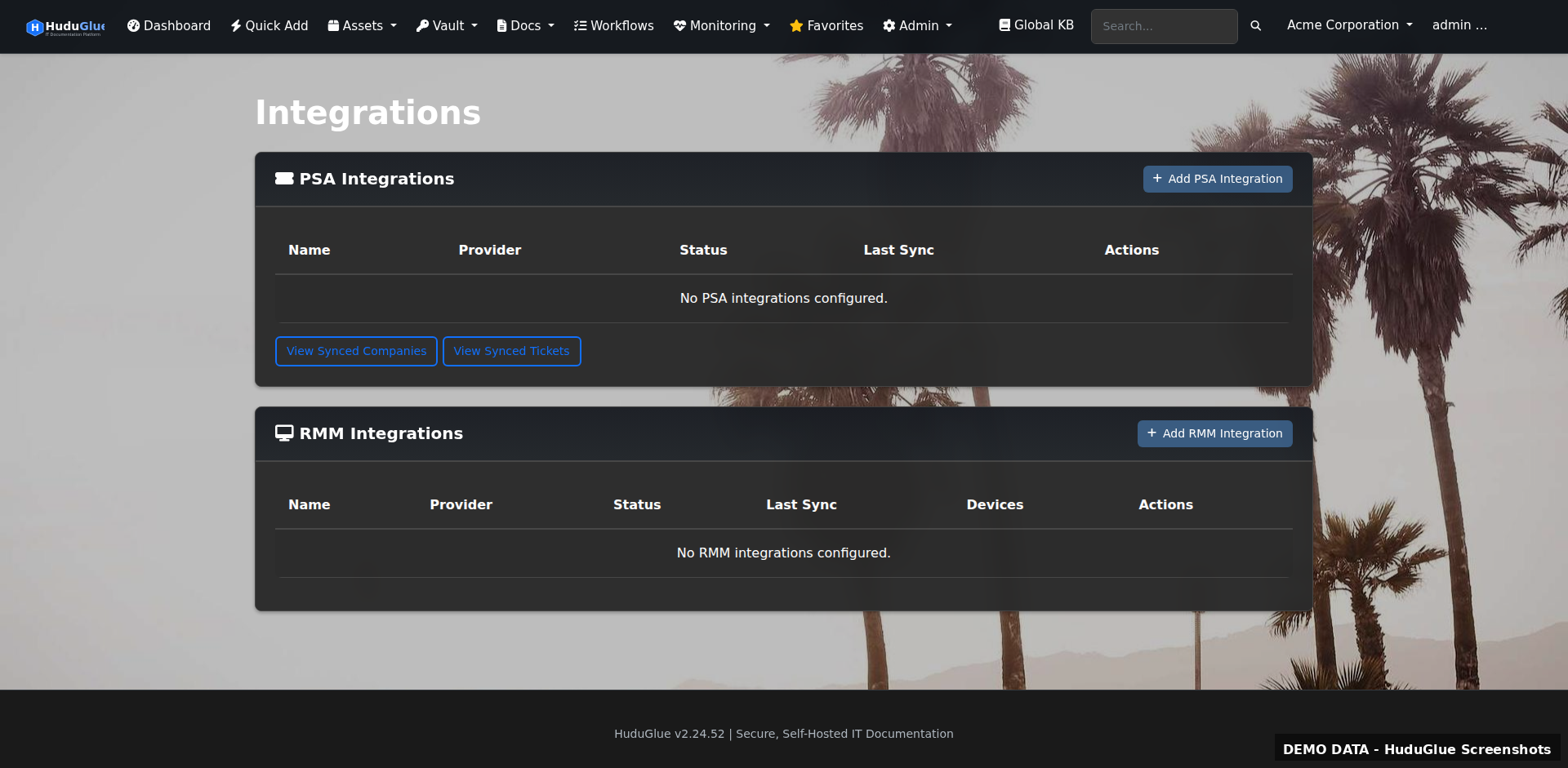
Integrations
Central hub for configuring all external integrations — PSA connectors, RMM agents, network controllers, accounting systems, and distributor catalog syncs.
Distributor integrations
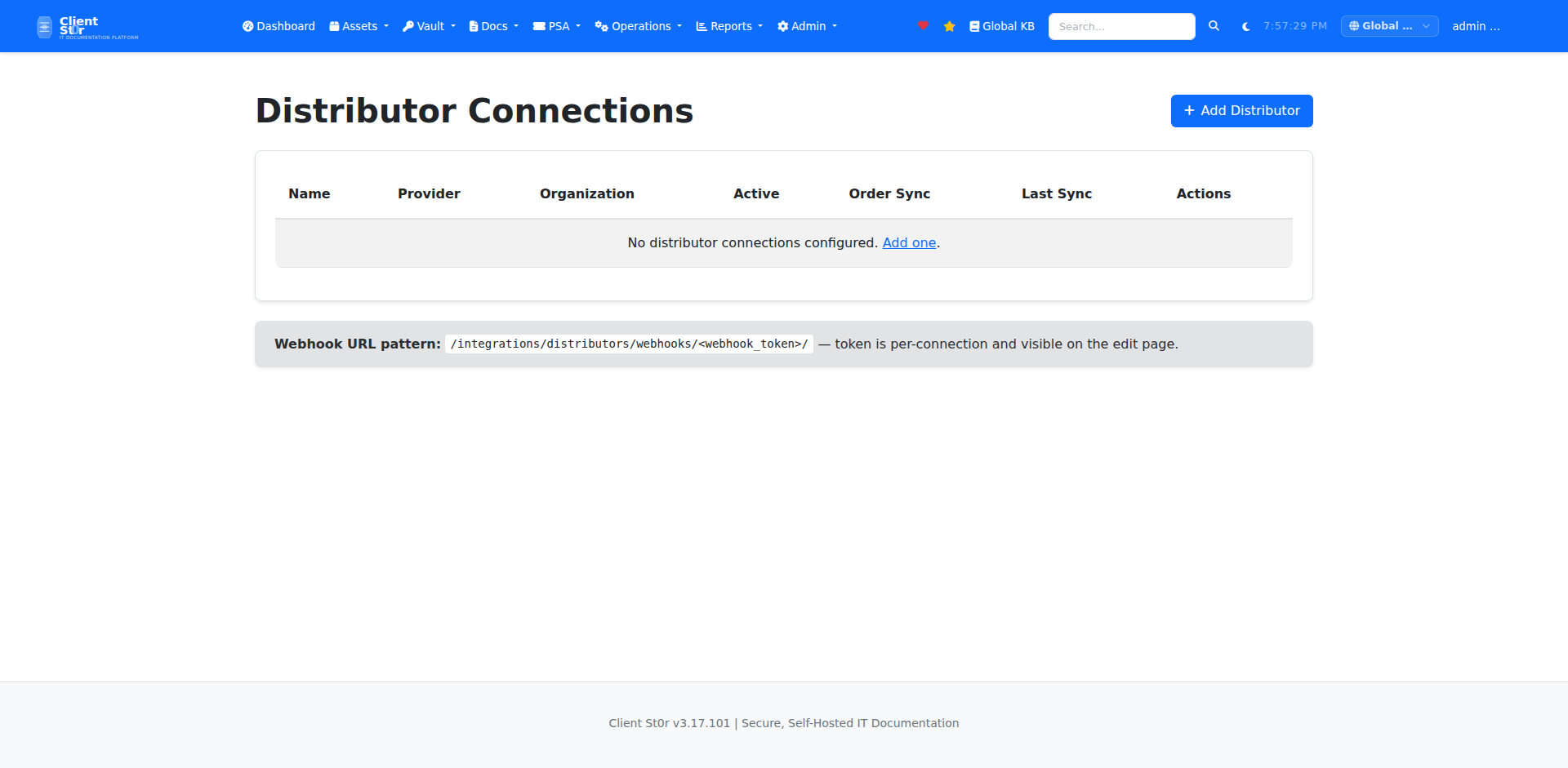
Distributor Integrations
Connect Ingram Micro Xvantage, Pax8, and TD Synnex to pull live pricing into quotes. Parts ordered through ClientSt0r and tracked back to the originating ticket.
Accounting integrations
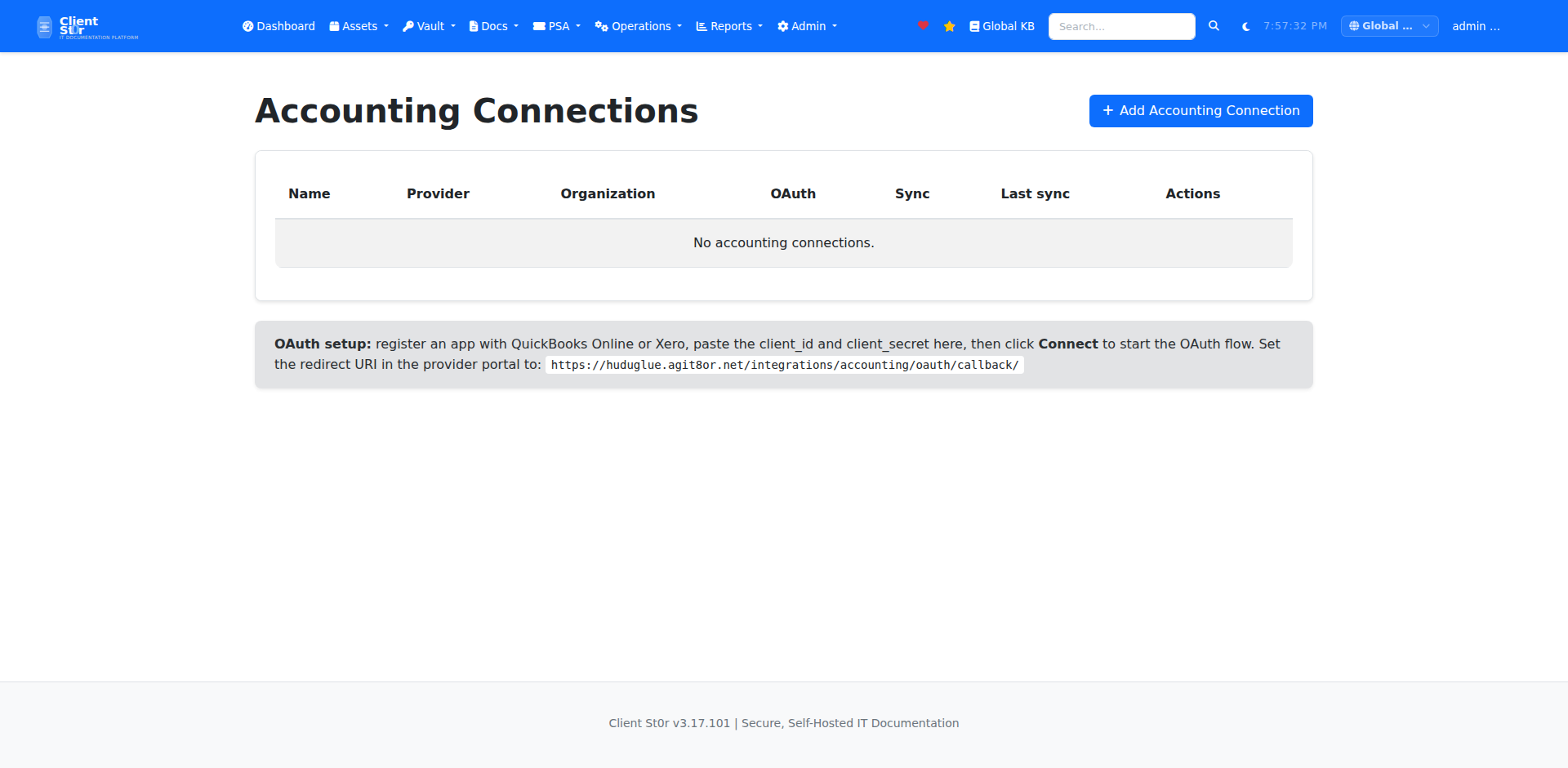
Accounting Integrations
Two-way sync with QuickBooks Online and Xero. Invoices created in ClientSt0r push to your accounting platform automatically, and payment status syncs back.
Data import
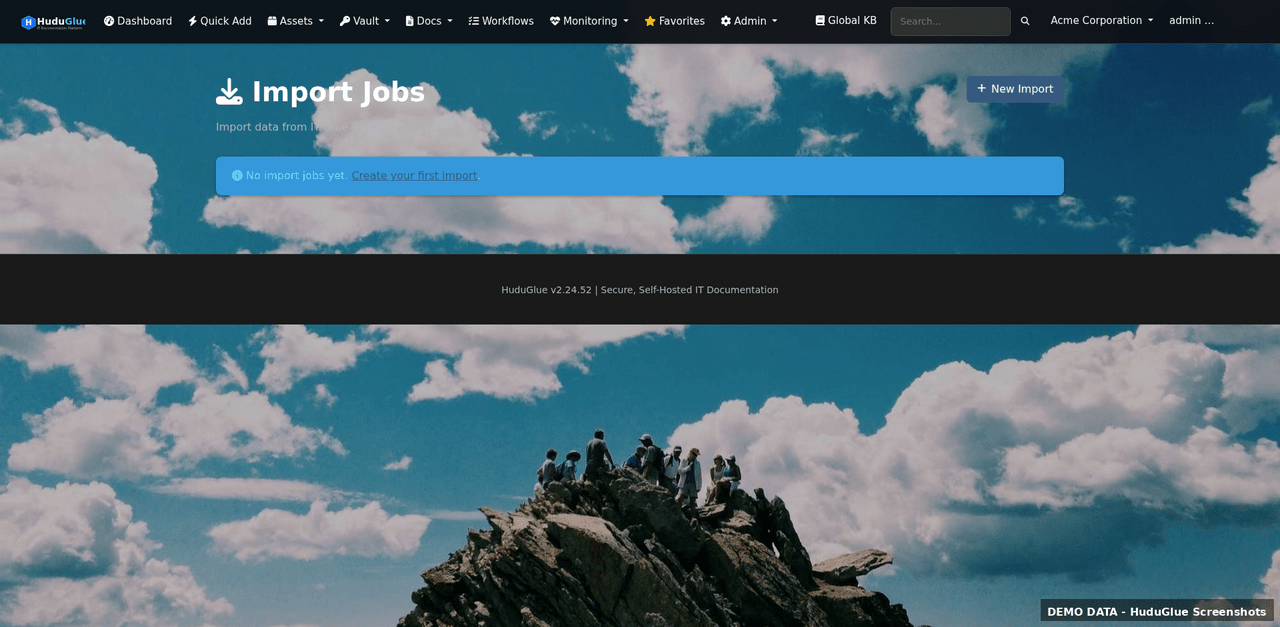
Data Import
CSV import for assets, passwords, contacts, and organizations. Field mapping UI handles non-standard column names. Import preview with validation before committing.
Login page
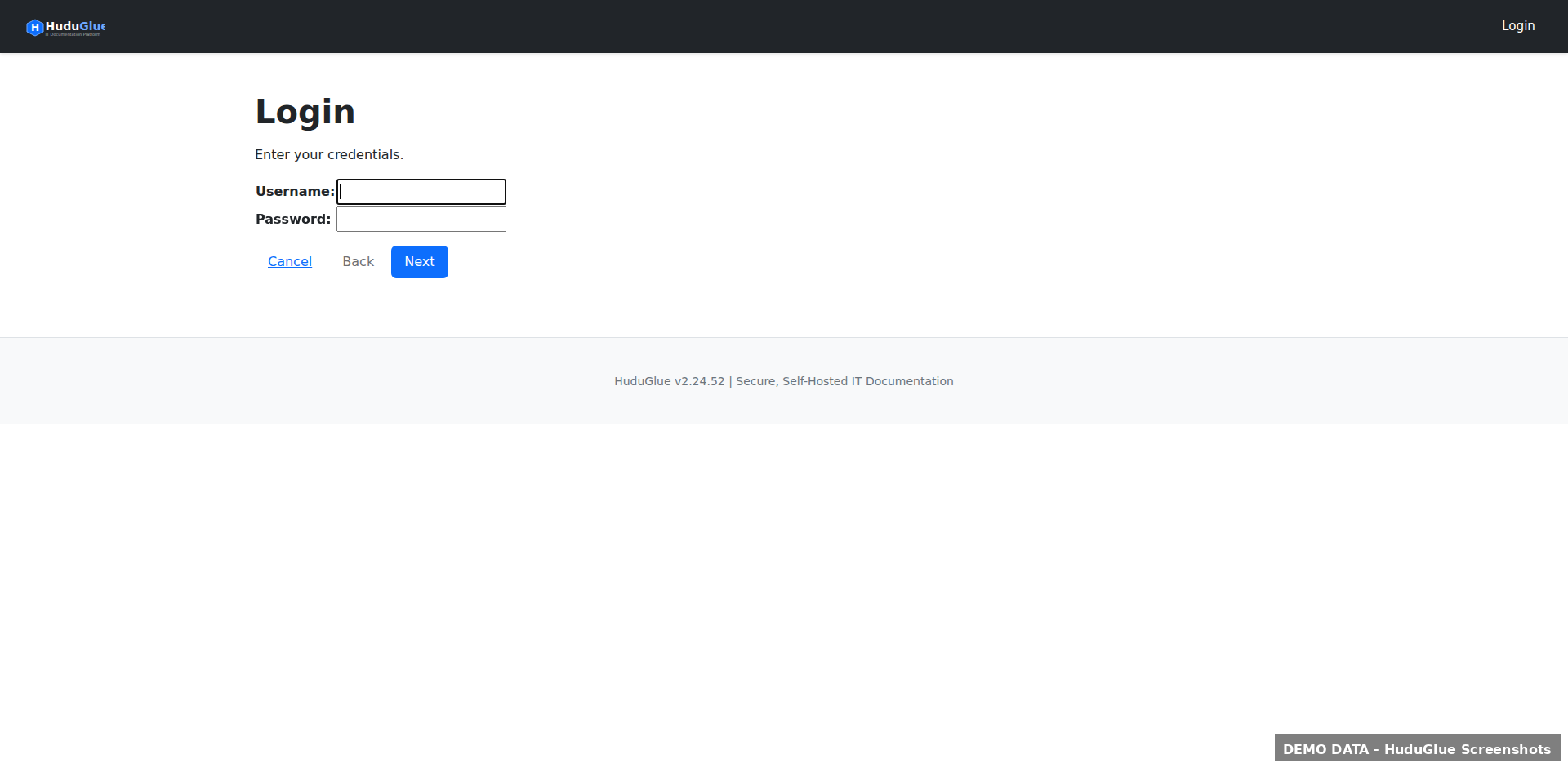
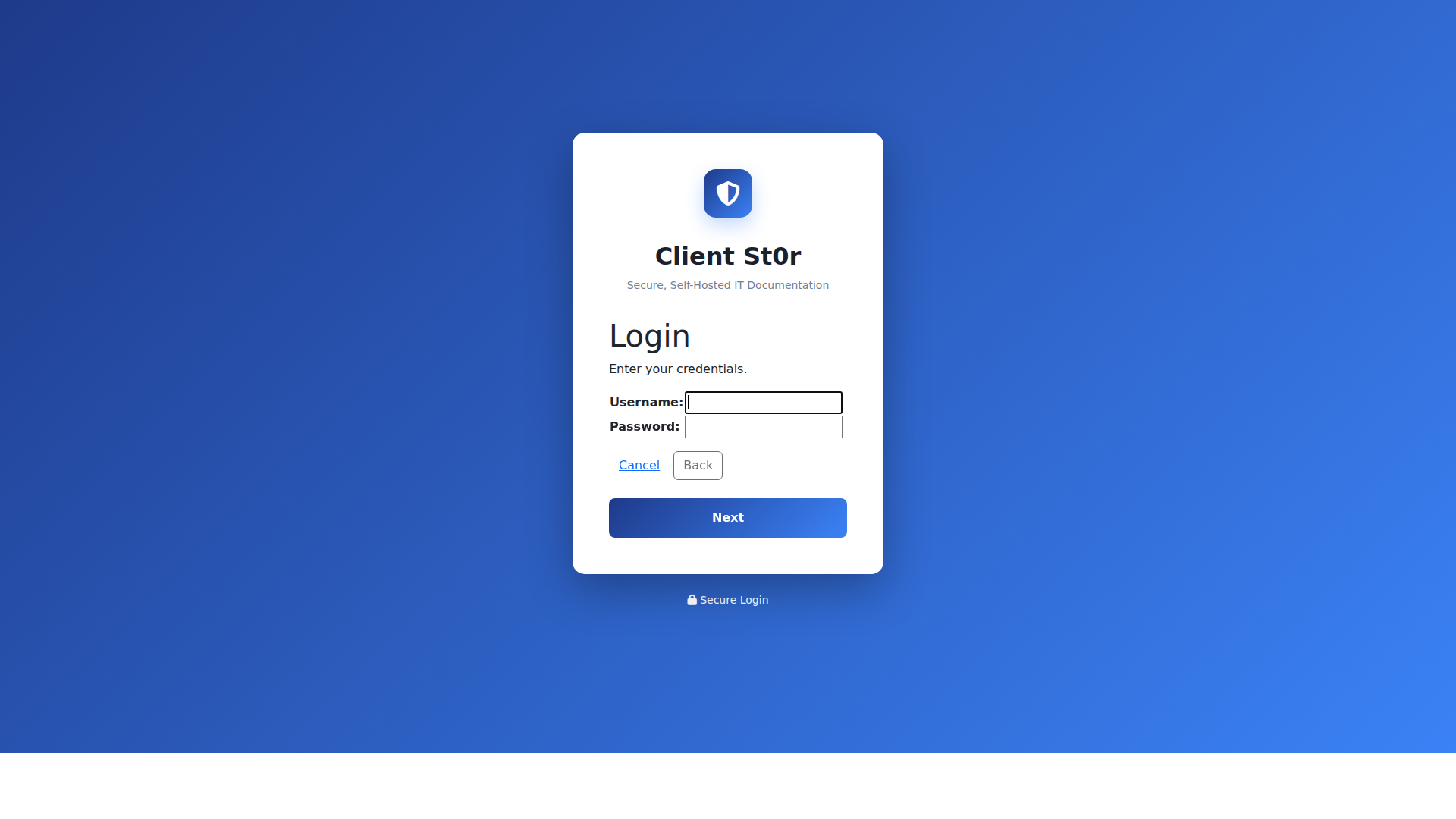
Login & SSO
Standard username/password login with TOTP 2FA, or single sign-on via Azure AD / Entra ID and LDAP/Active Directory. Supports HaveIBeenPwned breach detection on password creation.
Install app
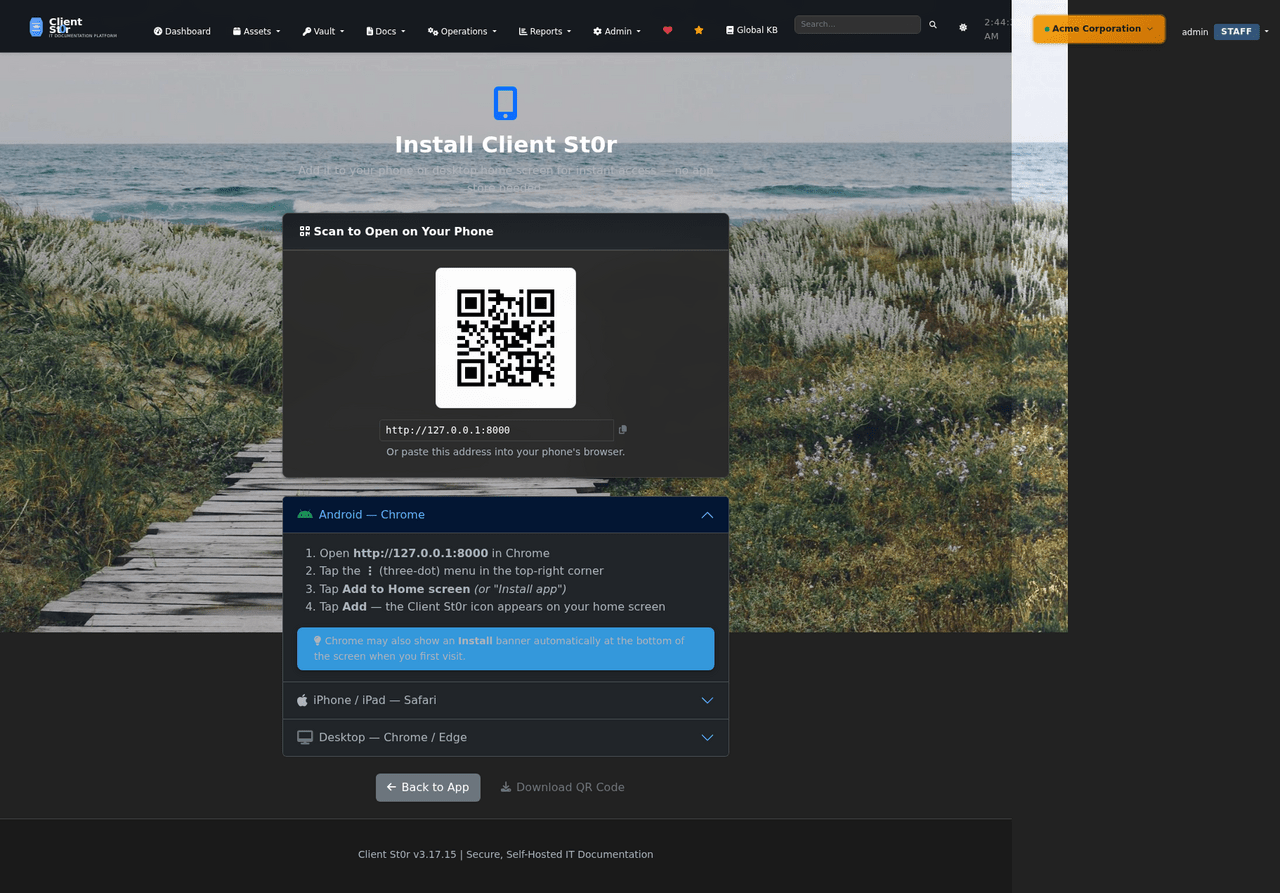
Progressive Web App
Install ClientSt0r as a PWA on iOS, Android, and desktop. Full mobile-optimised interface for technicians in the field — ticket updates, password lookup, and receipt scanning from any device.

Ready to replace IT Glue?

Deploy on your hardware in under an hour. One-click web-based updates. No subscription, no telemetry, no lock-in.