Reduce operational fragmentation by combining documentation, vault access, ticket workflows, asset tracking, procurement, reporting, and client operations into one self-hosted platform.
Built by a former MSP owner/operator focused on practical infrastructure, workflow, and operational visibility.
MSP Reboot offers managed hosting for ClientSt0r. Your instance, your data, fully isolated — we handle the server, updates, backups, and uptime. You get all the benefits of self-hosted without the overhead of running it yourself.
ClientSt0r combines multiple MSP operational workflows into a unified self-hosted platform. The goal is not to imitate every SaaS platform feature-for-feature. The goal is to reduce operational fragmentation while giving MSPs more ownership, flexibility, transparency, and lower recurring software costs.
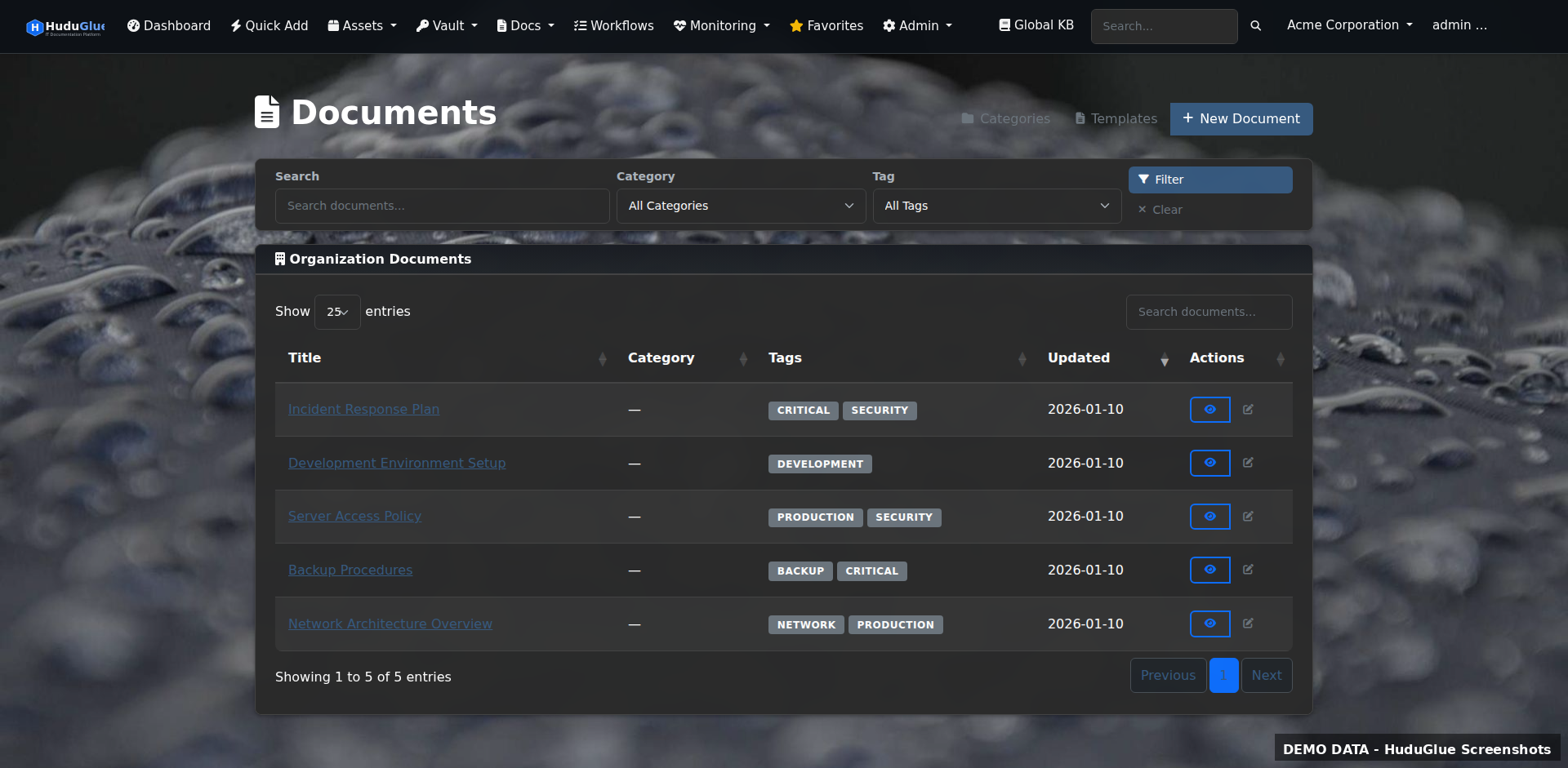
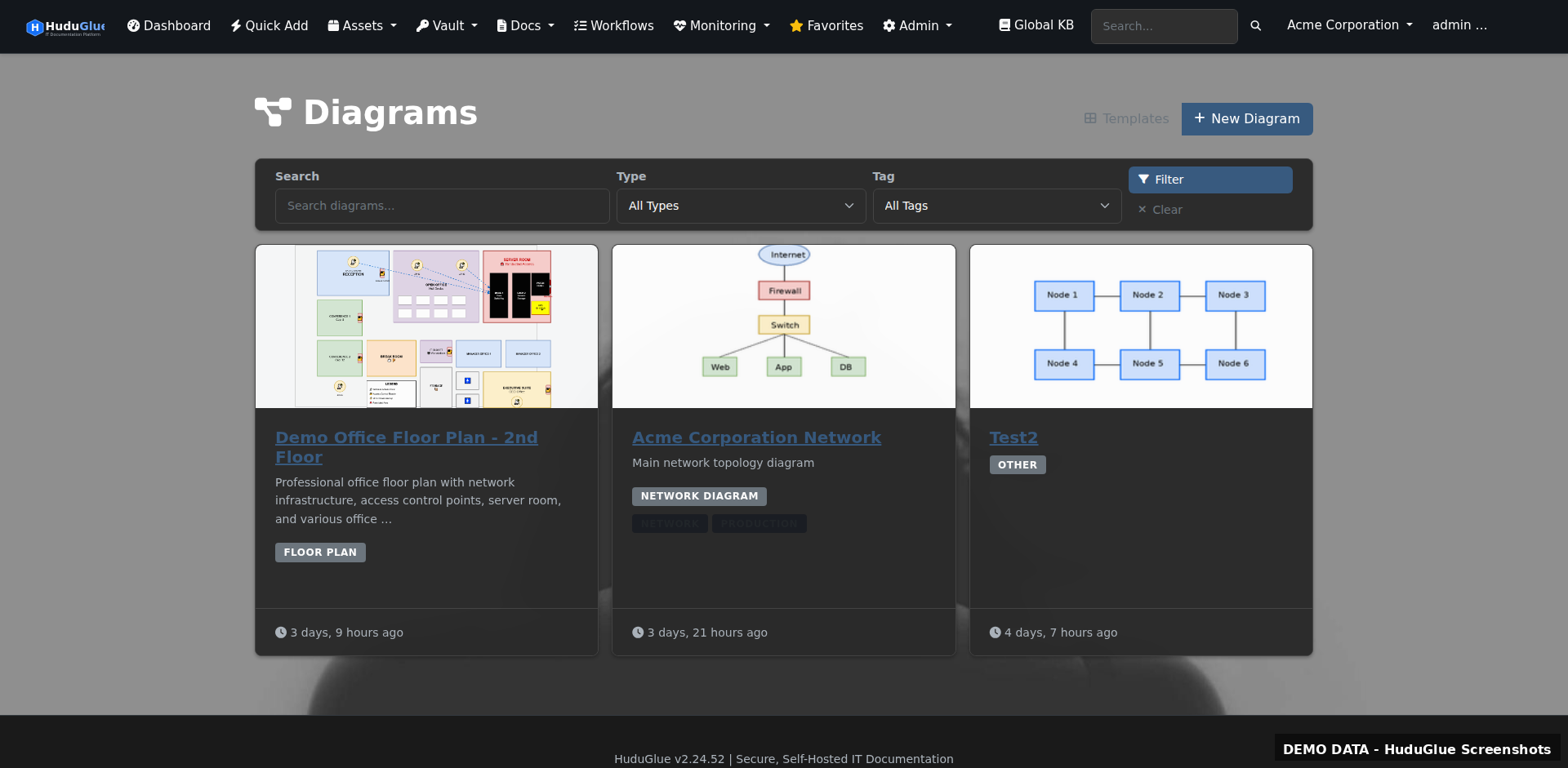
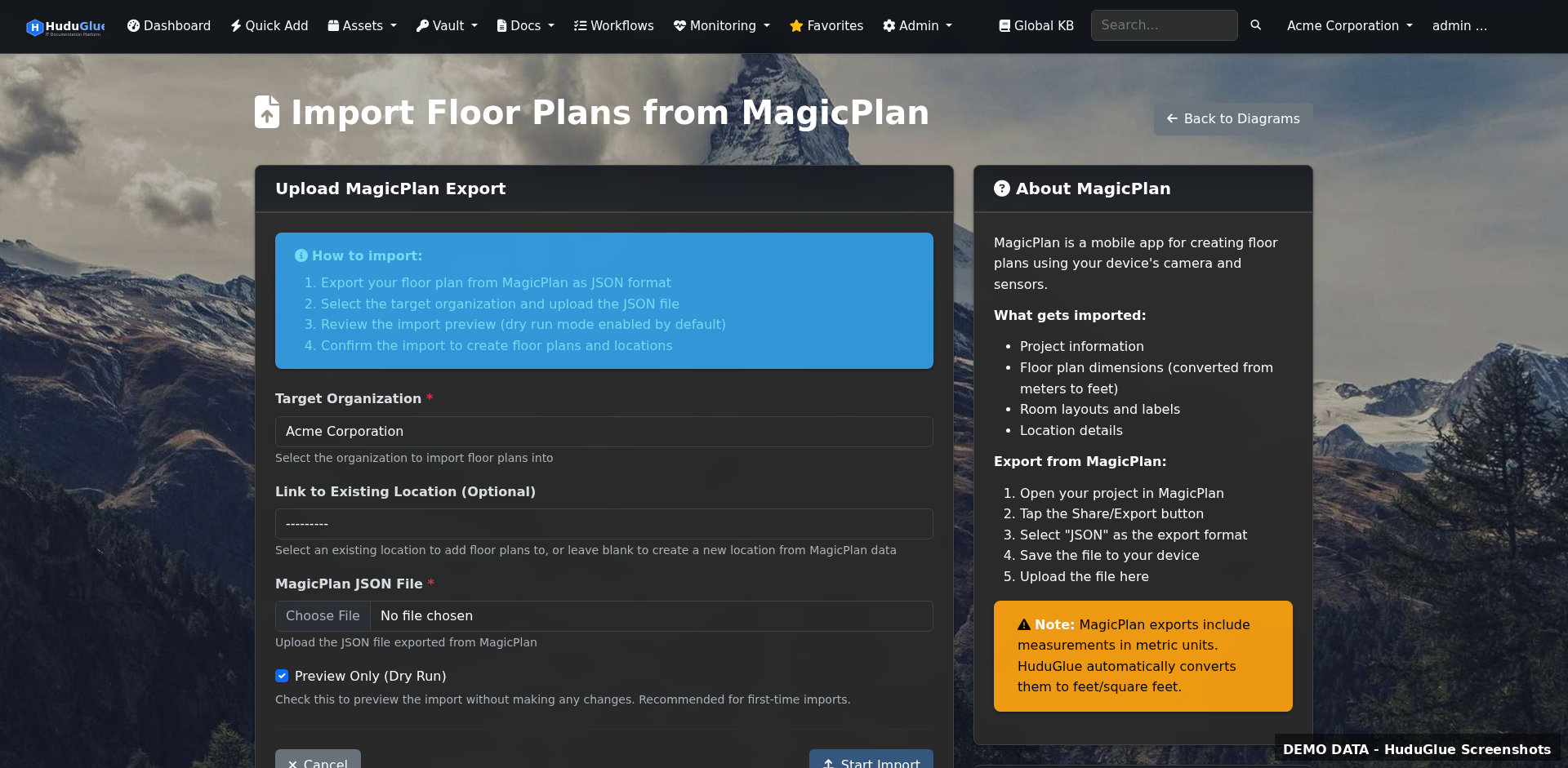
Version-controlled knowledge base, Draw.io network diagrams, MagicPlan floor plans
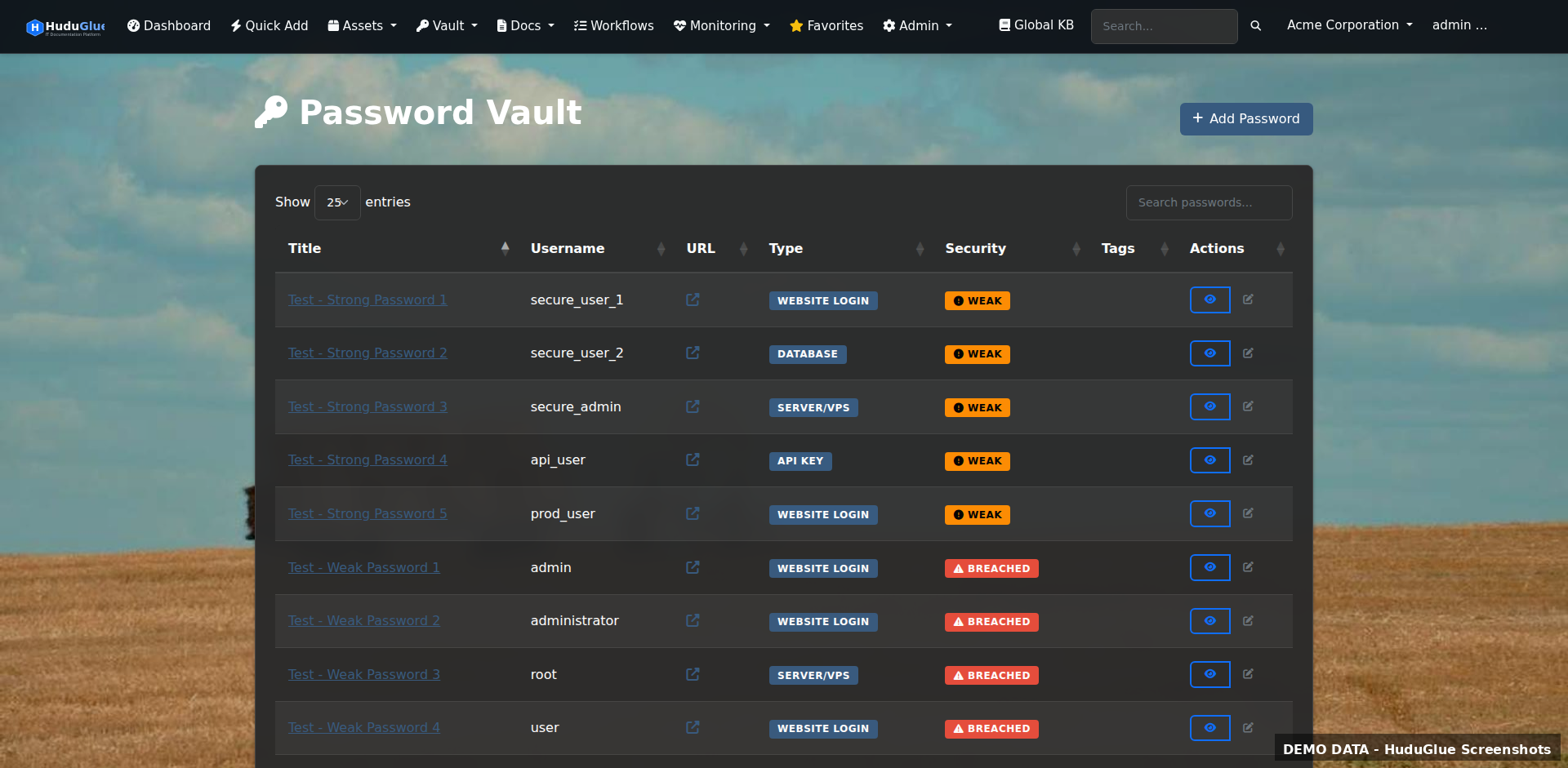
AES-256-GCM encrypted vault, per-org isolation, audit trail, breach detection, access rules (GeoIP, IP/CIDR, time-of-day)
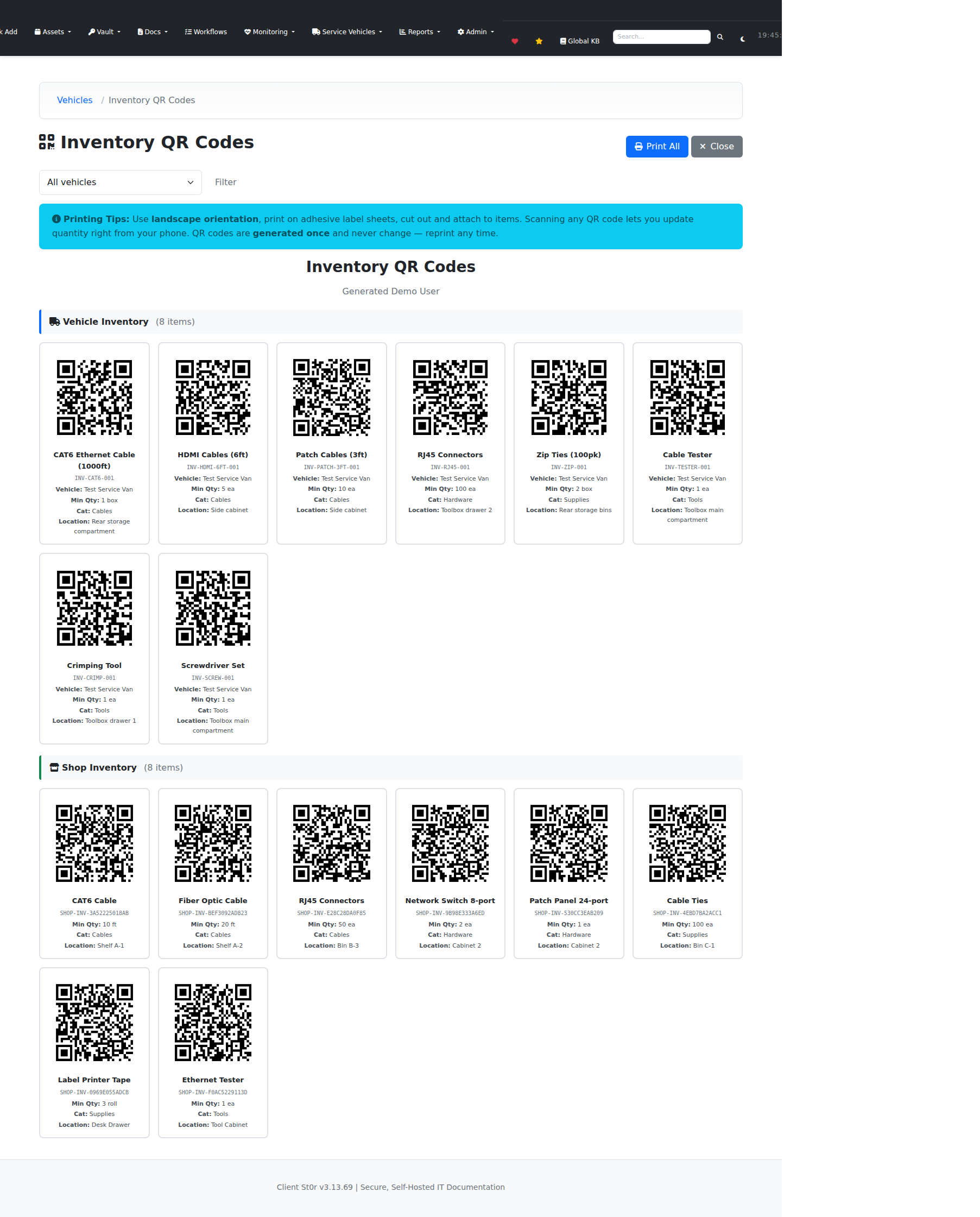
Hardware inventory, IPAM, rack layouts, network closets, QR asset labels
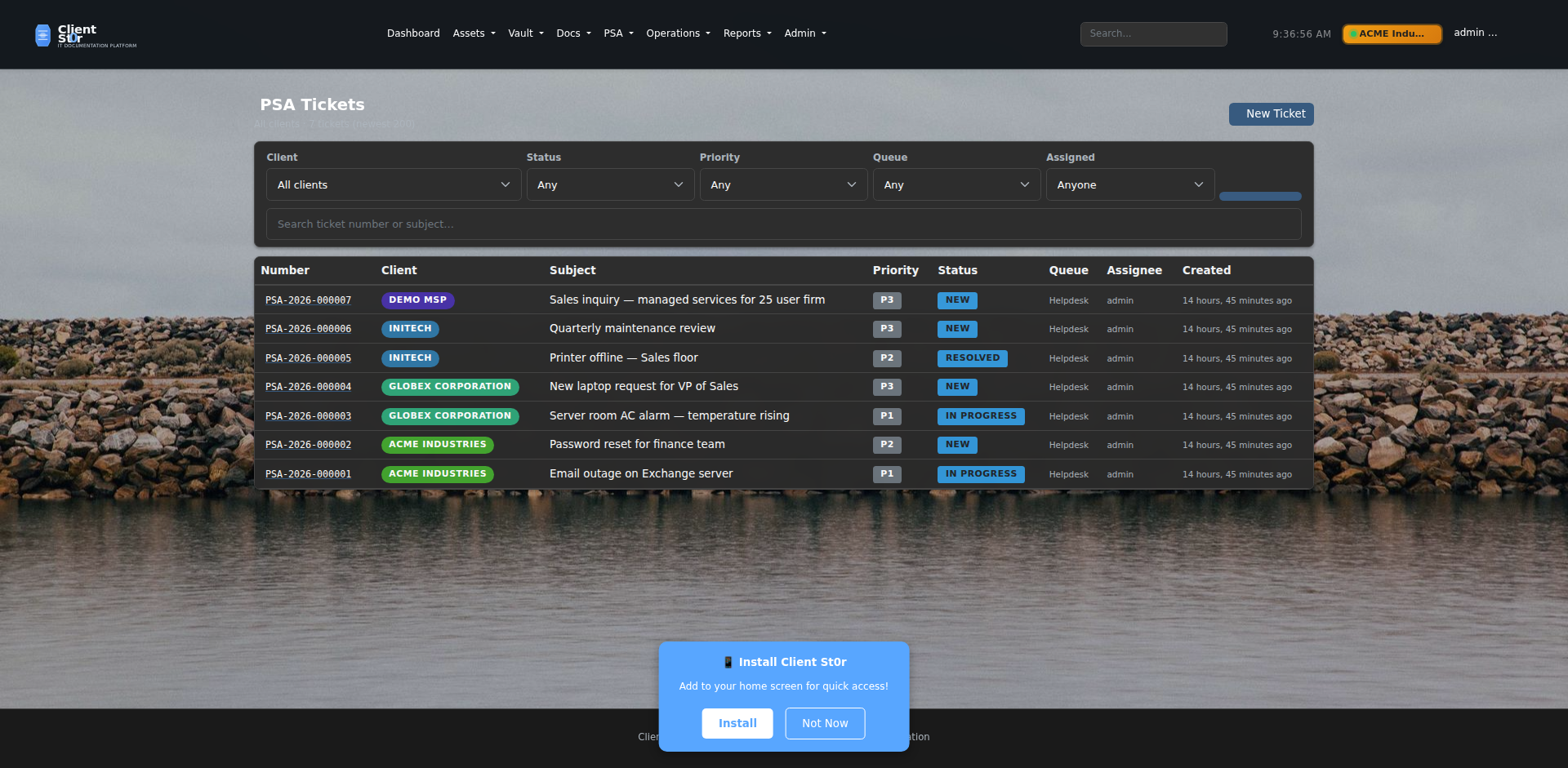
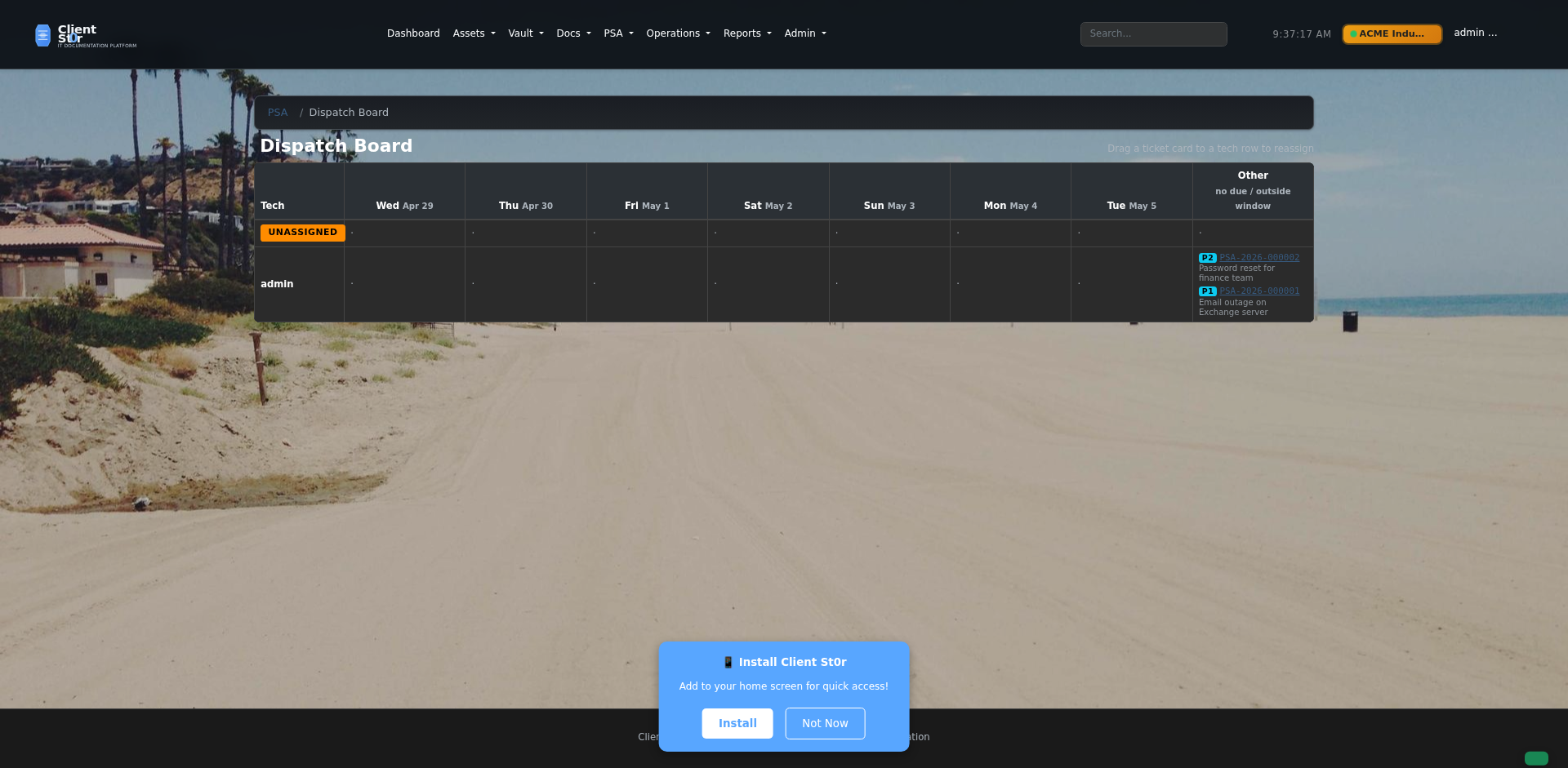
Service desk, SLA-aware dispatch burn panel, recurring tasks, advanced email engine (threading, routing rules, anti-spam, outbound)
Purchase orders, vendor management, distributor integrations (Ingram, Pax8, Synnex)
Profitability dashboards, client health scores, lead pipeline, contract tracking
CVE scanning, SSL expiry tracking, uptime monitoring, security alert ingestion (EDR, AV, Firewall), GeoIP controls
Multi-org management, customer portal, RBAC, SSO, audit logging, 42 permission levels
Most ClientSt0r deployments will not use every available module. MSPs can adopt workflows gradually based on operational needs, staffing, and infrastructure preferences.
Use ClientSt0r initially as a centralized operational knowledge platform.
Gradually reduce operational fragmentation by consolidating additional workflows.
Enable advanced operational tooling as needed.
ClientSt0r is modular in practice. MSPs can adopt workflows gradually instead of replacing every operational process at once.
ClientSt0r was created by a former MSP owner/operator — not a SaaS product team building to a market spec. The platform emphasises practical workflows over marketing-driven feature lists.
The design decisions reflect real operational experience: what tools get opened daily, what data gets lost between systems, where the friction actually is, and what per-tech licensing costs feel like at scale.
The platform emphasises practical deployment, infrastructure visibility, security controls, and operational ownership over polished demo screens.
Many MSPs operate across disconnected systems with no single operational view:
ClientSt0r was built to reduce that fragmentation by combining common MSP workflows into a unified open-source platform.
ClientSt0r is not positioned as:
It is an open-source MSP operations platform that covers a broad operational surface area — with varying feature maturity across modules. Some areas are stable and actively used. Others are functional and under continued development.
Self-hosting means you take on infrastructure responsibility. That is the tradeoff — and for many MSPs, it is worth it.
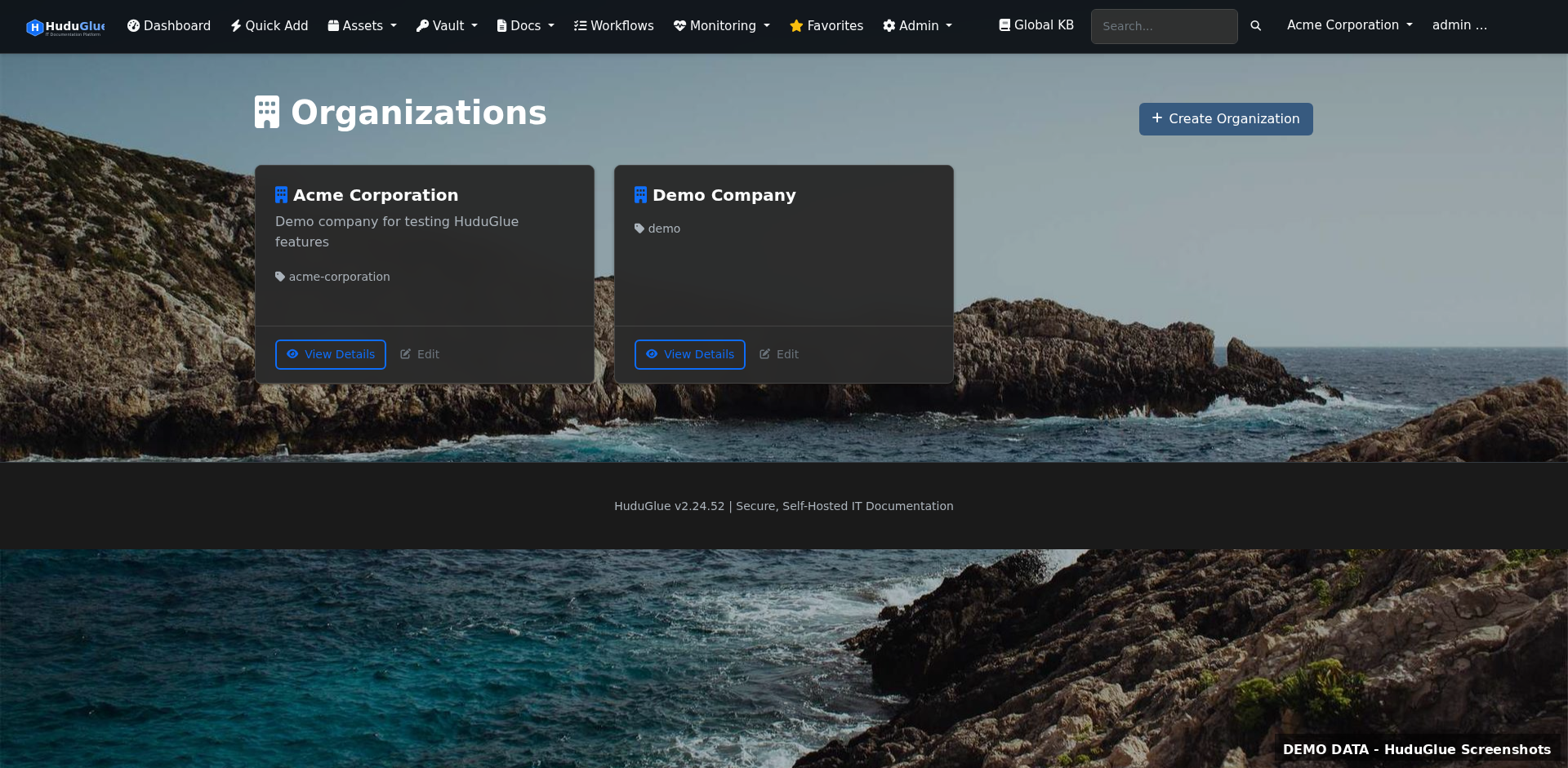
Screenshots from the current build, grouped by operational area. Most deployments will not use every module — workflows can be adopted gradually based on operational need.
Version-controlled documentation with embedded diagrams and floor plans. AES-256-GCM encrypted password vault with per-organization isolation, full audit trail, and access rules (GeoIP, IP/CIDR, time-of-day enforcement).
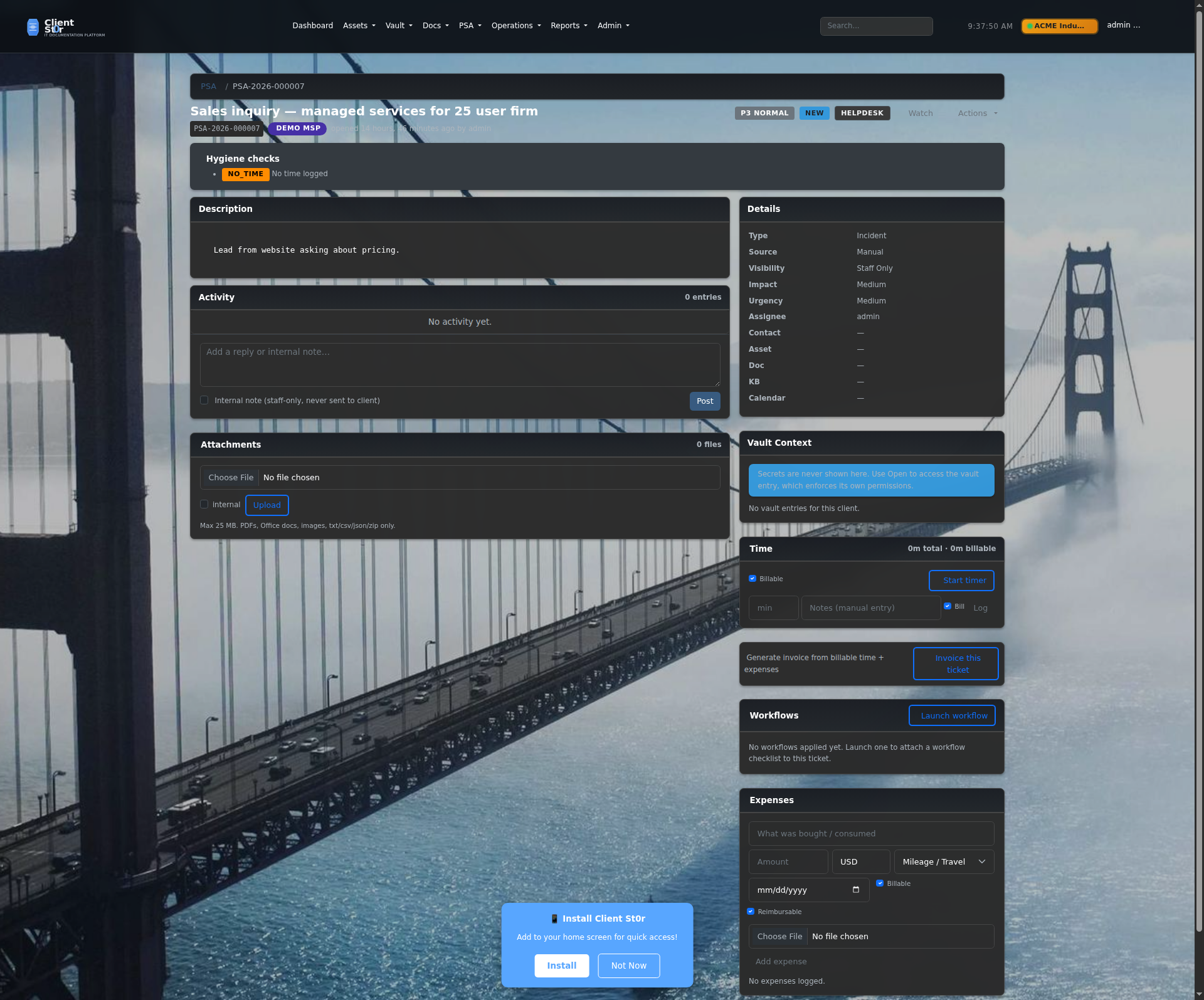
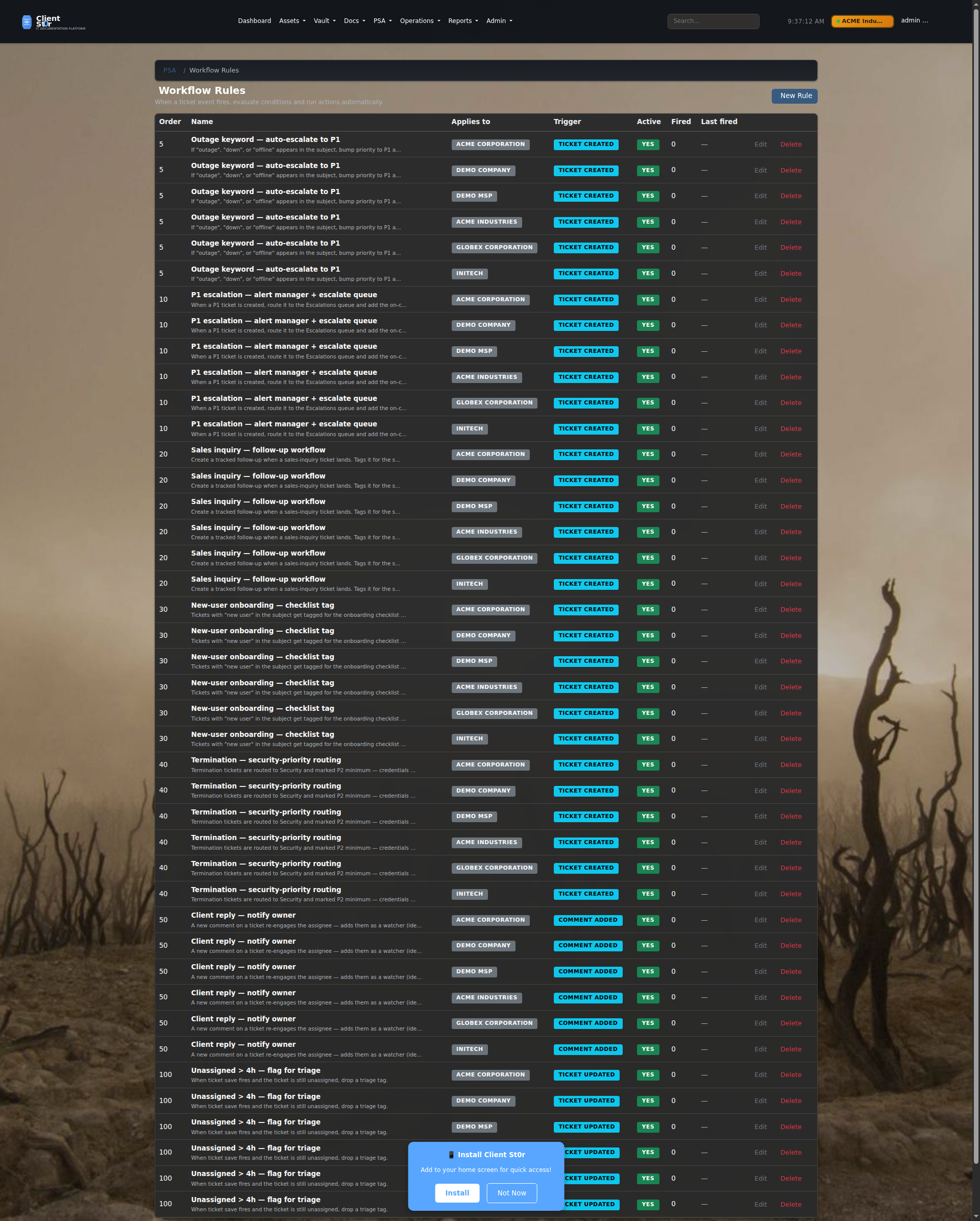
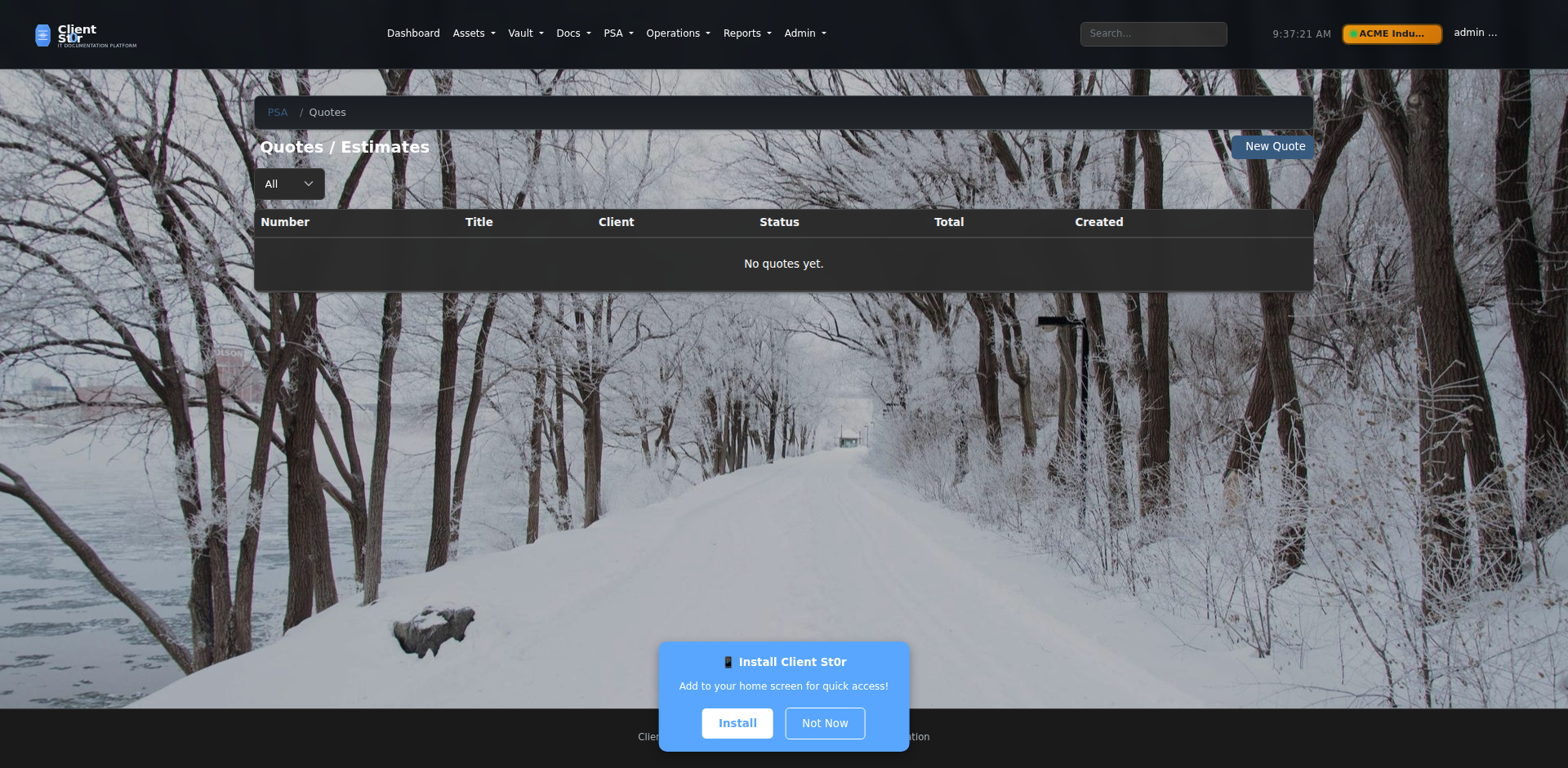
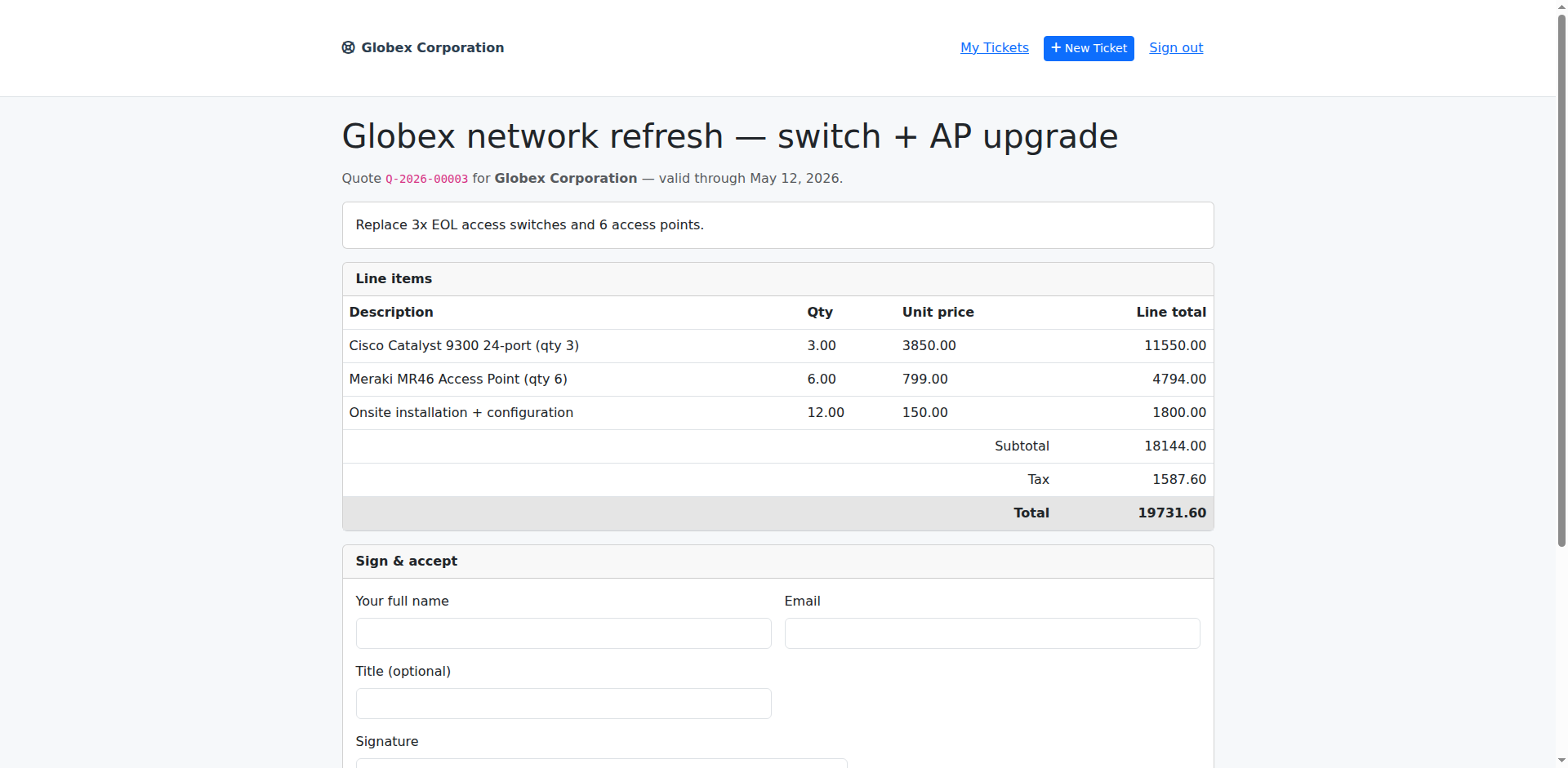
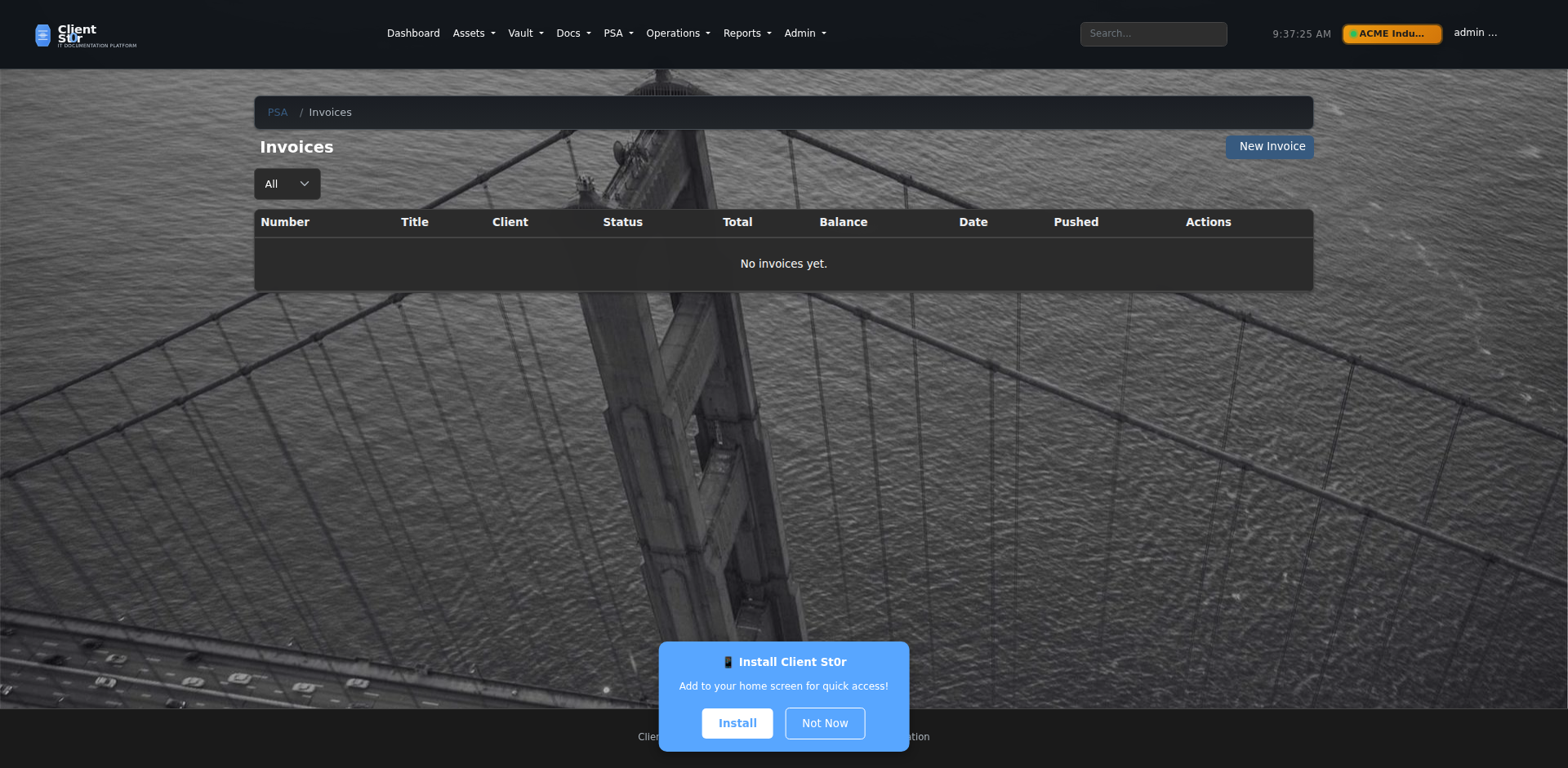
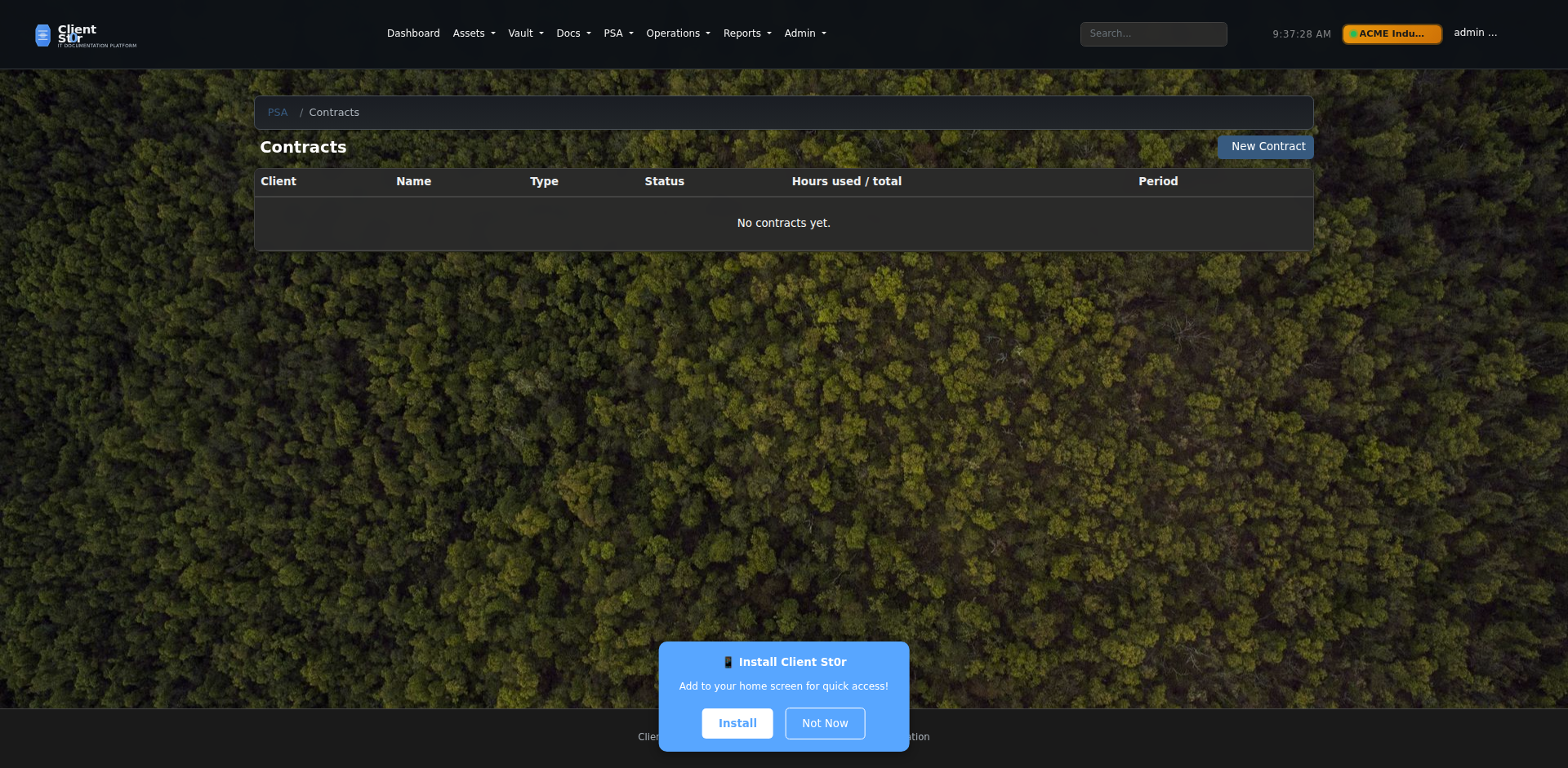
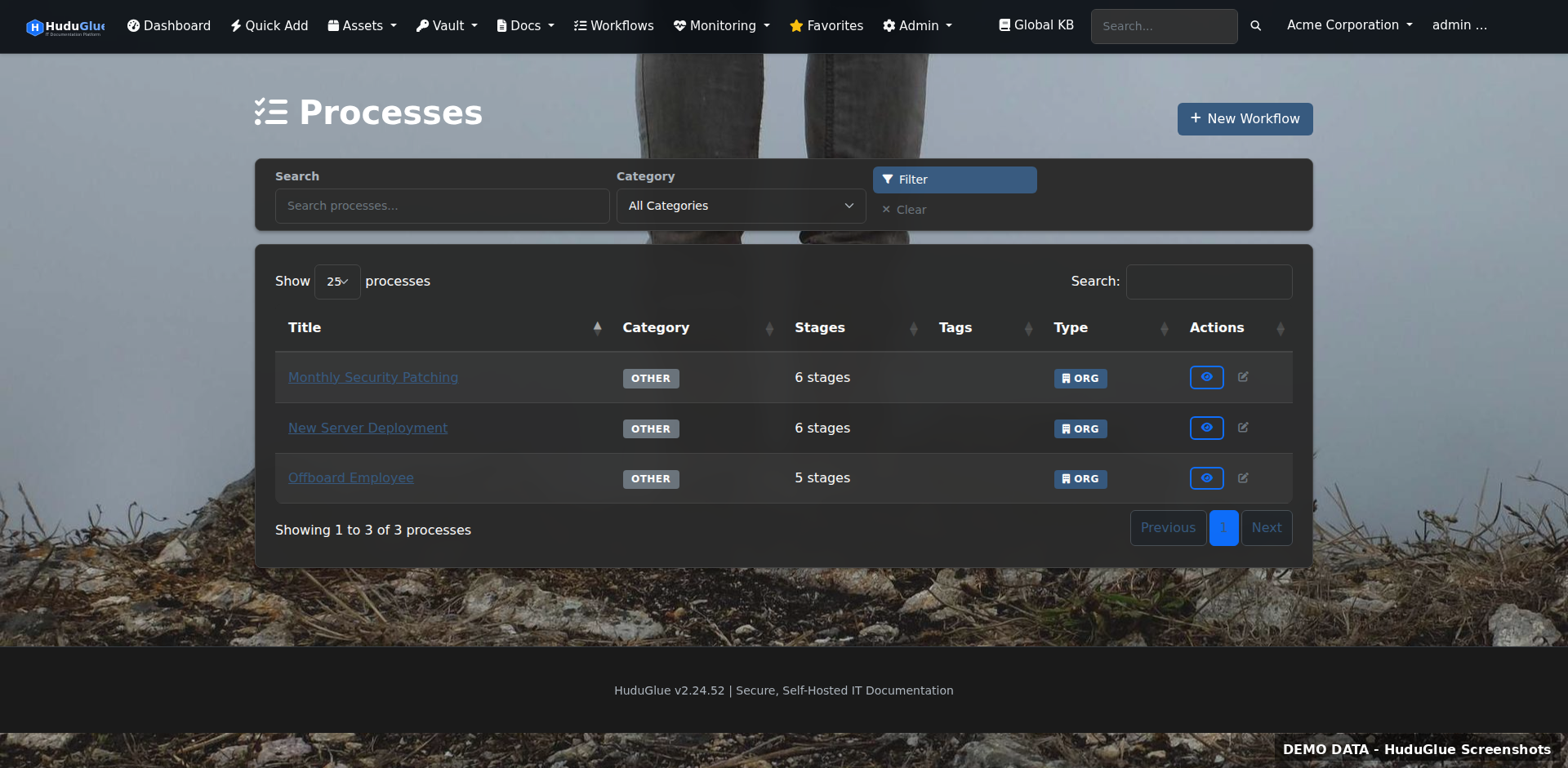
Native PSA with tickets, queues, SLA-aware dispatch burn panel, advanced email engine (threading, routing rules, body cleanup, anti-spam, outbound), quotes with e-signature, invoices, contracts, and visual workflow rule builder — all tied to the same client orgs you already manage.
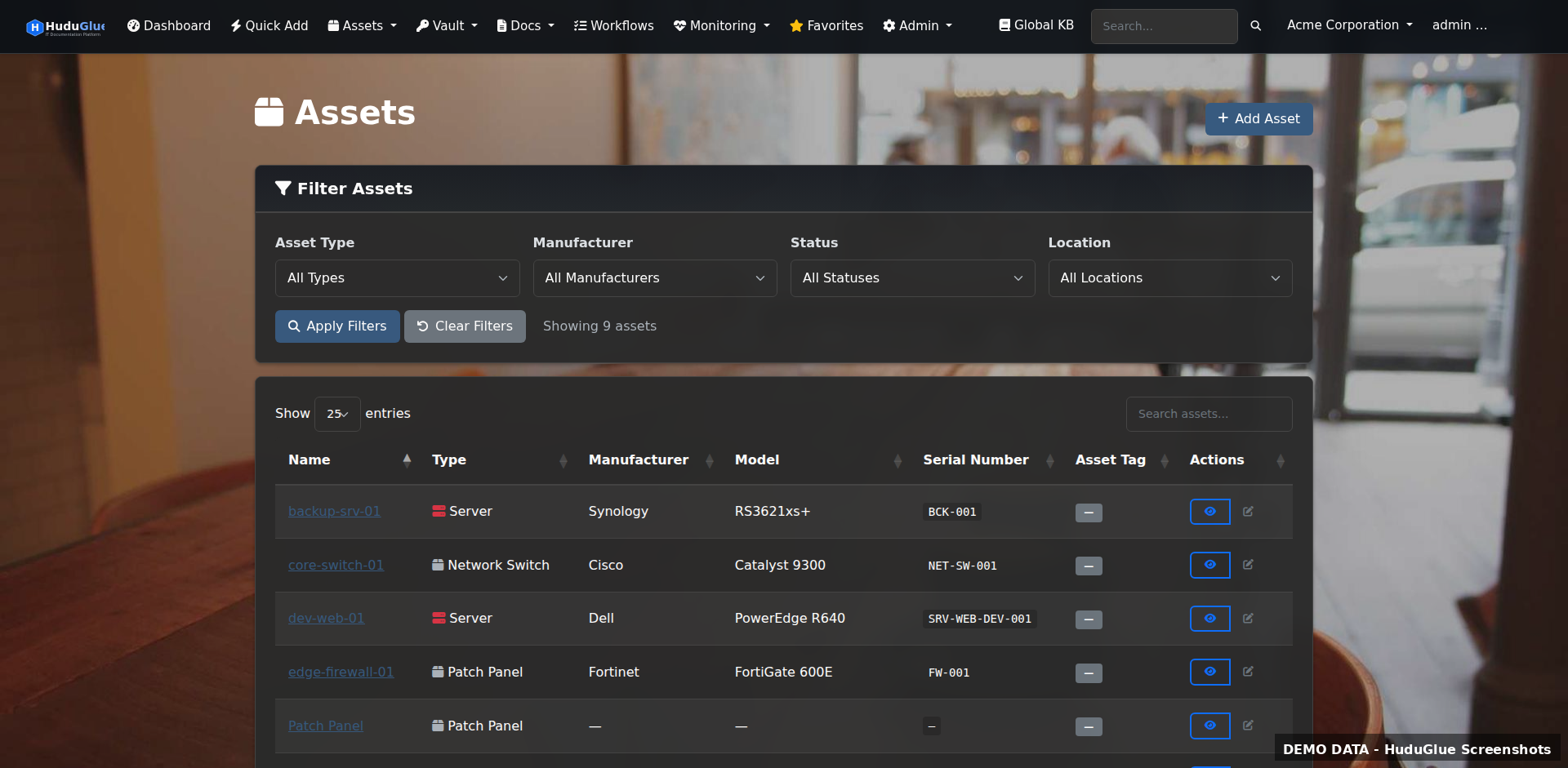
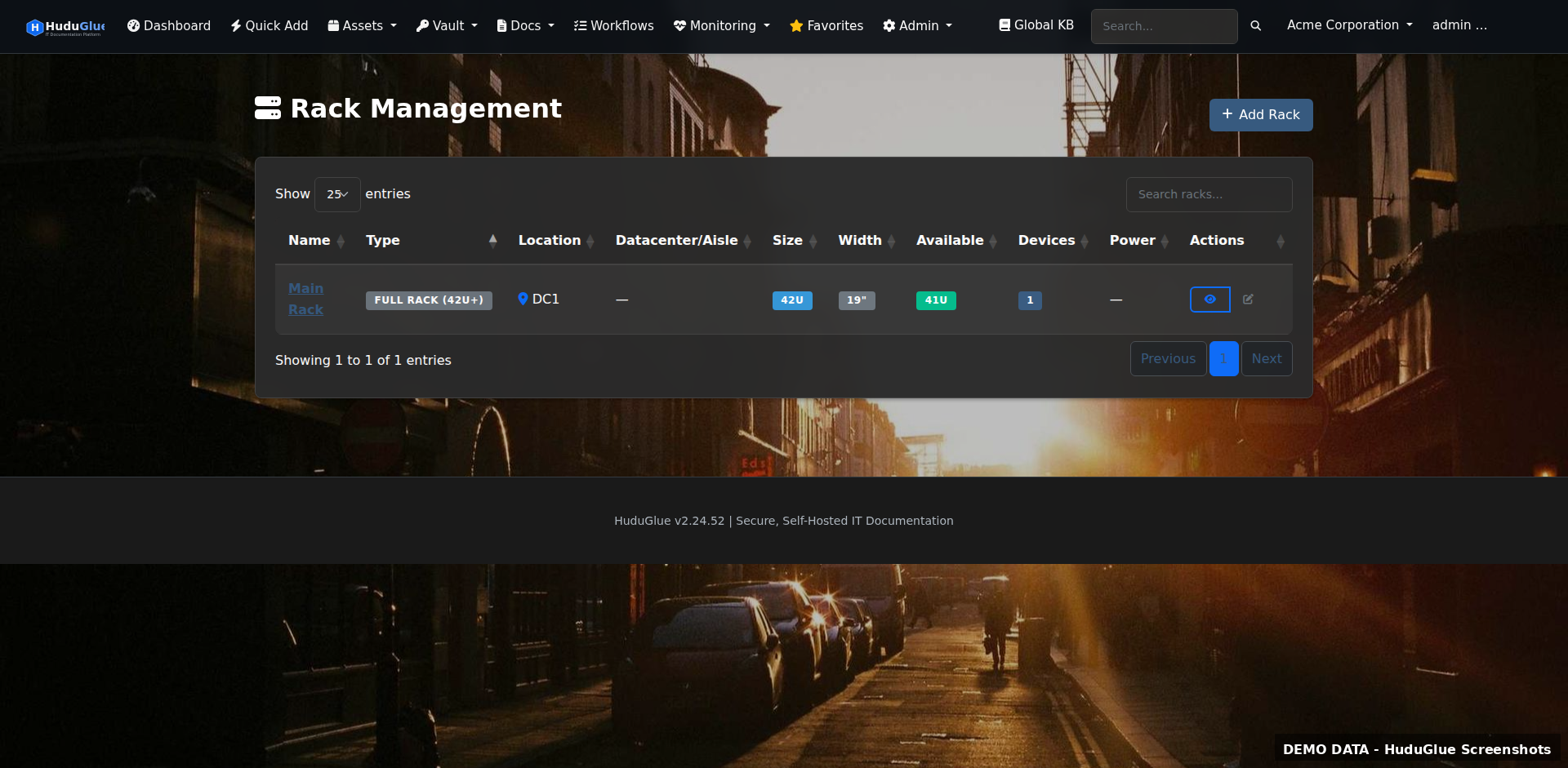
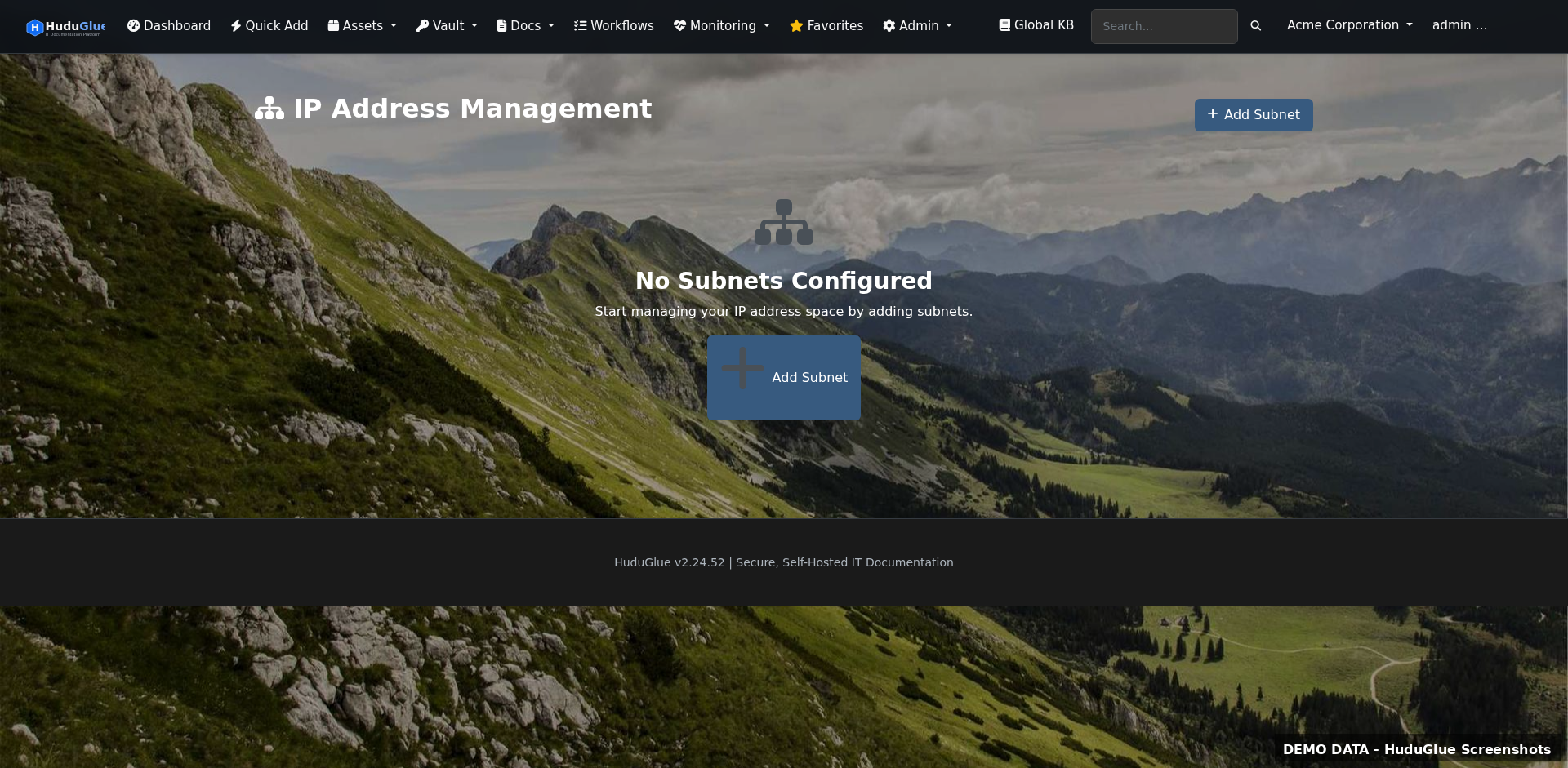
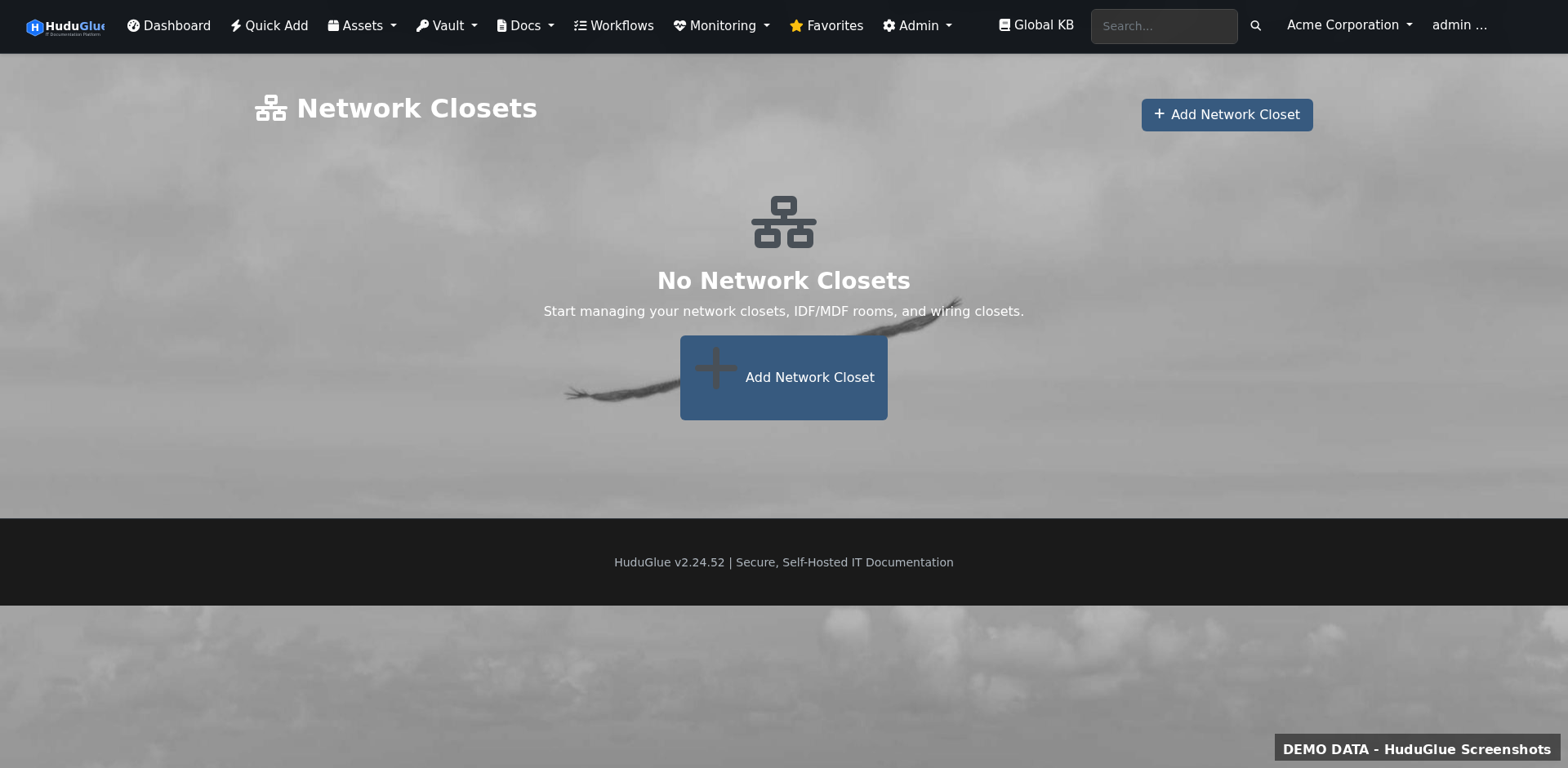
Comprehensive asset tracking from the rack to the endpoint. Network discovery via nmap, IPAM with subnet visualisation, rack and patch panel layouts — all linked to your client organisations.
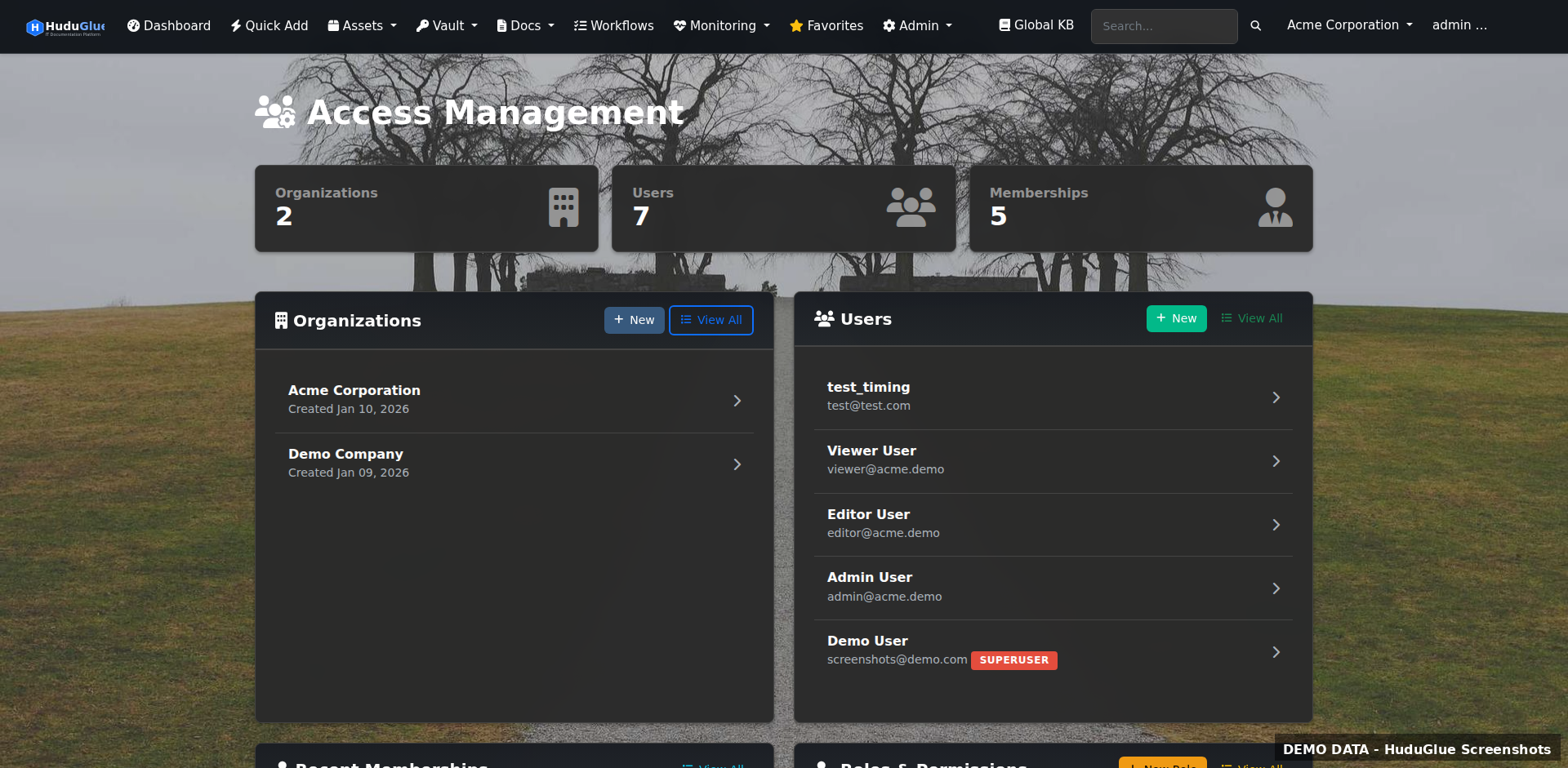
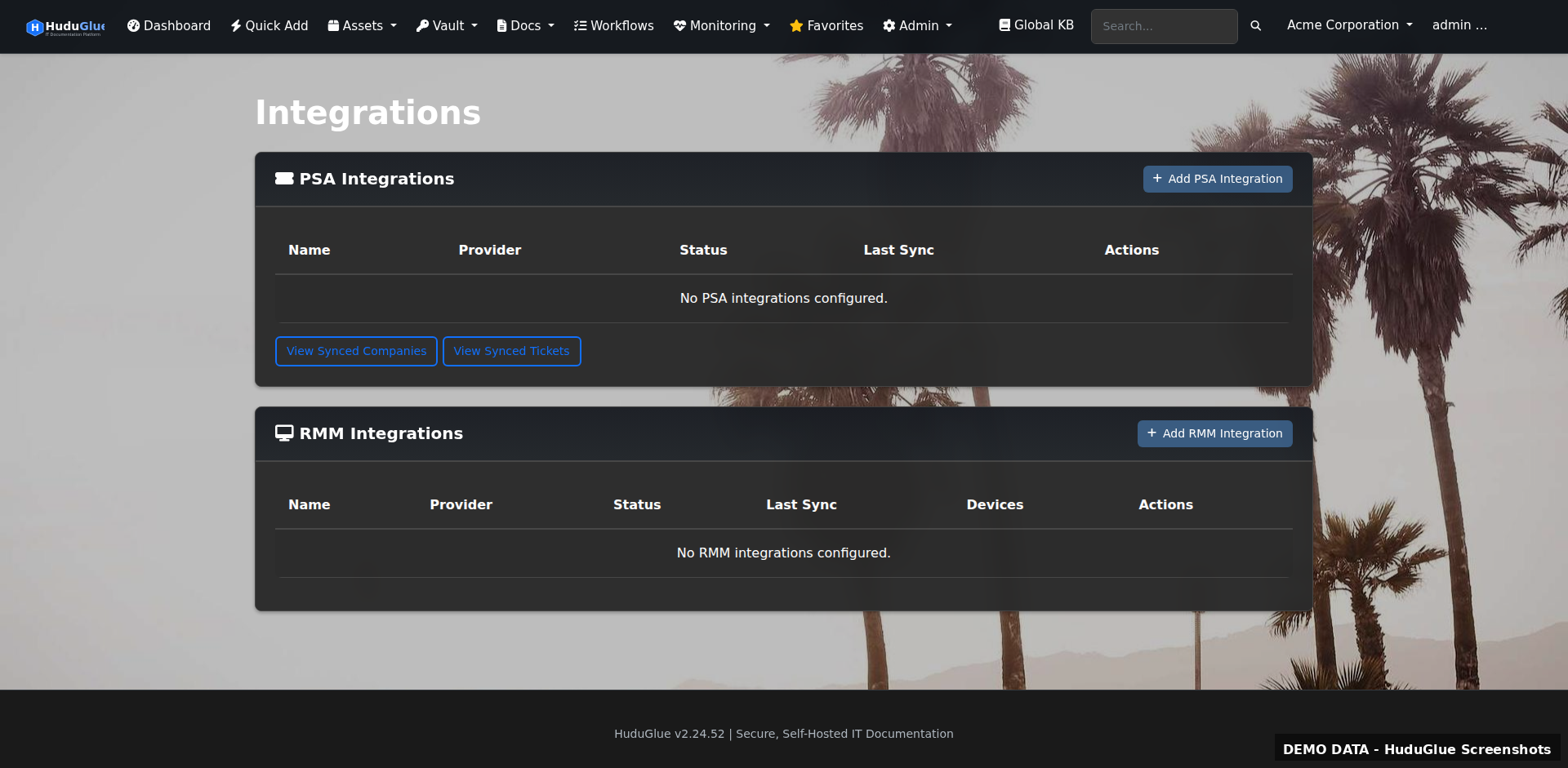
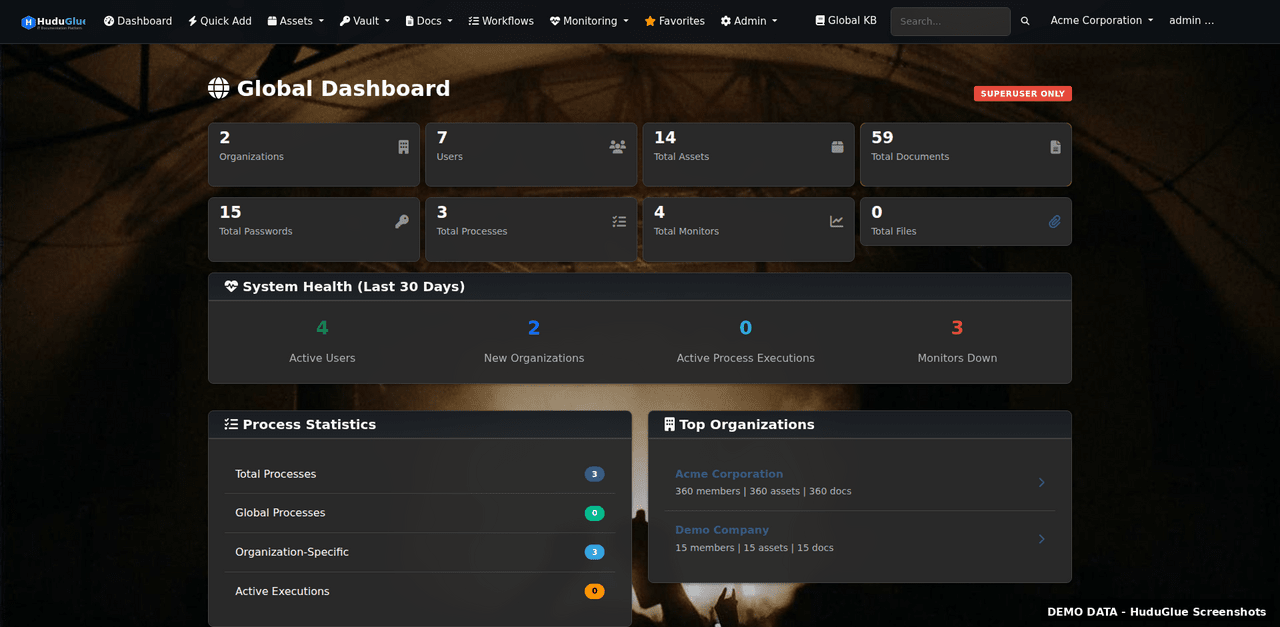
Multi-organisation management with role-based access, integration configuration, and system administration. Reporting covers profitability, client health scores, and custom dashboards.
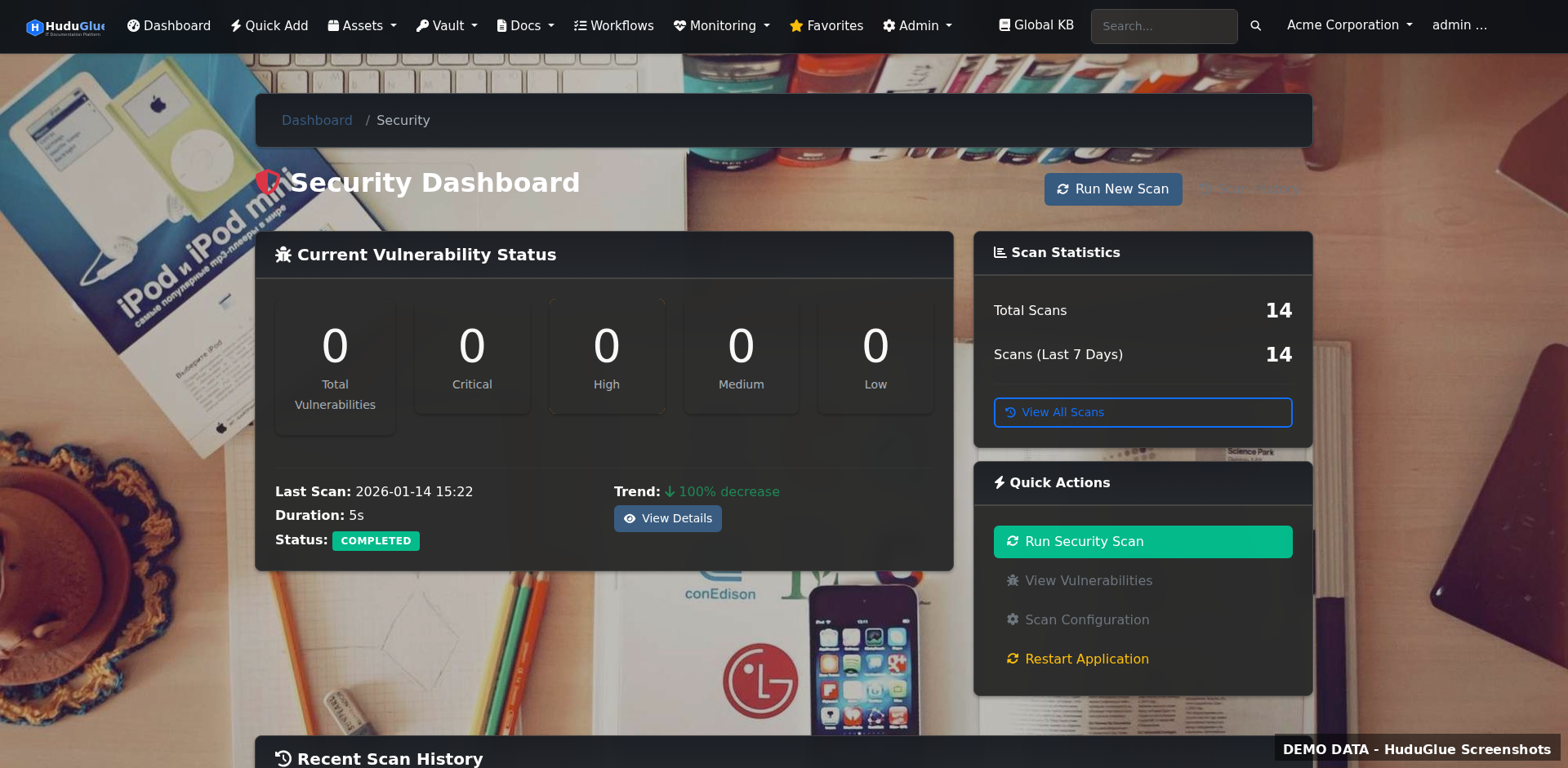
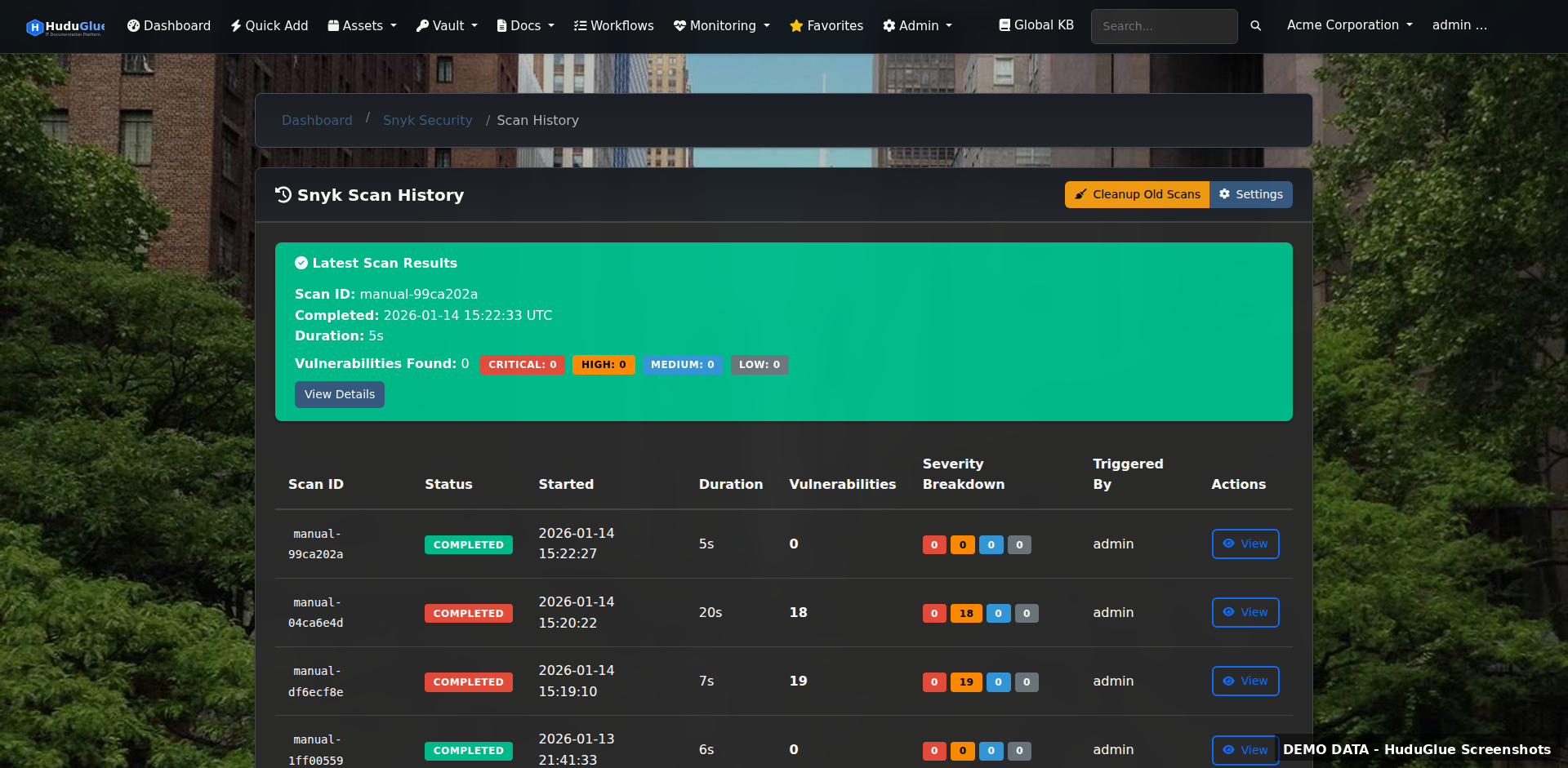
Security visibility built into the platform: Snyk CVE integration, OS package checks, SSL and domain expiration tracking, uptime monitoring, security alert ingestion from EDR/AV/Firewall sources, and GeoIP-based access controls.
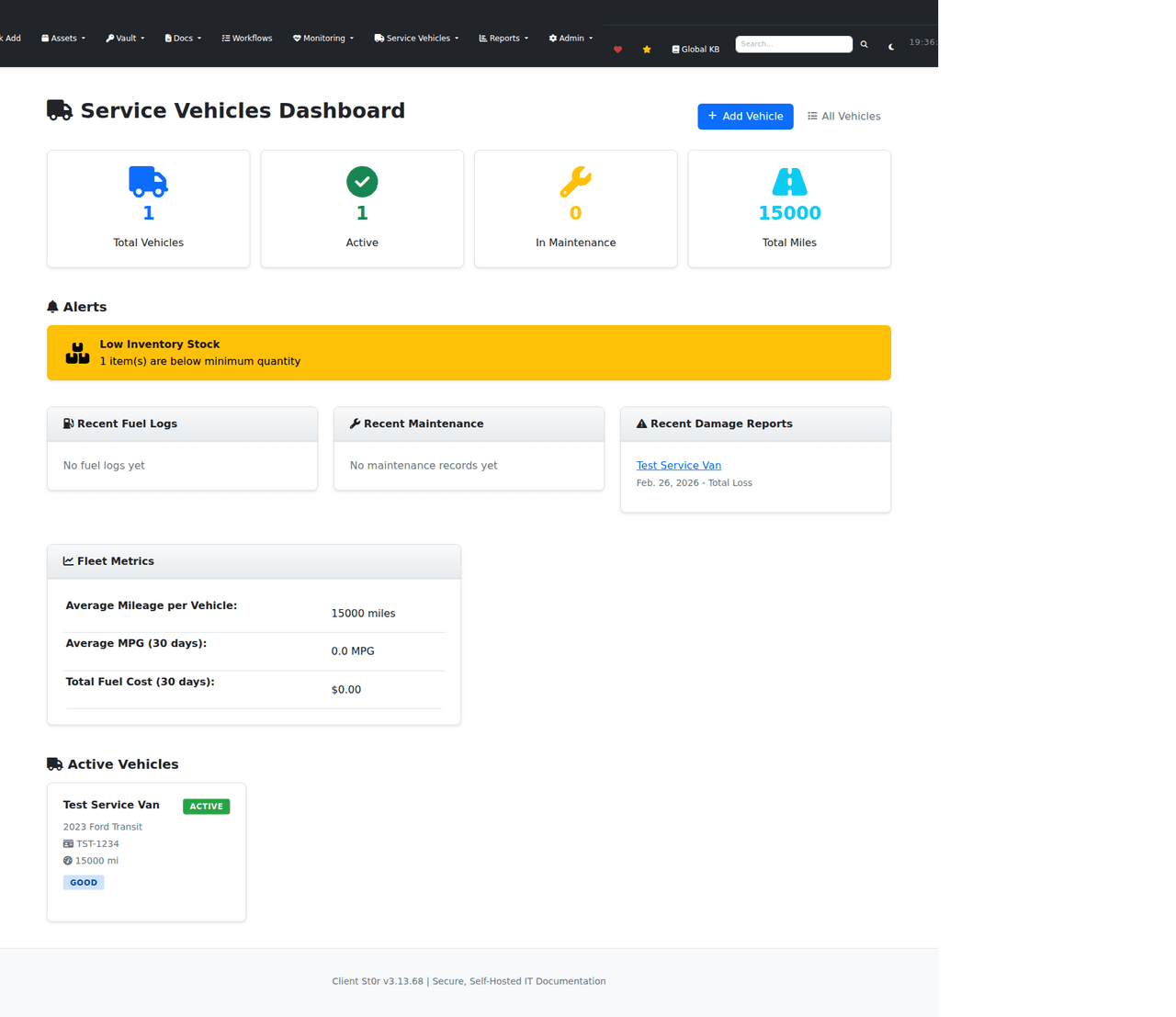
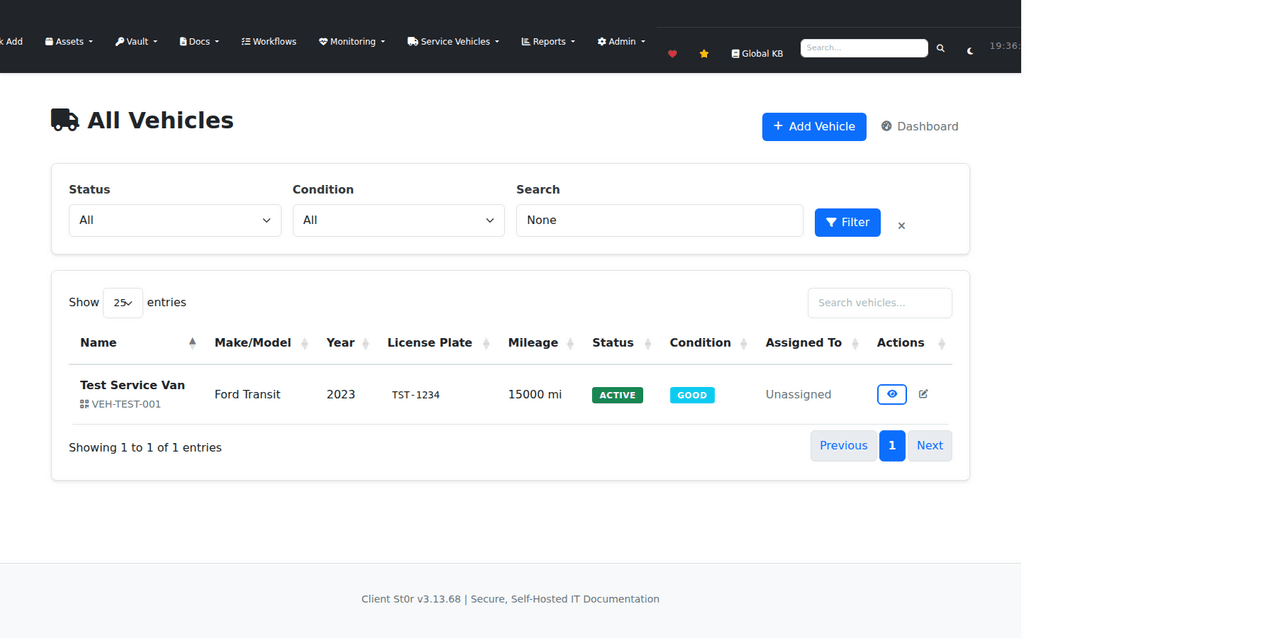
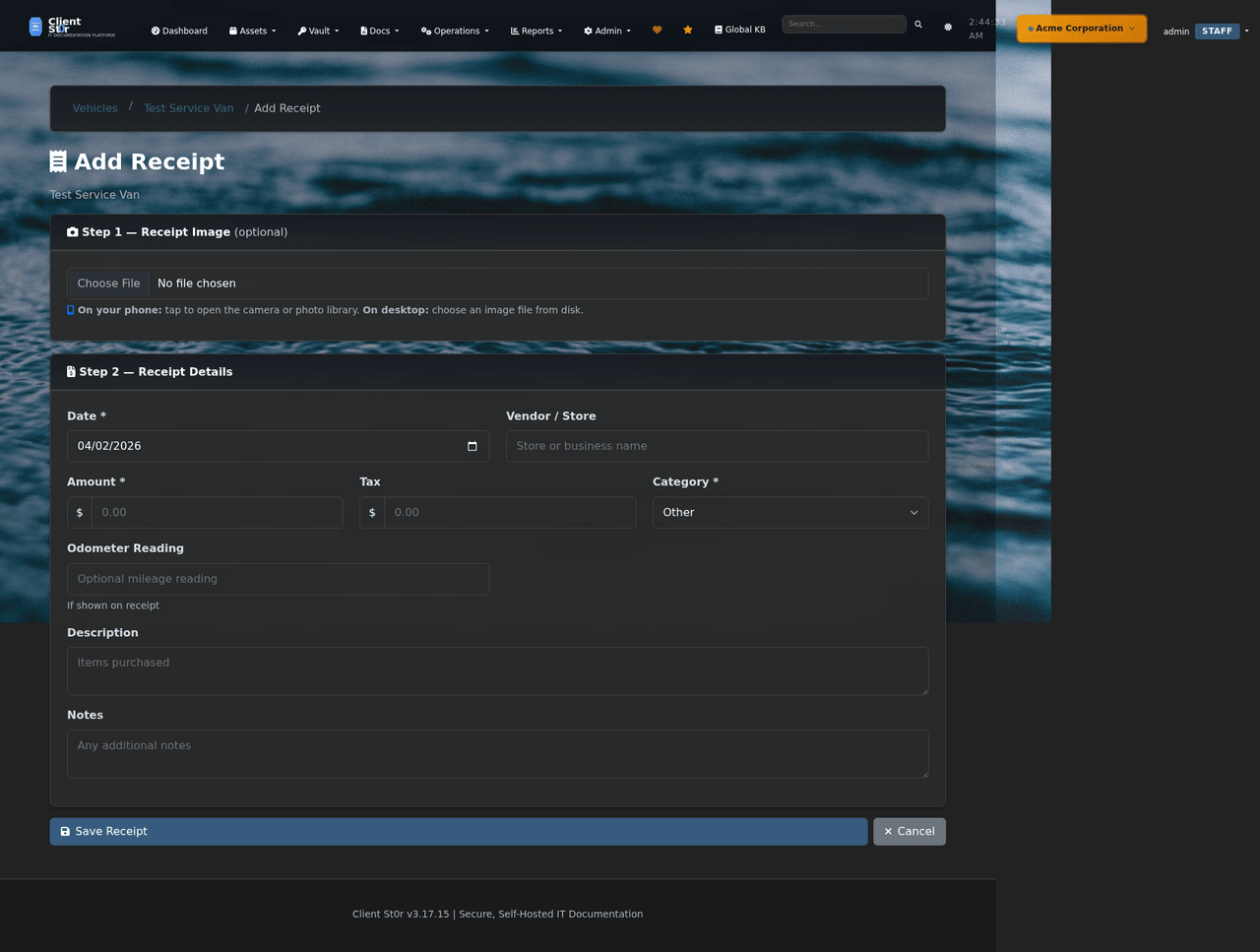
Track service vehicles — mileage, maintenance schedules, fuel logs, damage reports, and per-vehicle inventory. AI-assisted receipt scanning is an optional feature that extracts vendor, amount, and category from photographed receipts. Traditional manual entry remains fully supported.
ClientSt0r workflows are operationally connected — not isolated modules. These examples reflect how the platform is intended to be used in practice.
Technicians can move directly from a ticket into related credentials, assets, documentation, diagrams, and operational notes — without switching platforms or searching manually.
Ticket workflows can reference contract rules, SLA targets, approvals, and operational priorities from one interface — reducing the need to cross-reference separate systems.
Quotes, purchase orders, receiving, inventory tracking, and asset assignment workflows can remain operationally connected within the same platform.
ClientSt0r can centralize operational visibility for documentation, assets, SSL tracking, CVE visibility, and related infrastructure workflows — reducing information silos.
Migration tooling and operational import workflows are actively evolving. CSV imports, API-assisted workflows, and documentation imports are available or in progress.
Operational maturity matters more than marketing claims. Here is what ClientSt0r can honestly say.
Full source code on GitHub. No obfuscated dependencies. Audit every line before deploying.
Deploy on your own Linux infrastructure. Your server, your network, your environment.
MariaDB on your server. Your backup schedule, your retention policy, your recovery plan.
Self-hosted means no phone-home and no usage tracking sent to a vendor.
Granular role-based access control across all modules. Least-privilege by default.
Two-factor authentication enforced at login. Admin-configurable per user or globally.
Timestamped audit trail for all sensitive actions with user attribution and CSV export.
REST and GraphQL API across all major functions. Scriptable and integrable with existing tooling.
One deployment, all modules, all technicians. Costs scale with your infrastructure, not headcount.
Development happens in public. Issues, releases, and commit history are all visible.
Standard Linux stack. No proprietary appliances, no Windows-only dependencies.
GeoIP controls, Fail2ban, AES-256-GCM encryption, brute force protection, CVE scanning, vault access rules (IP/CIDR/time-of-day), security alert ingestion.
We use ExploitHound — our internal security intelligence and vulnerability correlation platform — alongside other scanning tools and review processes to identify CVEs, suspicious behaviour, exposed services, and potential risks before they become larger problems.
exploithound.com →If your primary need is only documentation and password management, platforms like Hudu or IT Glue may still be simpler operational choices for some MSPs. They are focused, mature products with strong community adoption.
ClientSt0r takes a broader operational approach by integrating:
inside one open-source self-hosted platform. Whether that broader scope is an advantage depends on your team.
These are mature commercial platforms with large support organisations, deep integrations, and years of active development. ClientSt0r does not have feature parity with any of them across every module.
The difference is structural: ClientSt0r is open source, self-hosted, and not priced per technician. You own the deployment, the data, and the configuration.
ClientSt0r offers a self-hosted open-source alternative for teams that want more ownership and lower recurring platform costs — not a direct feature-for-feature replacement.
See full platform comparison →ClientSt0r is a strong operational choice for some MSPs and a poor fit for others. Honest assessment below.
ClientSt0r was built around common operational pain points experienced by many MSPs:
The platform focuses on operational consolidation rather than trying to imitate every large SaaS platform feature-for-feature.
ClientSt0r development occurs publicly through GitHub with visible issue tracking, roadmap planning, and iterative feature development.
The platform emphasizes transparency, operational practicality, and gradual workflow maturity over marketing-driven release cycles.
Pay for support. Pay for expertise. Pay for accelerated development. But why pay simply for permission to use software or access your own data?
Software should not become inaccessible because you stop paying a monthly fee.
These platforms are built around a different philosophy:
If you want to self-host and run the platform yourself, you can.
Revenue is generated through things that actually provide value:
These applications were built by a former 25-year MSP owner and datacenter operator who experienced firsthand how expensive and restrictive software licensing became over the years.
The goal is simple: give businesses, MSPs, and technical teams real ownership, flexibility, transparency, and control over their infrastructure and data.
Your software should work for you — not trap you behind recurring access fees, locked exports, artificial limitations, or vendor dependency.
Even if you stop paying for support.
Professional assistance, troubleshooting, onboarding, migration help, and SLA-backed support.
Fully managed cloud-hosted options for businesses that do not want to self-host.
Security scanning, monitoring, hardening, threat intelligence, and vulnerability management integrations.
Organizations can sponsor features, integrations, and accelerated roadmap development.
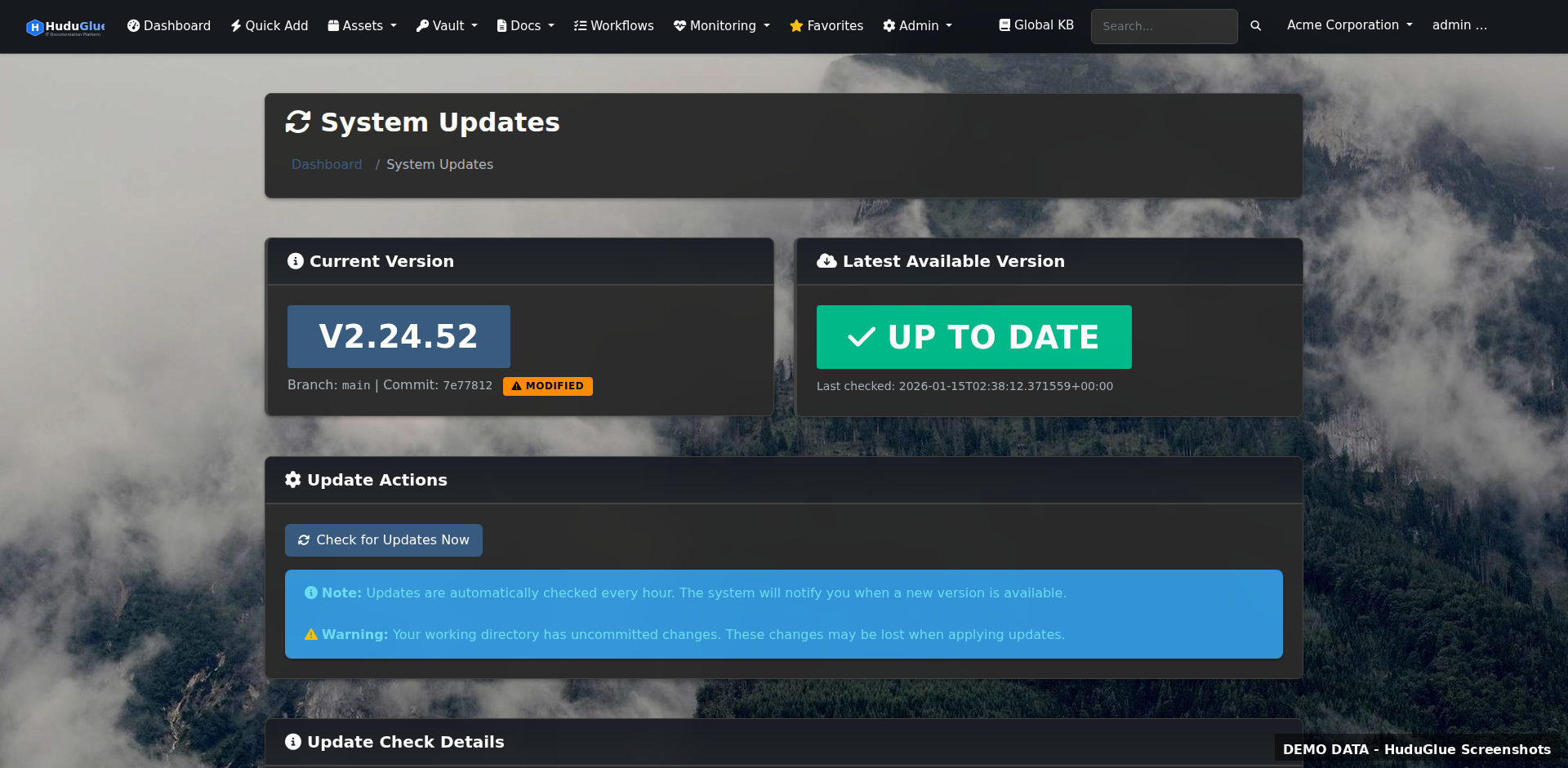
Deploy on your own Linux infrastructure with a straightforward install process. One-click web-based updates. No phone home, no telemetry, substantially reduced vendor lock-in.